
UniConverter AI Image Enhancer
AI-powered image enhancement, upscaling and restoration tool
Introduction
UniConverter AI Image Enhancer leverages cutting-edge AI technology to deliver professional-grade image enhancements. Whether you need to enhance, upscale, restore old photos, or correct colors, the tool offers specialized AI models for different needs, ensuring optimal results for every image type.
Key Features
Automatically improve image quality and show more details.
Focuses on facial features, making portraits clearer and more vibrant.
Optimizes colors for a natural or vivid look.
Brings black-and-white photos to life with realistic colorization.
Removes scratches, stains, and other damage from aged photos.
Increases resolution while maintaining image quality.
Enhance multiple images in one go.
Compatible with JPG, PNG, BMP, and more.
Frequently Asked Questions
What is UniConverter AI Image Enhancer?
How to use UniConverter AI Image Enhancer?
Can I choose specific AI models for each image?
What formats are supported?
Can I process multiple images at once?
Similar Tools
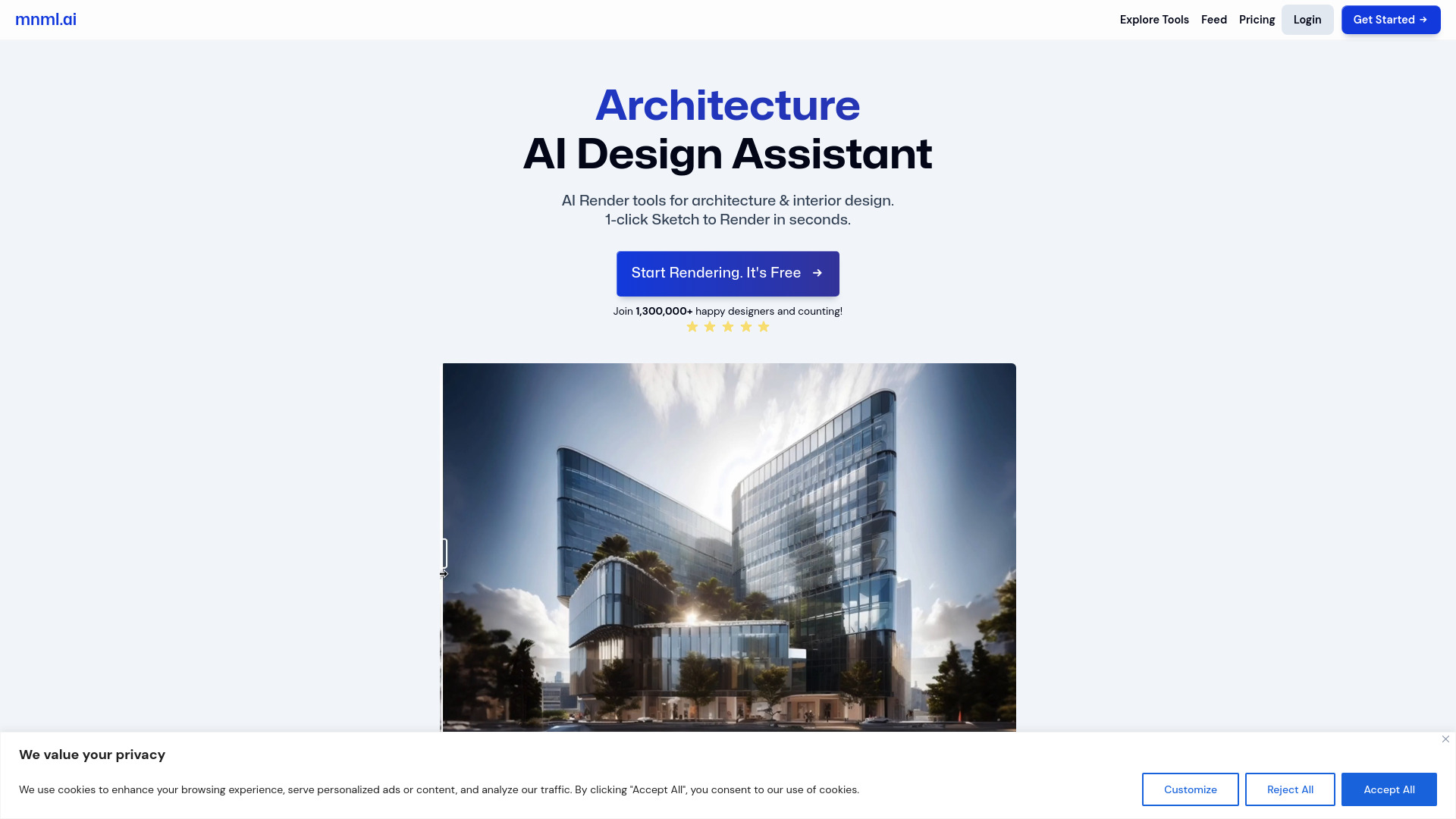
mnml.ai
Discover the power of mnml.ai, a cutting-edge app that harnesses AI technology to streamline your daily tasks and boost productivity.
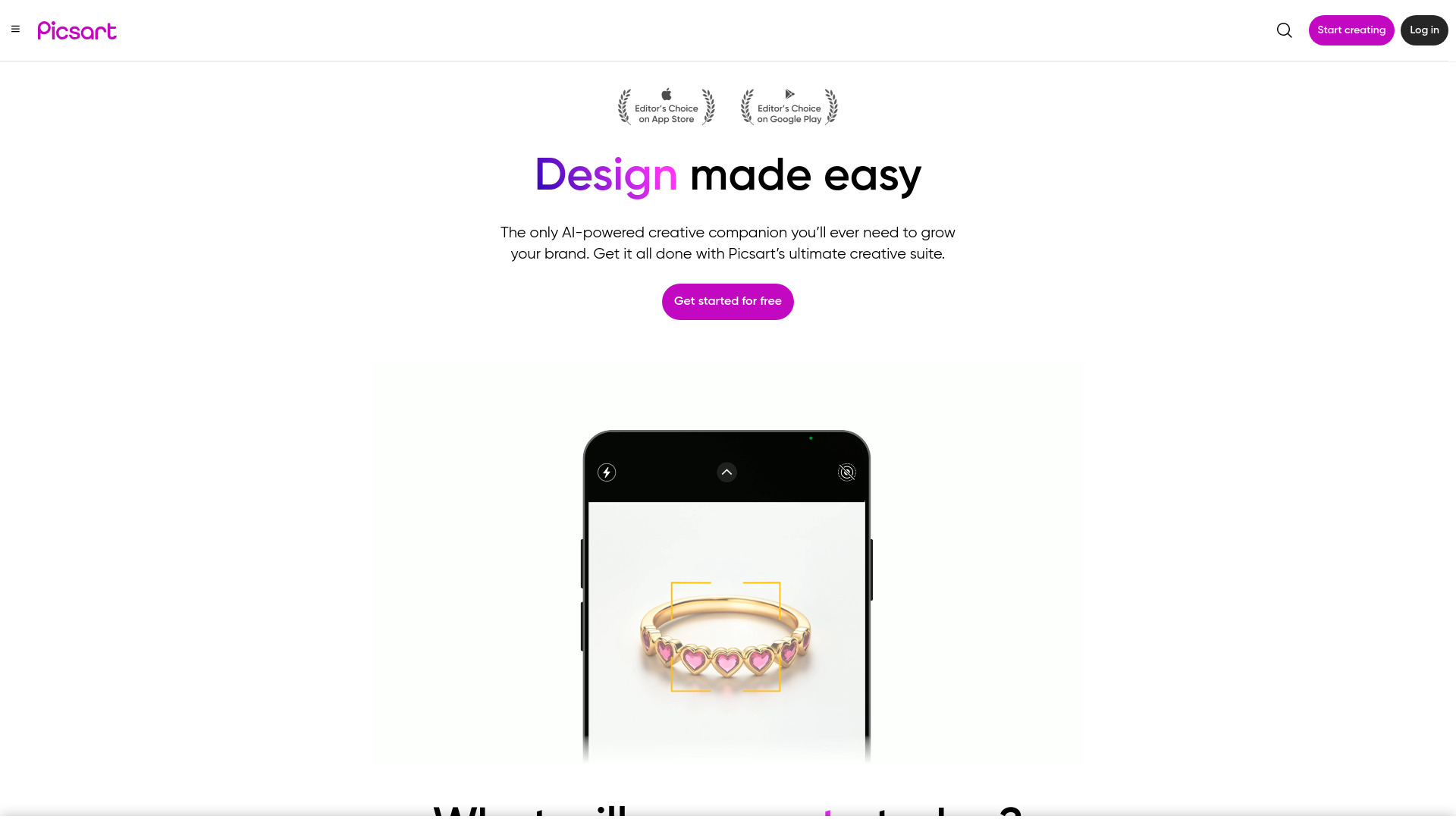
Picsart
Unleash your creativity with Picsart - an innovative photo editing app that offers a wide range of tools and filters to enhance your images.
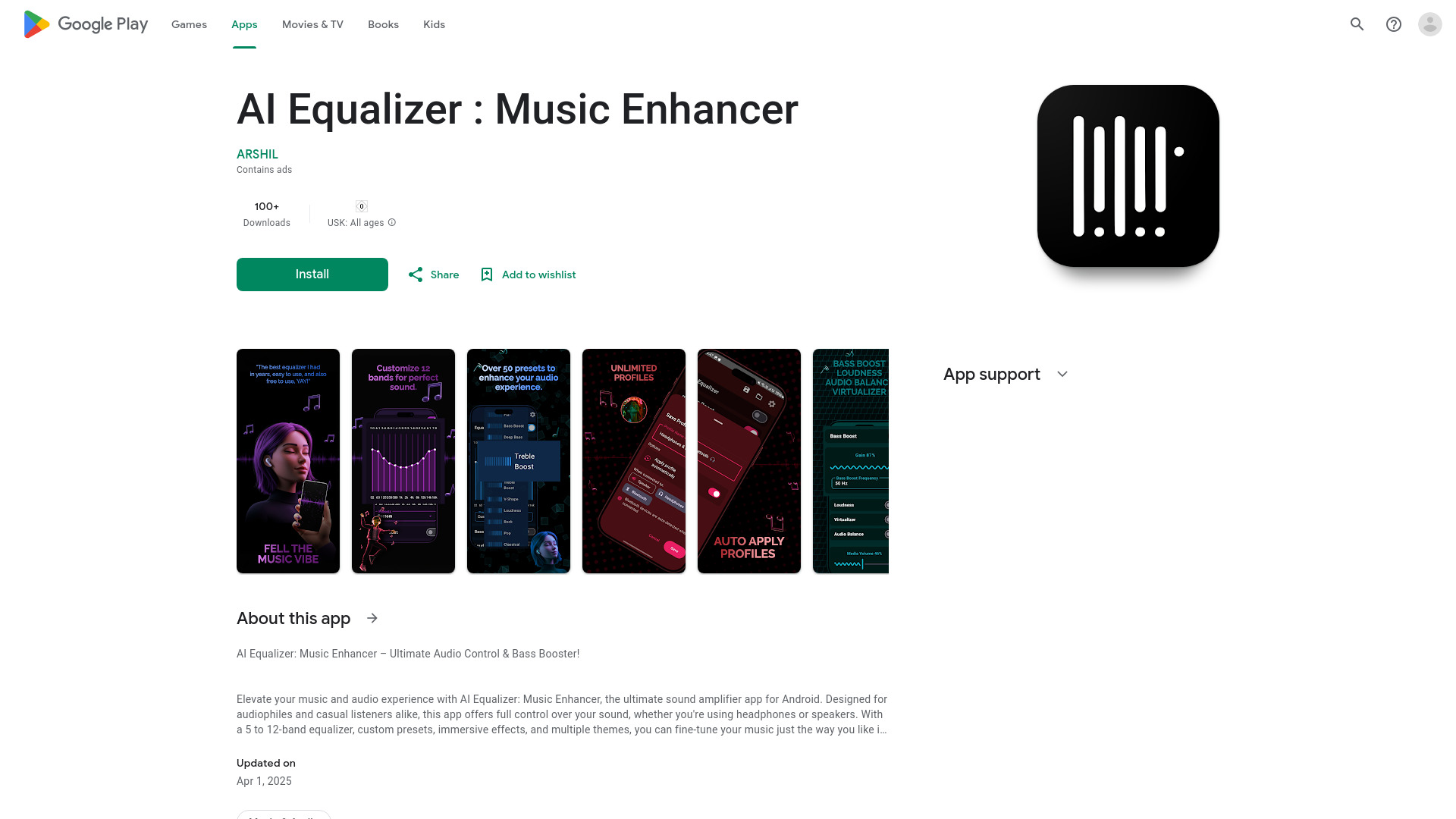
AI Equalizer : Music Enhancer
Elevate your audio experience with this top-rated app for Android. Take full control of your sound and enjoy enhanced audio quality.
Use Cases
- Image Enhancement
- Face Enhancement
- Old Photo Colorization
- Old Photo Restoration
- Image Upscaling
- Color Correction
How to Use
Step 1: Upload the image you wish to enhance. Step 2: Select the appropriate AI model (e.g., Auto Enhancer, Face Enhancer). Step 3: Customize settings or use the default options. Step 4: Preview the enhanced image and download the final version.