
Universally
Use Universally to turn ChatGPT into your personal AI assistant on any website.
ChatGPTAI assistantweb content
Introduction
Universally is a chrome extension that allows users to use ChatGPT as their own personal AI assistant on any website. With a simple shortcut, users can open ChatGPT and load articles, YouTube videos, and PDFs to discuss, summarize, and ask questions about the content.
Key Features
Open ChatGPT on any website with a simple shortcut
Load articles, YouTube videos, and PDFs for discussion, summarization, and questions
Customizable shortcuts for convenience
Privacy-focused, data stored locally in the browser
Integration with ChatGPT Account or OpenAI API
Clean and user-friendly interface
Frequently Asked Questions
What is Universally?
How to use Universally?
What benefits do I get with the paid premium plan?
How often can I use the premium key?
Can I test the premium features for free beforehand?
Will my chat data be stored on an additional server?
Similar Tools

CodeFast
Quickly learn coding to create successful online ventures with this app designed for fast-paced business growth. Start building today!
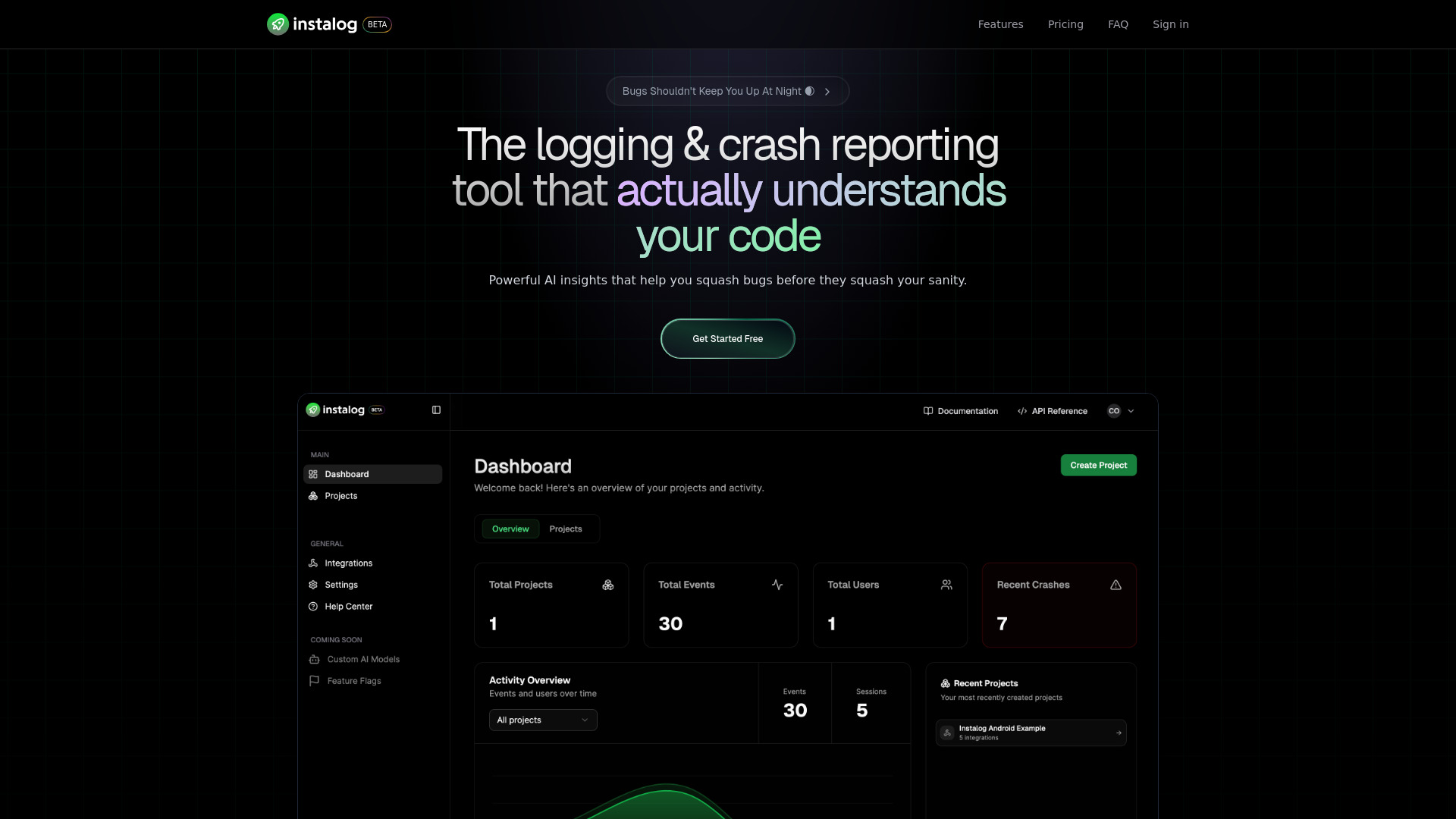
Instalog
A developer's essential: AI-powered tool for managing and analyzing logs. Perfect for streamlining your development process.
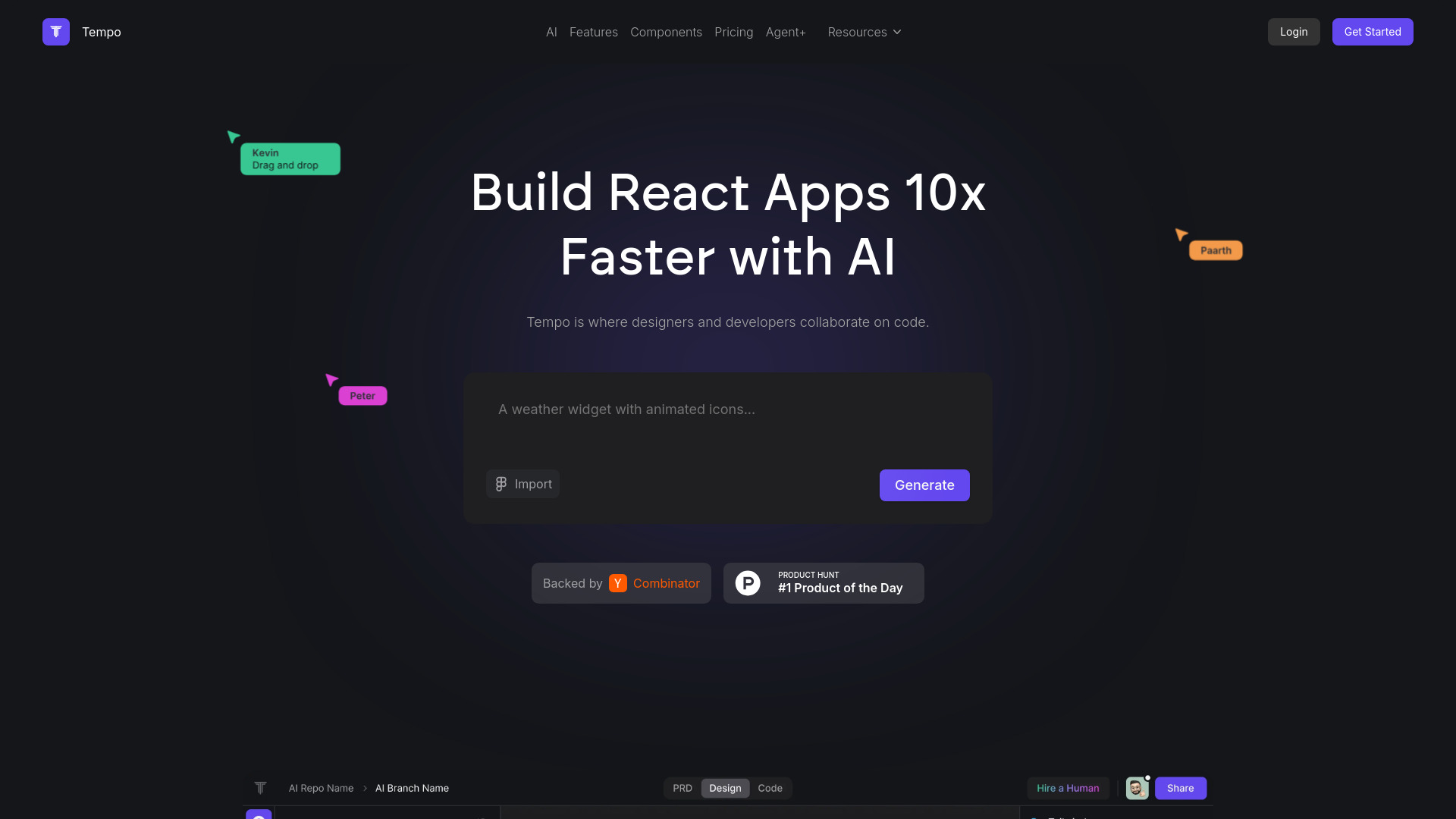
Tempo
Effortlessly create and manage React applications with our AI platform for seamless building and maintenance. Simplify your development process.
Use Cases
- Engage in discussions and ask questions about articles, videos, and PDFs on any website
- Summarize and analyze web content using AI assistance
- Quickly access ChatGPT features in a browser extension
- Utilize AI assistant for research, learning, and information gathering
How to Use
To use Universally, simply add the chrome extension to your browser. Once installed, press Alt+u to open the ChatGPT window on any website. You can customize the shortcut to your preference. In the chat window, you can load web content, YouTube videos, and PDFs to engage in discussions, summaries, and questions about the loaded content. The chat window can be moved and resized freely within your browser.