
Unscreen
Unscreen is an easy-to-use tool that removes video backgrounds without chroma keying.
Introduction
Unscreen is an online tool that allows users to easily remove the background from any video. It uses automatic analysis to generate high-quality results without the need for complex techniques like chroma keying or greenscreens.
What stands out?
Automatic background removal
High-quality results
No need for complex techniques
Supports full HD resolution
Frequently Asked Questions
What is Unscreen?
How to use Unscreen?
What file formats are supported for video upload?
Can I remove the background from a live video stream?
Is there a limit on the video file size I can upload?
Can I use the removed background in any video editing software?
More Information
Unscreen Support Email & Customer service contact & Refund contact etc.
More Contact, visit the contact us page(https://www.unscreen.com/support)
Unscreen Company
Unscreen Company name: Canva Austria GmbH . More about Unscreen, Please visit the about us page(https://www.unscreen.com/about-us).
Unscreen Pricing
Unscreen Pricing Link: https://www.unscreen.com/pricing
Unscreen Facebook
Unscreen Facebook Link: https://www.facebook.com/unscreencom
Unscreen Twitter
Unscreen Twitter Link: https://twitter.com/unscreencom
Unscreen Instagram
Unscreen Instagram Link: https://www.instagram.com/unscreen.video
Reviews & Feedback
Share your experience with the community
0.0
Based on 0 reviews
User Comments (0)
Sort Criteria
Order
No reviews yet. Be the first to share your thoughts!
Statistics
Monthly visits
NaN
Saved by users
0
Rating
0.0/ 5.0
Added on
—
Similar Tools

Max Studio AI
Enhance your images and unleash your creativity with AI tools all in one platform. Boost your image editing skills effortlessly!

Kapwing
Collaborate online with Kapwing to create, customize, and expand your content effortlessly.

VEED.IO
Experience a free AI video editing tool with features like text to video, avatars, auto-subtitles, and voice translations.
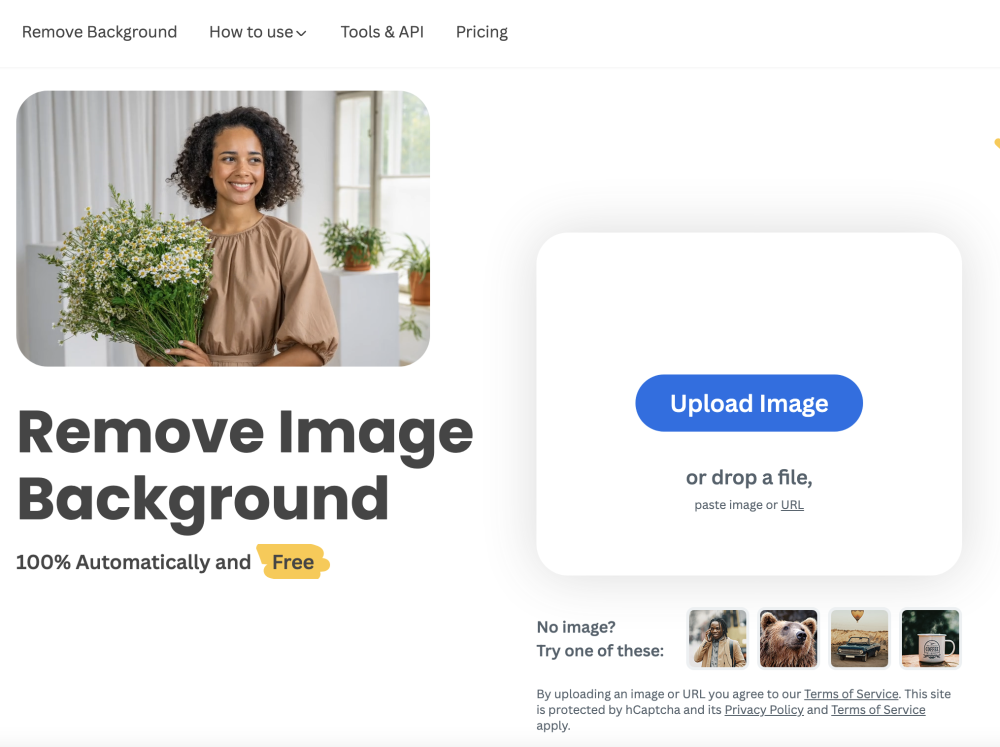
remove.bg
A free tool - remove.bg - can automatically remove image backgrounds with one click.
Use Cases
- Creating background-free videos for presentations
- Removing unwanted backgrounds from recorded footage
- Making videos more visually appealing by eliminating distractions
How to Use
To use Unscreen, simply upload your video or provide a URL. The tool will analyze the video automatically and remove the background. Once the background is removed, you can download the result and use it in your desired video editing software.