
Unvoice Bot - Your AI WhatsApp Voice Transcriber
Unvoice is an AI-based transcription service for WhatsApp that quickly converts voice notes into text.
Introduction
What stands out?
Frequently Asked Questions
What is Unvoice Bot - Your AI WhatsApp Voice Transcriber?
How to use Unvoice Bot - Your AI WhatsApp Voice Transcriber?
Can Unvoice transcribe voice notes in languages other than English?
Can I access my transcriptions from multiple devices?
Do I need to manually forward each voice note to Unvoice?
Is my data secure with Unvoice?
Can I upgrade or downgrade my pricing plan?
What happens if I exceed the transcription limit of my pricing plan?
More Information
Unvoice Bot - Your AI WhatsApp Voice Transcriber Company
Reviews & Feedback
Share your experience with the community
User Comments (0)
No reviews yet. Be the first to share your thoughts!
Statistics
Similar Tools

TurboScribe
Unlimited AI transcription with 99.8% accuracy in 98+ languages.

Clipto
Elevate your transcription game with our cutting-edge AI service for converting audio, video, and YouTube files into text. Try it now!
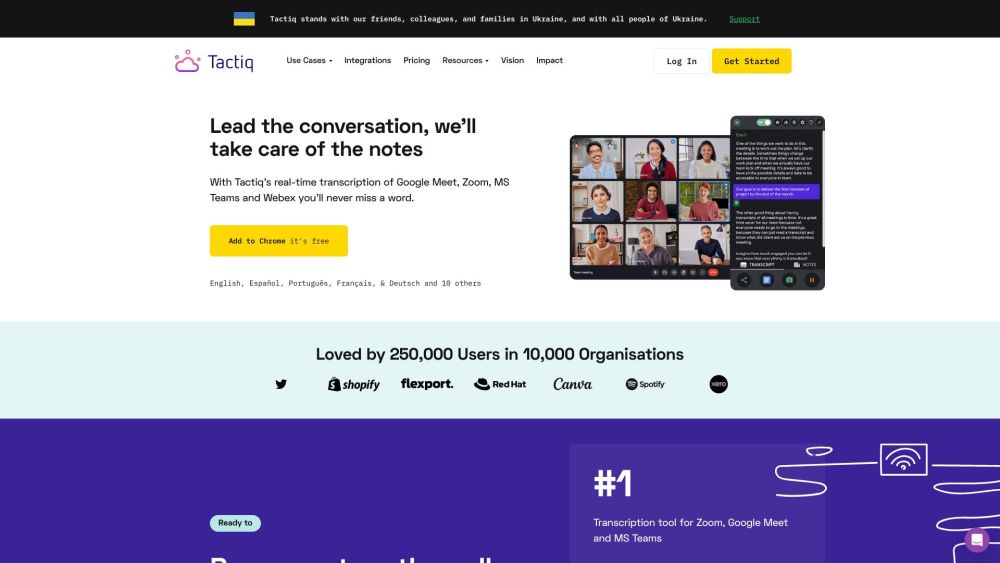
Tactiq
Tactiq is a top transcription tool for online meetings, offering real-time transcription and meeting summaries.
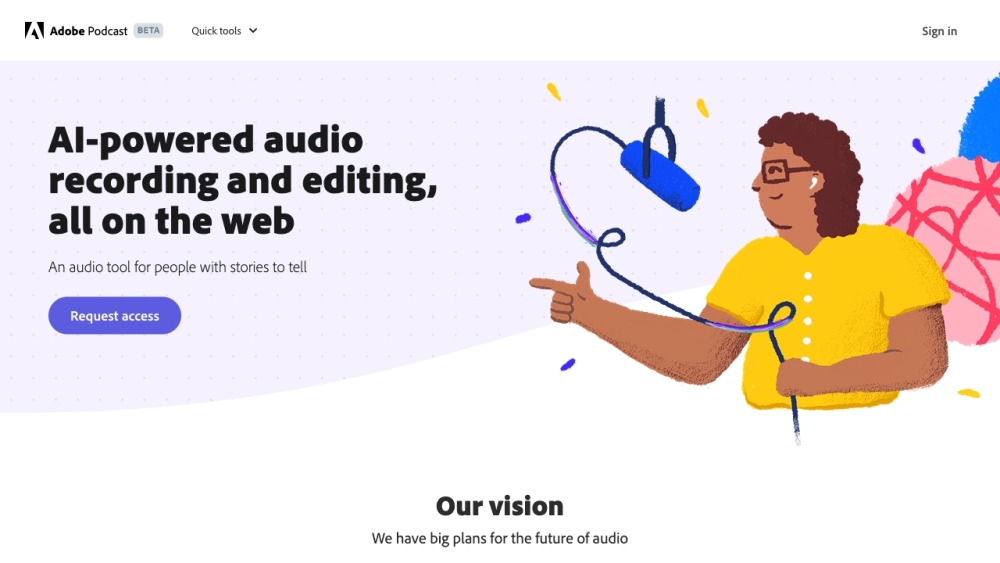
Adobe Podcast
Adobe Podcast is a web platform with AI audio features for recording, transcribing, editing, and sharing audio content.
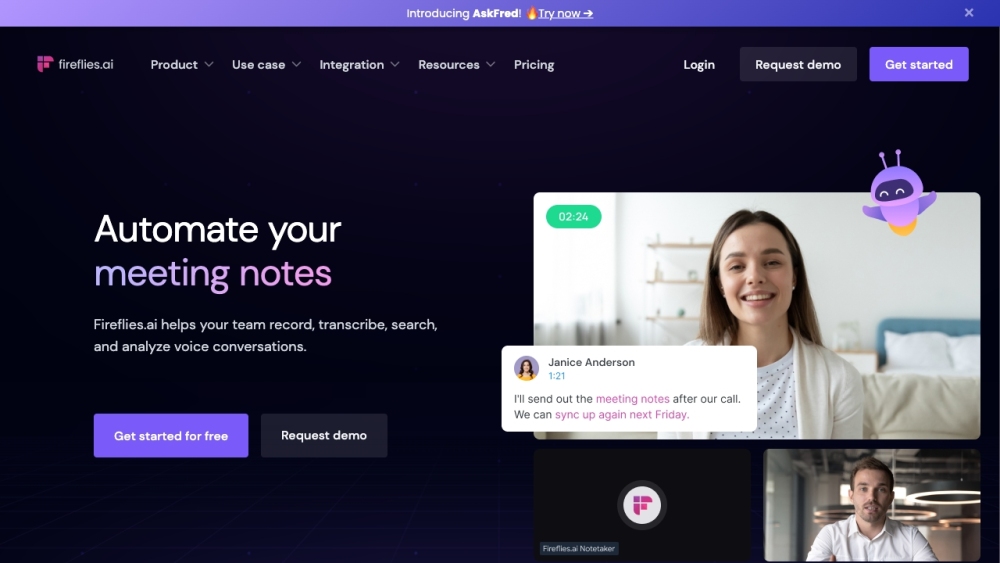
Fireflies.ai
Fireflies.ai is an innovative tool that uses artificial intelligence to transcribe, summarize, and analyze voice conversations effectively.
Use Cases
- Unvoice can be used in various scenarios: 1. Busy individuals: People who receive numerous voice notes on WhatsApp but don't have time to listen to them can quickly read the transcriptions. 2. Accessibility: Transcriptions make it easier for individuals with hearing impairments to understand voice messages. 3. Document organization: Users can save transcriptions for future reference and easily search for specific information in them. 4. Language translation: Transcriptions can be used for translation purposes, helping users overcome language barriers.