
UpMeet
UpMeet makes meetings better with branding, integration, and collaboration tools.
Introduction
UpMeet is a meeting platform that aims to make meetings more efficient and enjoyable. It offers custom branding options, seamless integrations, and collaboration tools to simplify calls and enhance productivity.
What stands out?
Seamless collaboration tools
Custom branding options
Simplistic design for easy calls
Host up to 1,000 people per meeting
Integrations with popular tools
Shared browser and whiteboard for collaboration
Universal search for messages and files
Fully customizable settings
AI chat assistance
14 supported languages
Captions for live transcription
Recordings with local or cloud storage
Embedded meetings for a whitelabel experience
Integration with ClickUp for easy meeting scheduling
Built-in noise cancellation feature
Access control and space management through the admin dashboard
Privacy and security measures to protect confidential information
Frequently Asked Questions
What is UpMeet?
How to use UpMeet?
More Information
UpMeet Login
UpMeet Login Link: https://dashboard.upmeet.me/
UpMeet Sign up
UpMeet Sign up Link: https://upmeet.me/pricing
UpMeet Pricing
UpMeet Pricing Link: https://upmeet.me/pricing
UpMeet Twitter
UpMeet Twitter Link: https://x.com/upmeethq
Reviews & Feedback
Share your experience with the community
0.0
Based on 0 reviews
User Comments (0)
Sort Criteria
Order
No reviews yet. Be the first to share your thoughts!
Statistics
Monthly visits
NaN
Saved by users
0
Rating
0.0/ 5.0
Added on
—
Similar Tools

Pixelcut
Easily create stunning product photos and ads with our free online design tool. Remove backgrounds and erase objects effortlessly.

Wondershare
Discover innovative tools for enhancing creativity, productivity, and efficiency with our app. Unleash your potential today!

TurboScribe
Unlimited AI transcription with 99.8% accuracy in 98+ languages.

Intercom
Get quicker solutions with Automation and human assistance. Enhance support efficiency for faster issue resolutions.
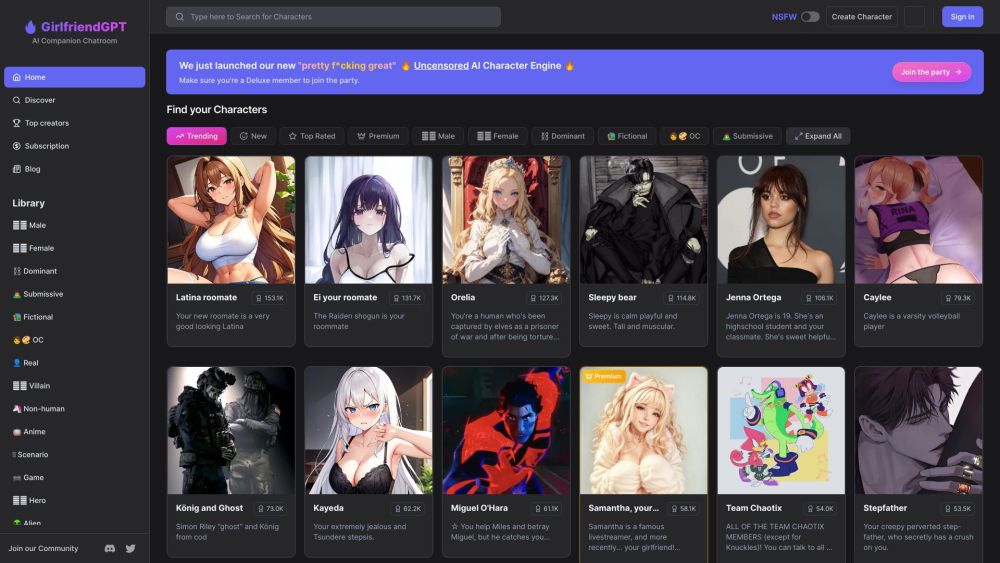
GirlfriendGPT - The AI Companion Chatroom
An uncensored AI companion chatroom for SFW and NSFW conversations.
Use Cases
- Online team meetings and collaboration
- Video conferencing for remote work
- Virtual events and webinars
- Screen sharing for online presentations
- Conference calls with large teams
- Remote meetings for distributed teams
- Efficient team communication
- Collaboration and networking with breakout groups
How to Use
To use UpMeet, start by signing up for a 14-day free trial. After creating your account, customize your meeting spaces with your own branding, logo, and colors. You can invite your team members and participants, and easily schedule, host, and join online meetings. UpMeet also offers features like screen sharing, breakout groups, auto assign rooms, and AI chat assistance. You can access your meeting recordings, analytics, and manage spaces through the admin dashboard. With UpMeet, you can enjoy a fully customizable and hassle-free meeting experience.