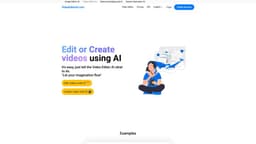
Video Editor AI
Online platform, Video Editor AI, lets users edit or create videos using artificial intelligence.
Introduction
Video Editor AI is an online platform that allows users to edit or create videos using artificial intelligence (AI). Simply tell the AI what you want to do and it will assist you in achieving your desired video editing or creation.
What stands out?
Video editing using AI
Video creation using AI
Easy-to-use interface
Customizable video instructions
High-quality video output
Frequently Asked Questions
What is Video Editor AI?
How to use Video Editor AI?
What is Video Editor AI?
How does Video Editor AI work?
Can I edit existing videos on Video Editor AI?
Can I create new videos using Video Editor AI?
What are the core features of Video Editor AI?
What are some use cases for Video Editor AI?
More Information
Video Editor AI Support Email & Customer service contact & Refund contact etc.
More Contact, visit the contact us page(https://videoeditorai.com/contact/)
Video Editor AI Company
Video Editor AI Company name: VPS.org LLC .
Video Editor AI Login
Video Editor AI Login Link: https://videoeditorai.com/login/?lang=en
Video Editor AI Sign up
Video Editor AI Sign up Link: https://videoeditorai.com/signup/?lang=en
Video Editor AI Pricing
Video Editor AI Pricing Link: https://videoeditorai.com/pricing/?lang=en
Video Editor AI Github
Video Editor AI Github Link: https://github.com/Picsart-AI-Research/Text2Video-Zero/
Reviews & Feedback
Share your experience with the community
0.0
Based on 0 reviews
User Comments (0)
Sort Criteria
Order
No reviews yet. Be the first to share your thoughts!
Statistics
Monthly visits
NaN
Saved by users
0
Rating
0.0/ 5.0
Added on
—
Similar Tools

Kapwing
Collaborate online with Kapwing to create, customize, and expand your content effortlessly.

VEED.IO
Experience a free AI video editing tool with features like text to video, avatars, auto-subtitles, and voice translations.
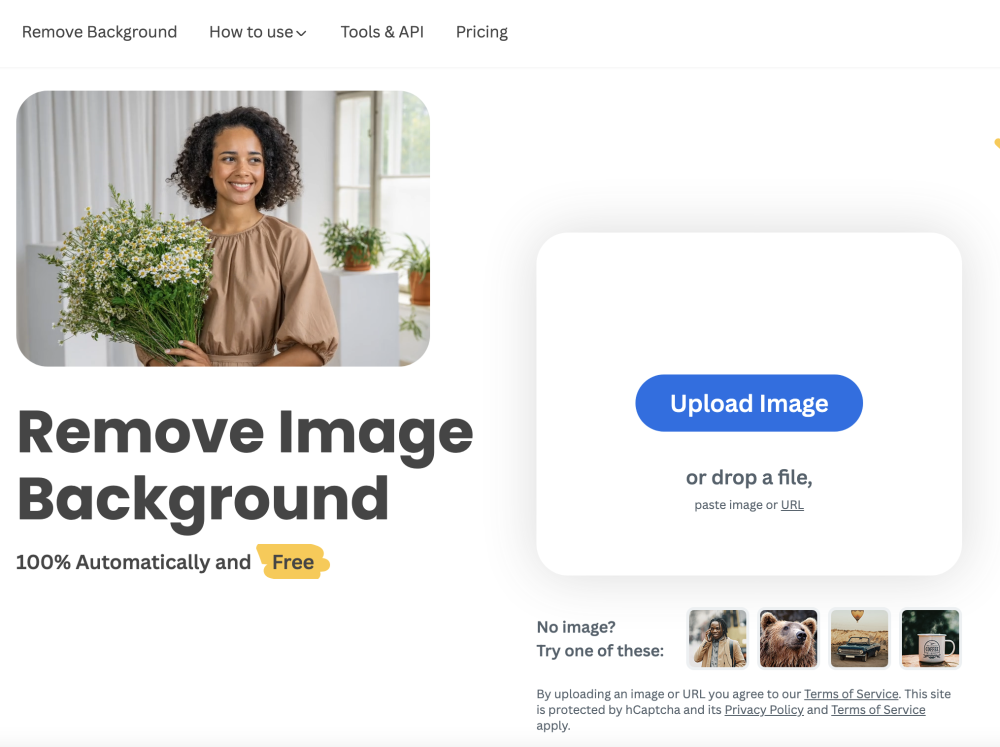
remove.bg
A free tool - remove.bg - can automatically remove image backgrounds with one click.
Use Cases
- Create professional-looking videos
- Enhance and edit existing videos
- Add special effects or animations
- Make creative videos for social media
- Produce marketing or promotional videos
How to Use
To use Video Editor AI, follow these steps: 1. Create an account or login to your existing account. 2. Choose whether you want to edit an existing video or create a new one. 3. Provide instructions to the AI on what edits or additions you want in the video. 4. Review and finalize the changes suggested by the AI. 5. Download the edited or newly created video. 6. Share and enjoy your video creation!