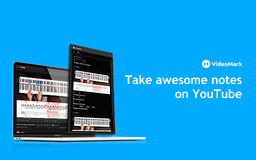
VideoMark - Chrome Extension
Annotate videos effortlessly
Video annotationNote-takingVideo organization
Introduction
Annotate videos from various platforms with ease
Key Features
Draw annotations on online videos
Take notes on YouTube, Coursera, and Udemy
Save screenshots and subtitles directly from videos
Convenient speed control and A-B loop features
Autosave to Google Drive
Use hashtags to categorize notes
Export notes in PDF, TXT, and Word formats
Frequently Asked Questions
What is VideoMark?
How to use VideoMark?
Where can I access additional support and information?
Similar Tools

CodeFast
Quickly learn coding to create successful online ventures with this app designed for fast-paced business growth. Start building today!

StreamLadder
Climb the ranks of popular streaming platforms with StreamLadder. Increase your visibility and grow your audience effortlessly. Start today!
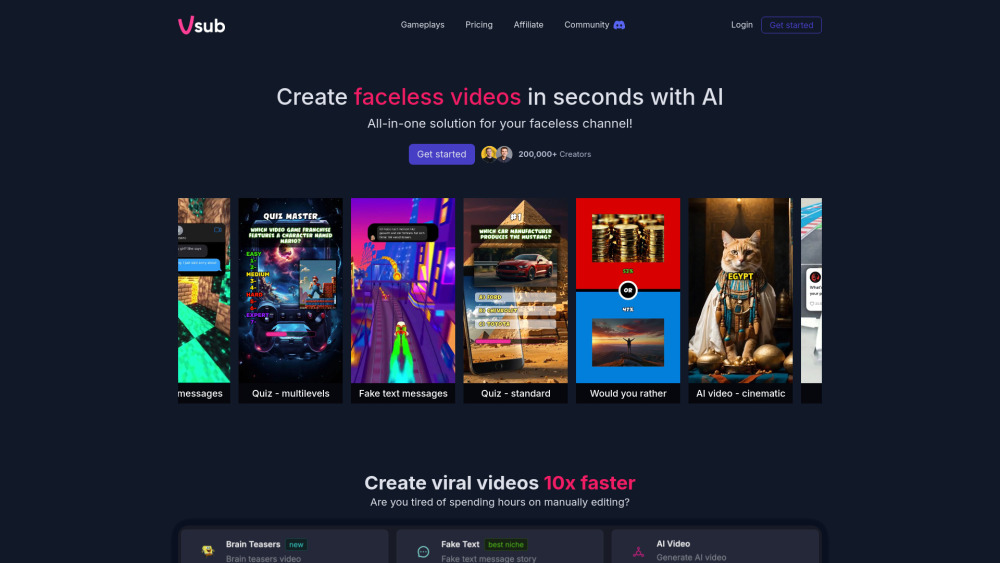
Vsub
Easily and quickly create videos without faces using an innovative AI platform.
Use Cases
- Consolidating video notes for learners from YouTube, Coursera, or Udemy
- Organizing video clips for YouTubers
How to Use
Start by opening a video on YouTube or any supported platform, use the drawing tools to annotate, save screenshots, and categorize with hashtags