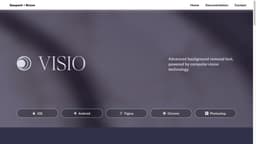
Visio Studio
Visio Studio is a powerful tool for image editing, capture, and background removal.
designengineeringstrategy
Introduction
Visio Studio is an advanced image capturing, background removal, and editing tool. It provides users with a comprehensive solution for creating high-quality visuals and enhancing their images.
Key Features
Image capturing
Background removal
Editing tools (color adjustment, filters, cropping)
Integrated camera feature
Intuitive user interface
Frequently Asked Questions
What is Visio Studio?
How to use Visio Studio?
Can I capture images directly within Visio Studio?
Is it possible to remove backgrounds from images?
What editing options are available?
Who can benefit from using Visio Studio?
Where can I find pricing information?
Is Visio Studio suitable for beginners?
Similar Tools
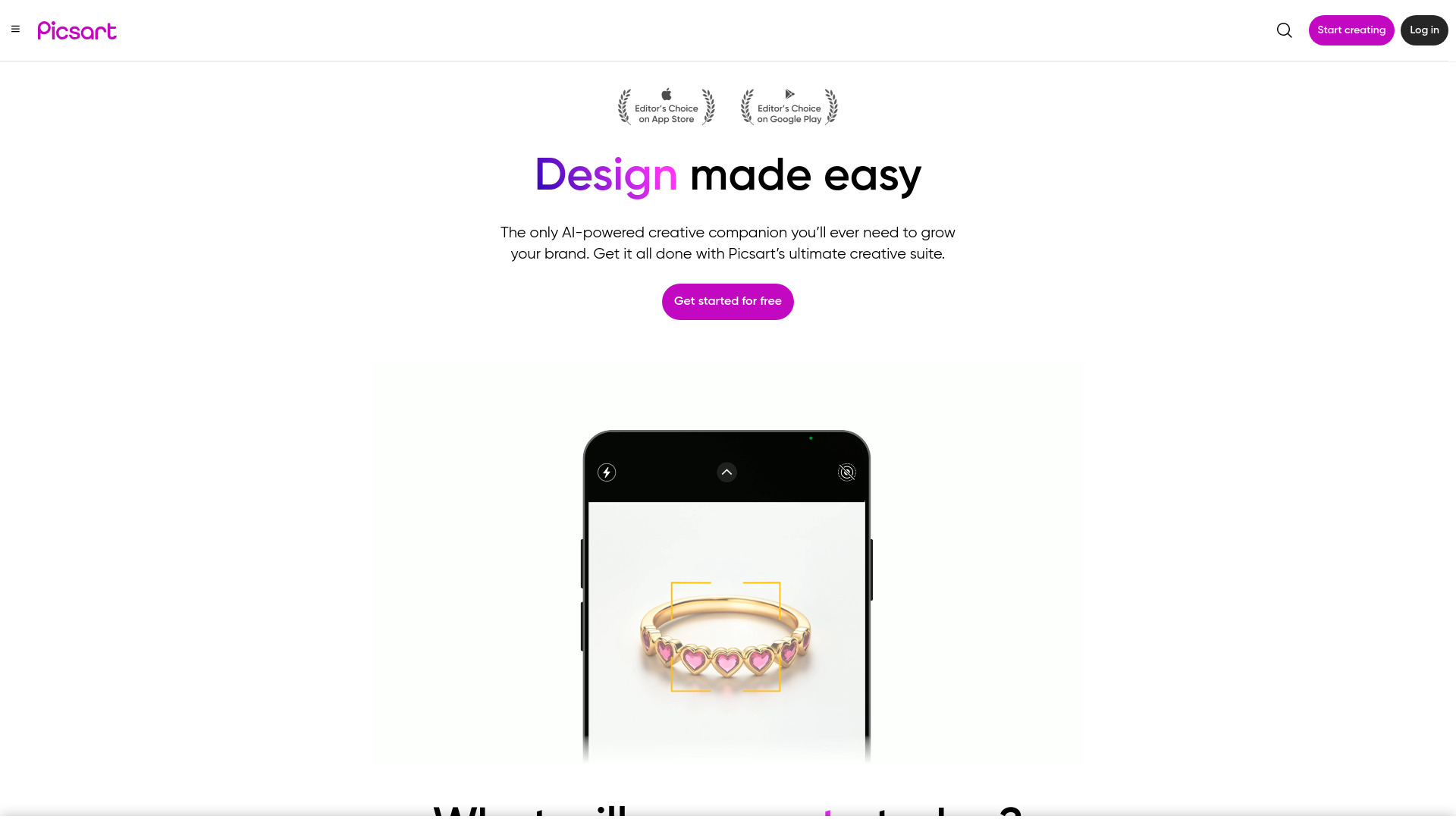
Picsart
Unleash your creativity with Picsart - an innovative photo editing app that offers a wide range of tools and filters to enhance your images.

WayStars AI- Your Unified AI Platform
WayStars AI is a comprehensive suite of AI tools that combines advanced models, productivity features, and creative functions into one seamless platform. Unleash the power of AI with WayStars.
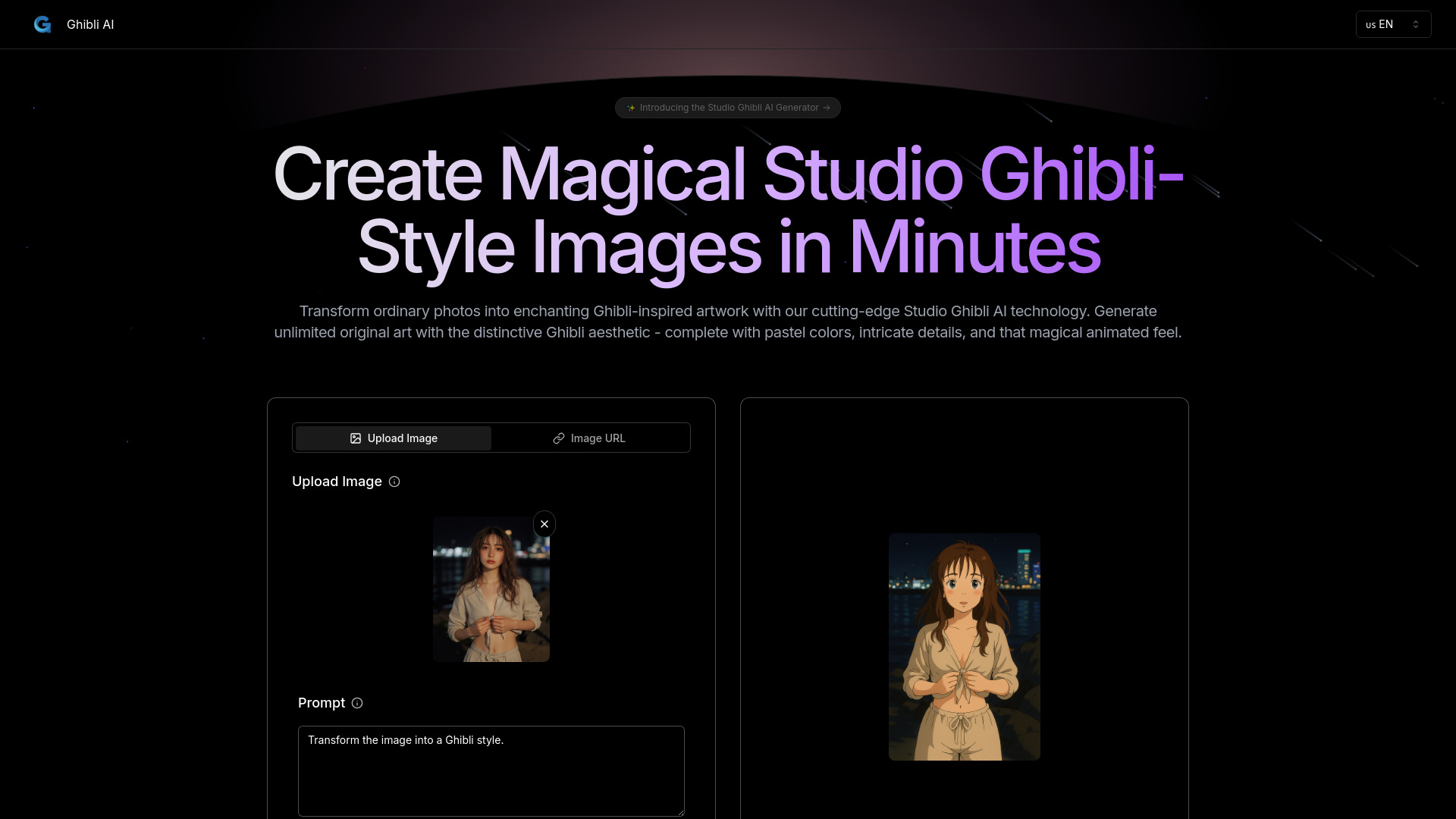
Ghibli AI
Explore an innovative AI tool that transforms photos or text into enchanting artwork inspired by the iconic Ghibli style.
Use Cases
- Professional photographers and designers looking to enhance their visuals
- E-commerce businesses wanting to create captivating product images
- Digital marketing agencies seeking efficient image editing solutions
How to Use
To use Visio Studio, simply upload your image or capture it directly using the integrated camera feature. Once the image is loaded, you can apply various editing options such as background removal, color adjustment, filters, and cropping. The intuitive user interface ensures a seamless editing experience for both beginners and professionals.