
VividHubs.ai
AI kissing video generator from images for romantic moments.
Introduction
VividHubs.ai is an AI-powered kissing video generator that creates romantic kiss videos using photos of two people. It allows users to upload images and produce realistic videos of them kissing, perfect for any occasion.
What stands out?
Create kissing videos from just two photos
Customizable kissing styles and backgrounds
High-quality, realistic animations
Frequently Asked Questions
What is VividHubs.ai?
How to use VividHubs.ai?
How realistic are the AI-generated kissing videos?
Can I use the generator for any two people?
Is customization available?
What is the free trial limit?
More Information
VividHubs.ai Support Email & Customer service contact & Refund contact etc.
Here is the VividHubs.ai support email for customer service: [email protected] . More Contact, visit the contact us page(mailto:[email protected])
VividHubs.ai Company
VividHubs.ai Company name: VividHubs.ai .
VividHubs.ai Login
VividHubs.ai Login Link: https://vividhubs.ai/signin
VividHubs.ai Sign up
VividHubs.ai Sign up Link: https://vividhubs.ai/signin
VividHubs.ai Pricing
VividHubs.ai Pricing Link: https://vividhubs.ai/pricing
Reviews & Feedback
Share your experience with the community
0.0
Based on 0 reviews
User Comments (0)
Sort Criteria
Order
No reviews yet. Be the first to share your thoughts!
Statistics
Monthly visits
NaN
Saved by users
0
Rating
0.0/ 5.0
Added on
—
Similar Tools
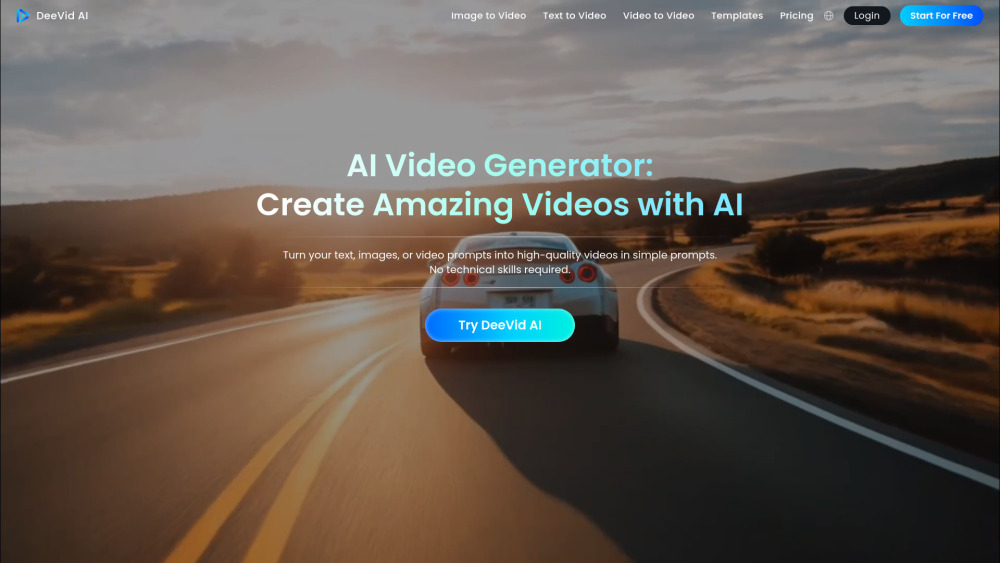
DeeVid AI
Easily transform text, images, or prompts into videos with this AI tool. Create engaging content in minutes!
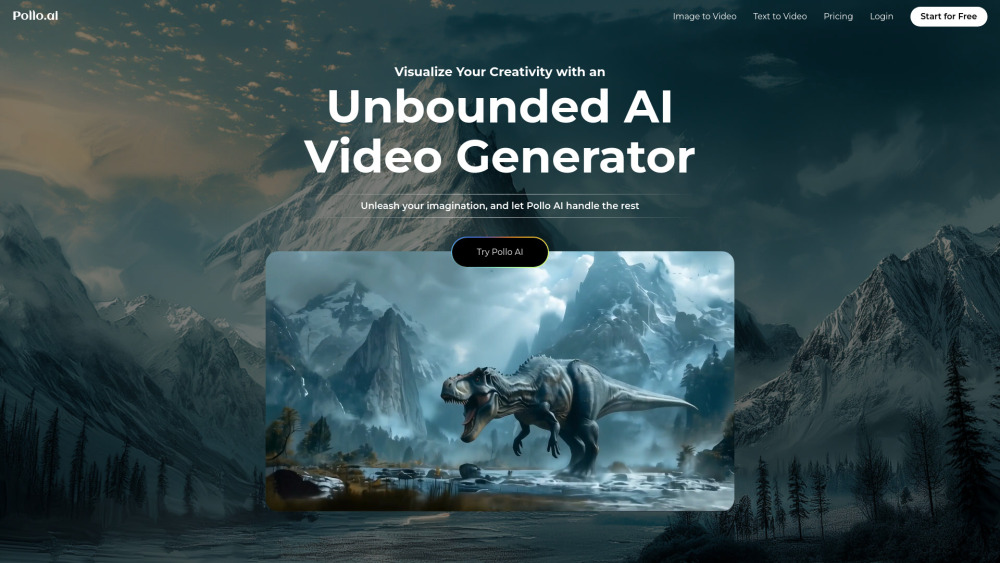
Pollo AI
Easily generate high-definition videos from prompts with our AI video creator application. Craft stunning videos effortlessly.
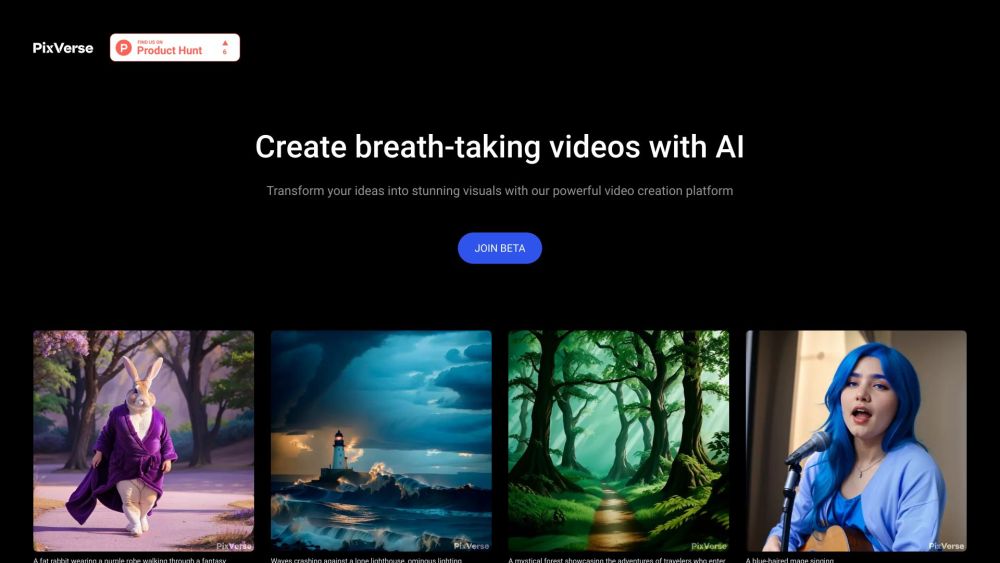
PixVerse
Revolutionary AI technology transforms various inputs into captivating videos. Experience the power of multi-modal creativity in action.
Use Cases
- Create memorable videos for anniversaries or Valentine's Day
- Share touching moments between loved ones
- Generate fun videos of friends or family members kissing
How to Use
To create a video, upload two clear front-facing photos of the people you want to feature, choose a style and background, and generate the video in seconds.