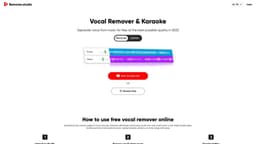
VocalRemover.co
High-quality vocal removal and audio separation for music production and karaoke.
Introduction
VocalRemover.co is a website that helps DJs, music producers, and karaoke lovers separate songs into stems with high quality, allowing for remixing or removing specific sound elements from a song.
What stands out?
High-quality vocal removal
Advanced AI technology
Supports various audio formats
Mute or emphasize specific instruments
Read lyrics while playing the song
Frequently Asked Questions
What is VocalRemover.co?
How to use VocalRemover.co?
What audio formats does VocalRemover.co support?
Can I upload songs from YouTube to remove vocals?
Can I customize the sound by muting or emphasizing specific instruments?
What is included in the Pro Plan?
Does VocalRemover.co provide karaoke lyrics?
More Information
VocalRemover.co Support Email & Customer service contact & Refund contact etc.
More Contact, visit the contact us page(https://vocalremover.co/en/contact)
VocalRemover.co Login
VocalRemover.co Login Link: https://vocalremover.co/en/login
VocalRemover.co Sign up
VocalRemover.co Sign up Link: https://vocalremover.co/ro/register
Reviews & Feedback
Share your experience with the community
0.0
Based on 0 reviews
User Comments (0)
Sort Criteria
Order
No reviews yet. Be the first to share your thoughts!
Statistics
Monthly visits
NaN
Saved by users
0
Rating
0.0/ 5.0
Added on
—
Similar Tools
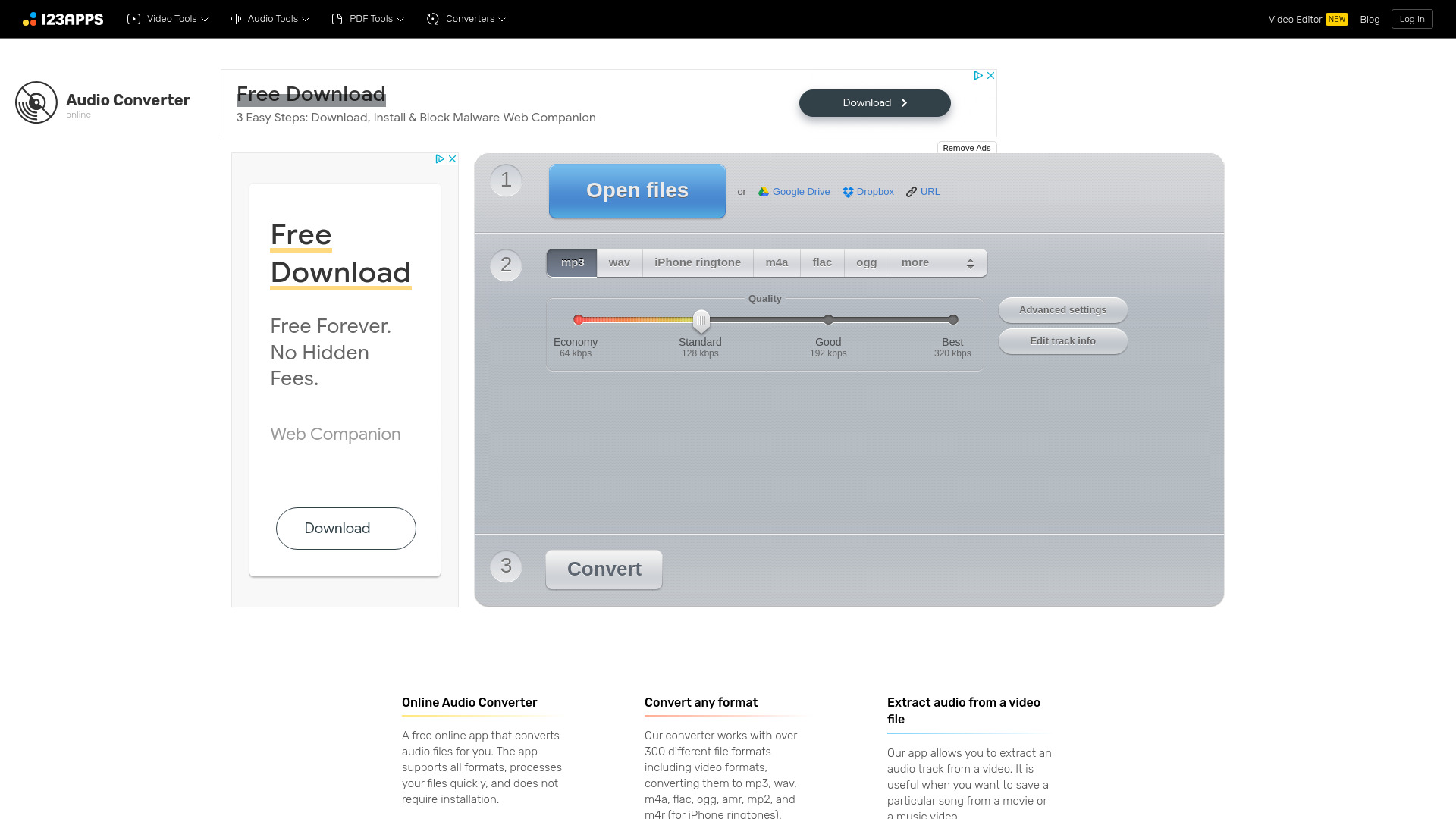
Online Audio Converter
Easily convert audio files online with this convenient audio converter tool. Change file formats quickly and effortlessly for free.

MiniMax
Experience AI technology that generates text, images, videos, and audio effortlessly. Unleash the power of cutting-edge tools for content creation in one comprehensive application.
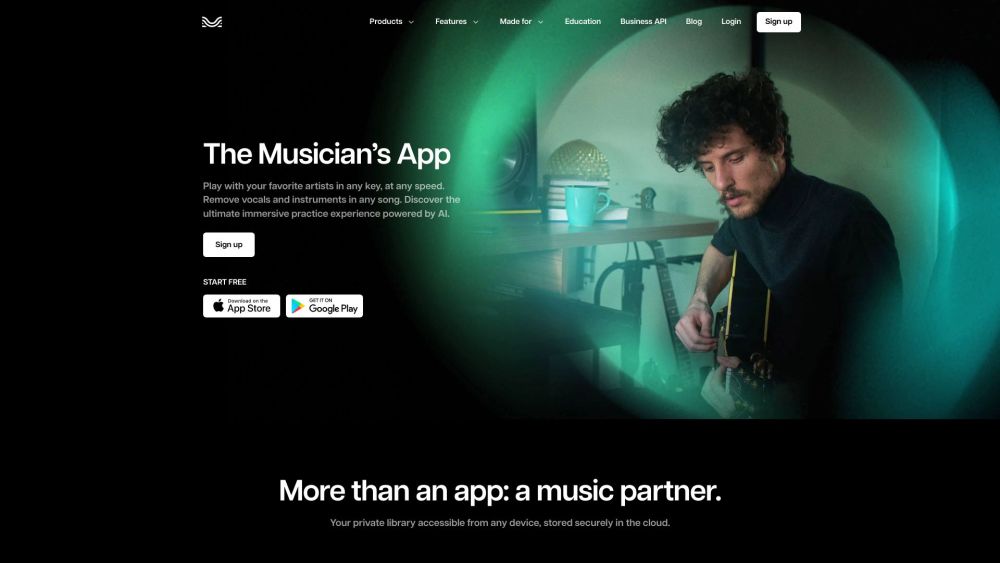
Moises App
Enhance your music practice with a personalized app using AI to tailor your experience.

Brain.fm
Functional music to enhance focus and productivity.
Use Cases
- Creating remixes
- Producing music
- Karaoke singing
- Isolating instruments
- Customizing sound
How to Use
To use VocalRemover.co, simply upload an audio file or provide a YouTube URL. The AI algorithm will automatically recognize and separate the vocals from the music. Once the separation is done, you can download the karaoke version, instrumental sound, or background music.