Voicemaker®
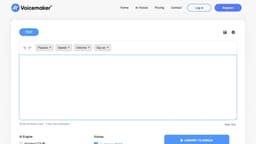
Voicemaker® converts text to human-like voices, offering various voice profiles and customization options.
Introduction
What stands out?
Frequently Asked Questions
What is Voicemaker®?
How to use Voicemaker®?
Can I use Voicemaker® for commercial purposes?
Which platforms can I share the converted audio files on?
How many users are registered on Voicemaker®?
What is the sample rate for the audio files?
Does Voicemaker® offer an API for developers?
More Information
Voicemaker® Support Email & Customer service contact & Refund contact etc.
Voicemaker® Company
Voicemaker® Login
Voicemaker® Sign up
Voicemaker® Pricing
Voicemaker® Facebook
Voicemaker® Linkedin
Voicemaker® Twitter
Voicemaker® Instagram
Reviews & Feedback
Share your experience with the community
User Comments (0)
No reviews yet. Be the first to share your thoughts!
Statistics
Similar Tools
MiniMax Audio
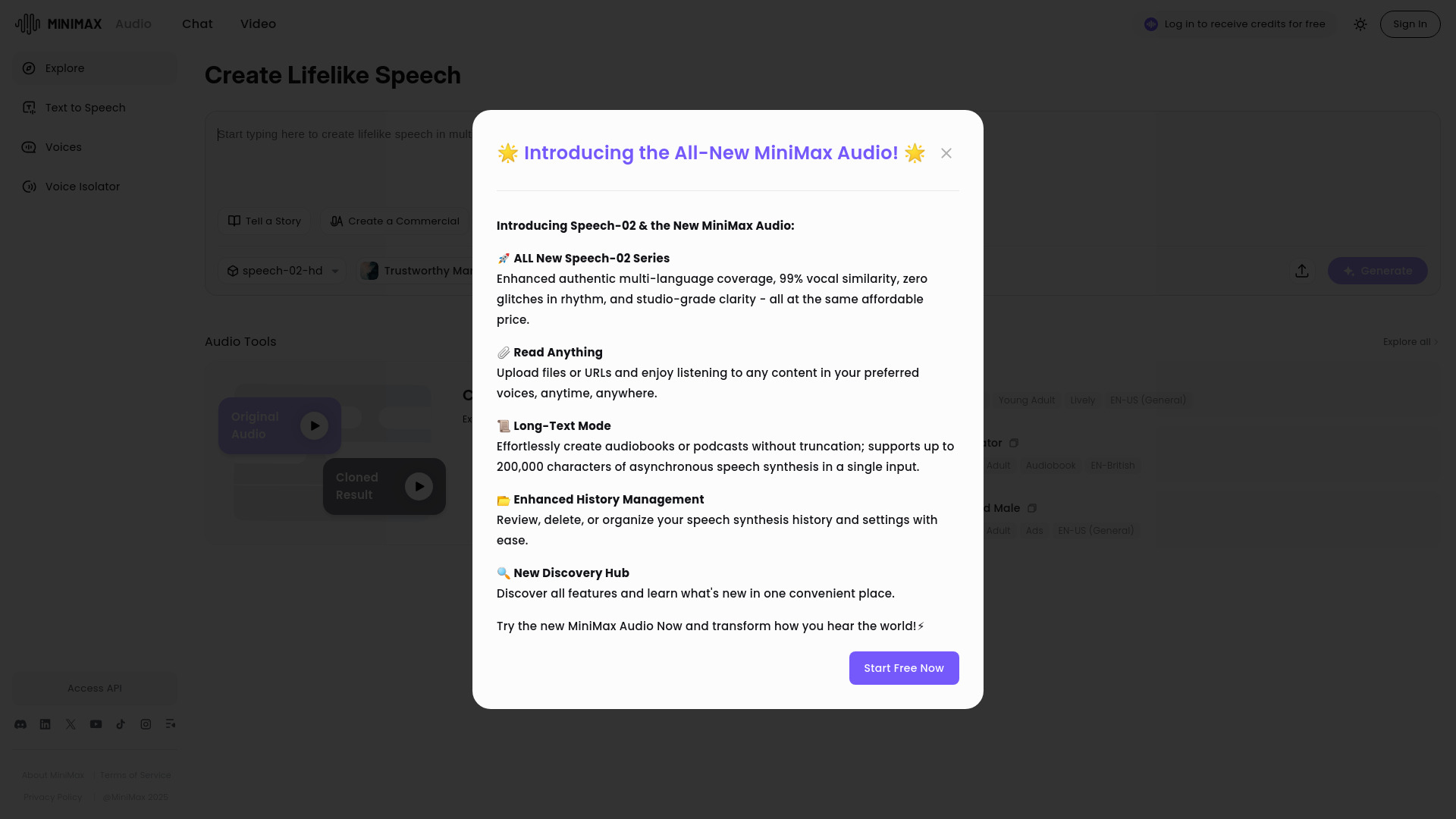
Discover MiniMax Audio, a powerful app for maximizing your audio experience on your device. Enhance sound quality and enjoy your music like never before.
MiniMax
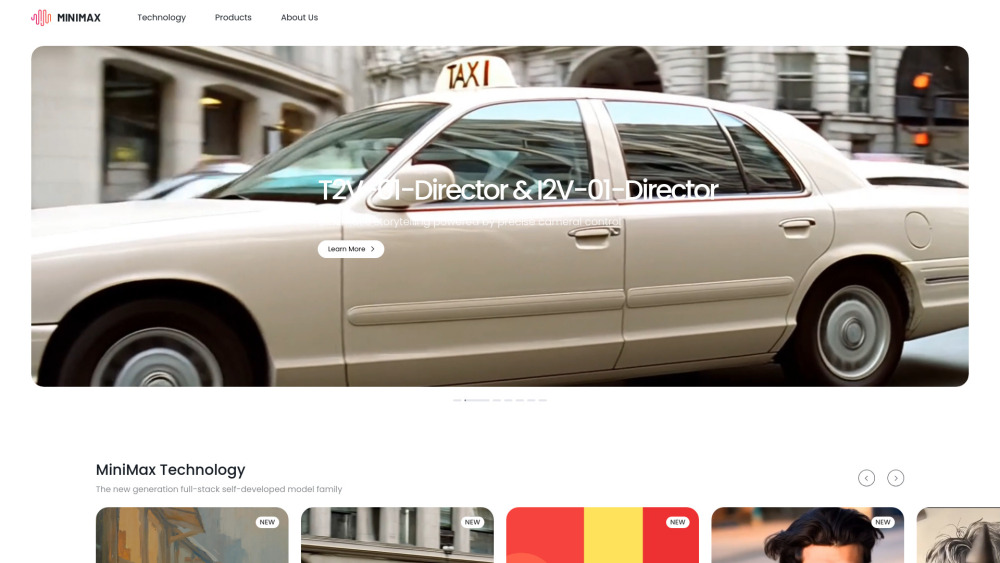
Experience AI technology that generates text, images, videos, and audio effortlessly. Unleash the power of cutting-edge tools for content creation in one comprehensive application.
PolyBuzz
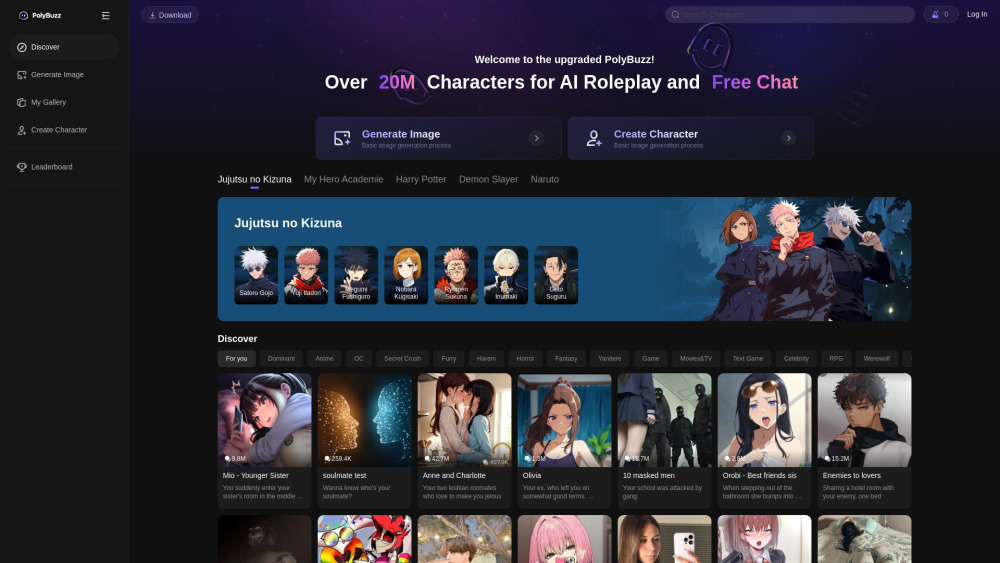
PolyBuzz offers free, private, and unrestricted AI chat and immersive roleplay with over 20 million characters.
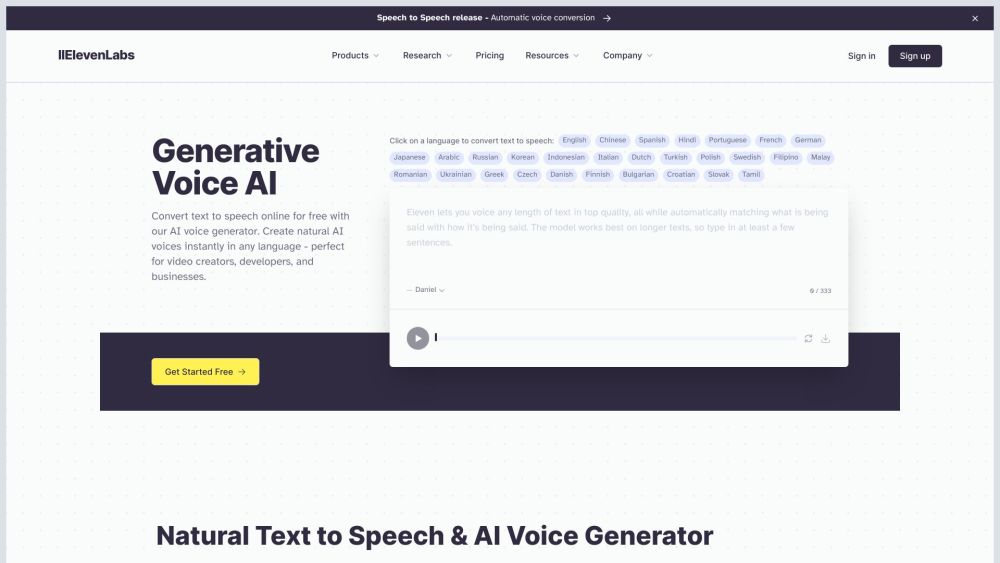
ElevenLabs
Effortlessly produce top-notch AI voices in just minutes with this app. Upgrade your content with high-quality voiceovers quickly and easily.
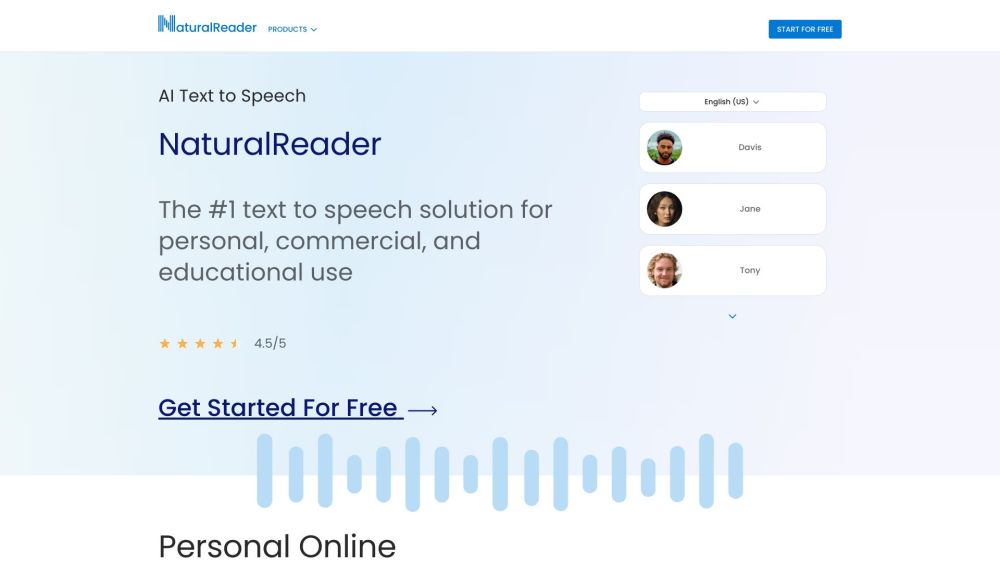
NaturalReader
NaturalReader converts text into spoken audio for users to listen to their documents.
Use Cases
- Creating audiobooks and podcasts
- Enhancing YouTube videos
- Creating e-learning materials
- Producing sales and social media videos
- Public use and broadcasting
- Developing web and mobile applications
- Implementing call centers and IVR systems