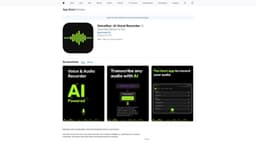
VoiceRec
Capture, transcribe, and share voice recordings with AI-powered VoiceRec.
voice recorderaudio recordertranscription
Introduction
VoiceRec is a powerful and versatile vocal recorder powered by AI that lets you capture, transcribe, and share voice and audio recordings like never before.
Key Features
Capture and transcribe voice recordings
Background recording capabilities
Accurate AI-powered transcription
Search functionality in transcribed text
Instant sharing of recordings and transcripts
Privacy protection with Face ID/Touch ID
Sync across multiple iOS and iPadOS devices
Organize recordings with personalized tags
Frequently Asked Questions
What is VoiceRec?
How to use VoiceRec?
What is VoiceRec?
How accurate is the transcription?
Can I search for specific words in the transcribed text?
Is my data secure and private?
Can I sync my recordings across multiple devices?
Similar Tools
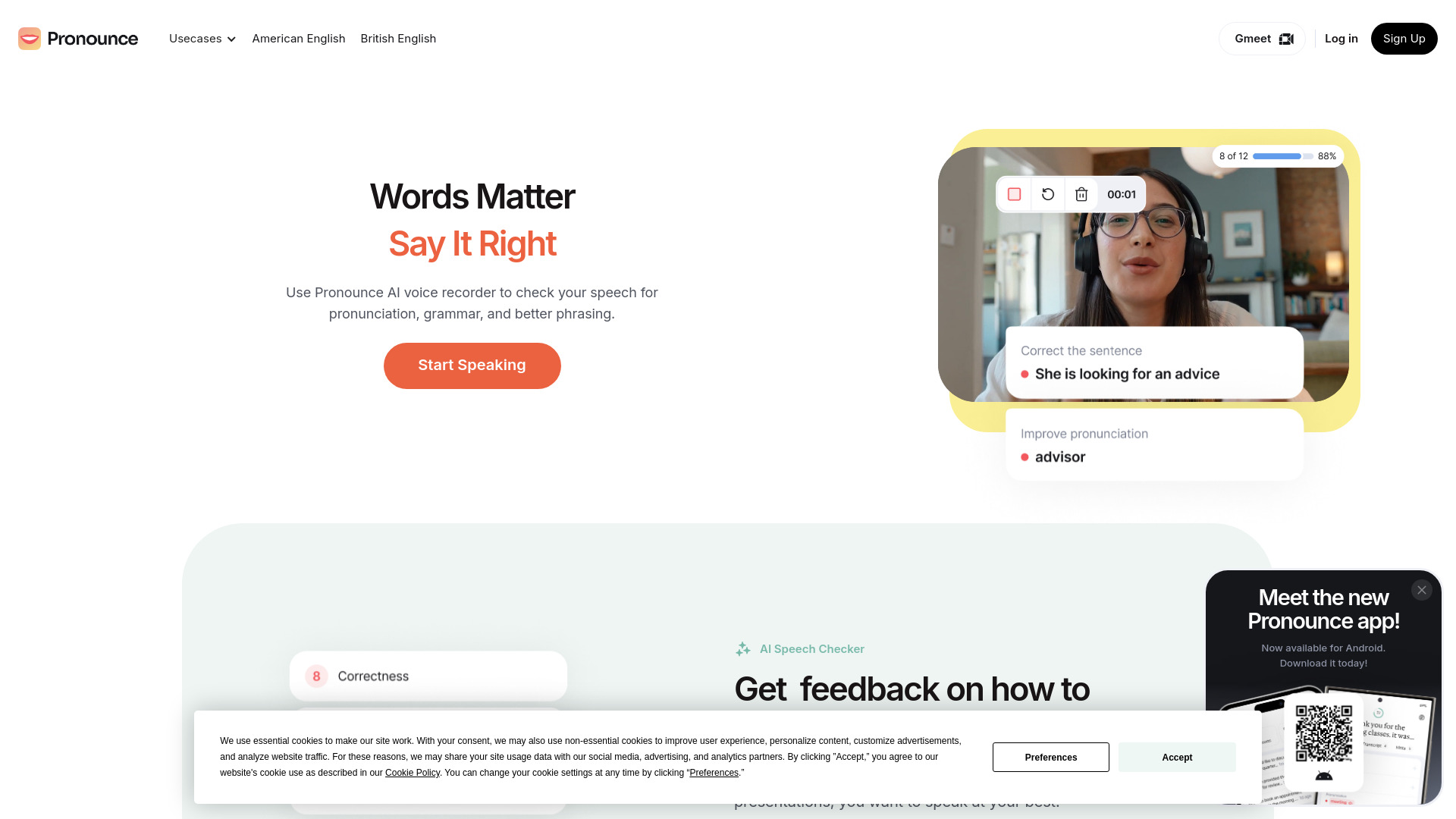
Pronounce
Enhance your English pronunciation and communication skills with our AI speech checker app. Perfect your spoken English today!

Meeting.ai
An advanced tool using AI to transcribe, organize, and summarize meetings efficiently. Ideal for enhancing productivity and collaboration.
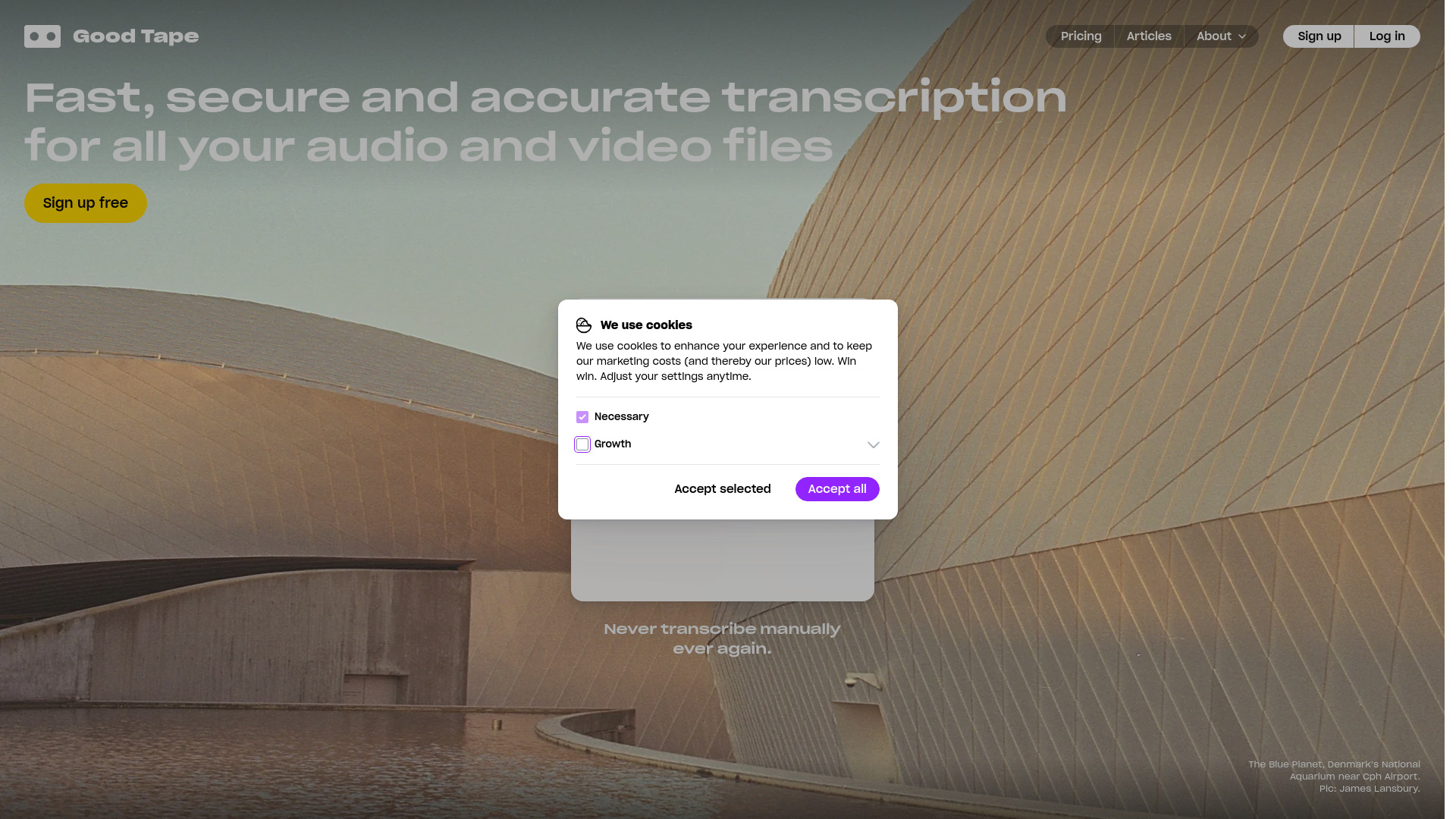
Good Tape
Easily convert audio files into text with our automatic transcription service. Fast and accurate speech-to-text conversion at your fingertips.
Use Cases
- Record meetings and lectures
- Rehearse presentations
- Share audio recordings with friends and colleagues
- Copy transcribed text for use in other applications and documents
How to Use
VoiceRec makes recording and transcribing voice and audio recordings easy and efficient. Simply open the app, start recording, and let the AI technology do the rest.