
Voxwave
Voxwave uses personalized voice messages in email campaigns to help businesses attract more clients.
Introduction
Voxwave is an AI-driven lead generation tool that helps businesses win more clients by adding personalized voice messages to email campaigns. It allows users to record their voice and integrate it into their email campaigns, increasing response rates and converting leads into buyers.
What stands out?
AI-driven lead generation
Personalized voice messages for email campaigns
Dynamic tags for personalized messaging
Voice cloning technology
Post-call follow-up with familiar voice
Seamless integration into existing workflow
Data analytics for performance tracking
Frequently Asked Questions
What is Voxwave?
How to use Voxwave?
How does Voxwave increase response rates?
Can I integrate Voxwave into my existing workflow?
What are dynamic tags and how are they used?
How can Voxwave help with post-call follow-up?
More Information
Voxwave Support Email & Customer service contact & Refund contact etc.
More Contact, visit the contact us page(https://www.voxwaveai.com/contact)
Voxwave Company
Voxwave Company name: Voxwave AI .
Voxwave Login
Reviews & Feedback
Share your experience with the community
0.0
Based on 0 reviews
User Comments (0)
Sort Criteria
Order
No reviews yet. Be the first to share your thoughts!
Statistics
Monthly visits
NaN
Saved by users
0
Rating
0.0/ 5.0
Added on
—
Similar Tools
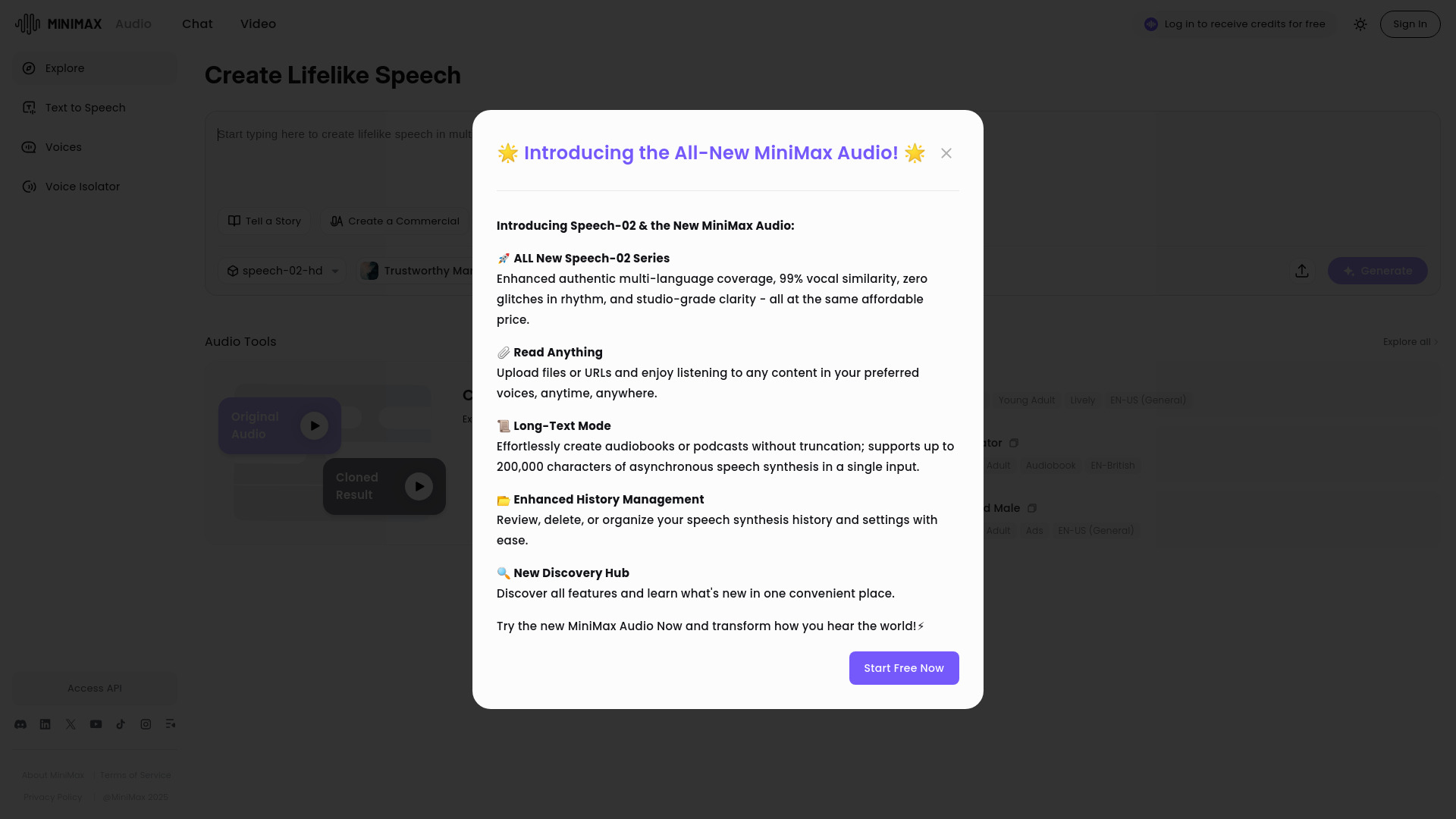
MiniMax Audio
Discover MiniMax Audio, a powerful app for maximizing your audio experience on your device. Enhance sound quality and enjoy your music like never before.
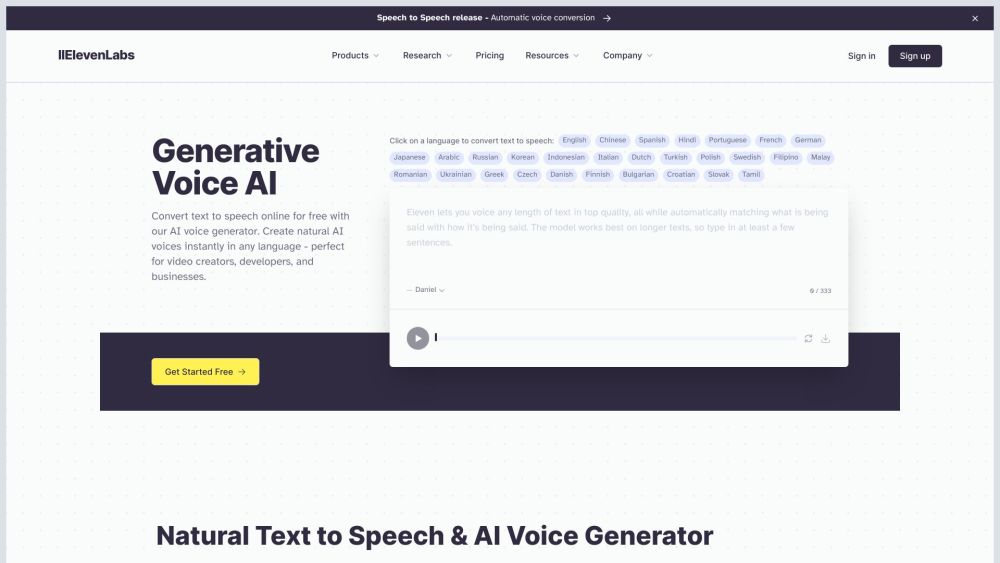
ElevenLabs
Effortlessly produce top-notch AI voices in just minutes with this app. Upgrade your content with high-quality voiceovers quickly and easily.
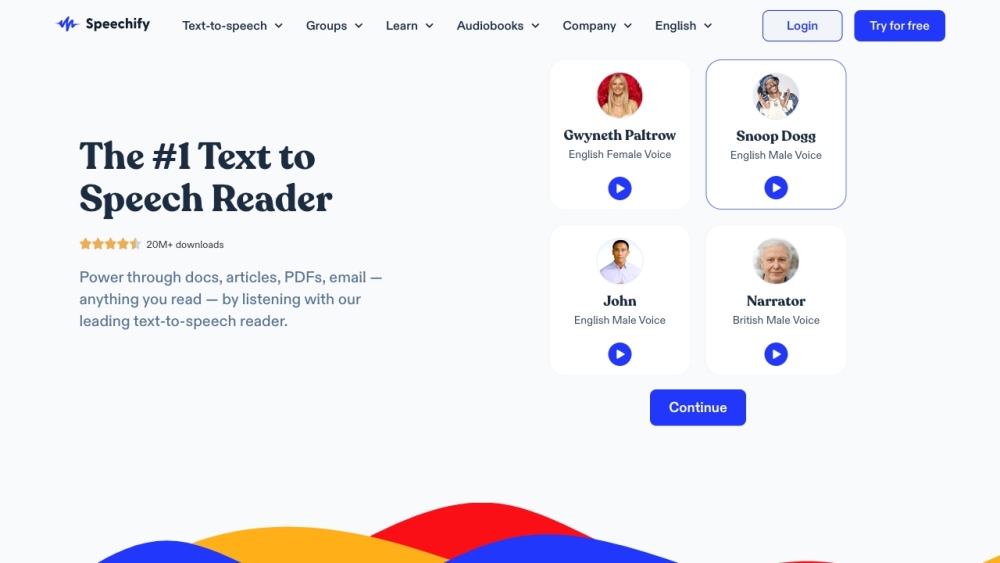
Speechify
Experience Speechify, the top-rated text-to-speech tool for Chrome, iOS, and Android. Convert text into spoken words effortlessly!
Use Cases
- Boosting response rates in email campaigns
- Converting cold leads into warm buyers
- Booking more calls and increasing sales
- Building credibility and trust with personalized voice
- Revitalizing leads who have lost interest
How to Use
To use Voxwave, follow these steps: 1. Sign up and join the waitlist. 2. Record 1 minute of your voice on the Voxwave platform. 3. Write your message using dynamic tags like {name} and {company} to personalize it. 4. Drop the generated snippet into your email campaign. 5. Voxwave provides data points for analysis to optimize your lead generation strategy.