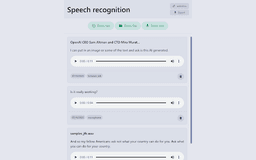
LocalVoice - Chrome Extension
Chrome extension for secure speech recognition
Speech RecognitionChrome ExtensionLocal Data Processing
Introduction
A chrome extension for speech recognition that runs locally without sending data to a cloud service. It supports speech recognition from files, browser tab, and microphone, with the ability to export data from the extension.
Key Features
Local speech recognition
No data sent to the cloud
Support for files, browser tab, and microphone input
Data export feature
Frequently Asked Questions
What is LocalVoice?
How to use LocalVoice?
Is my data stored on a cloud server?
Similar Tools
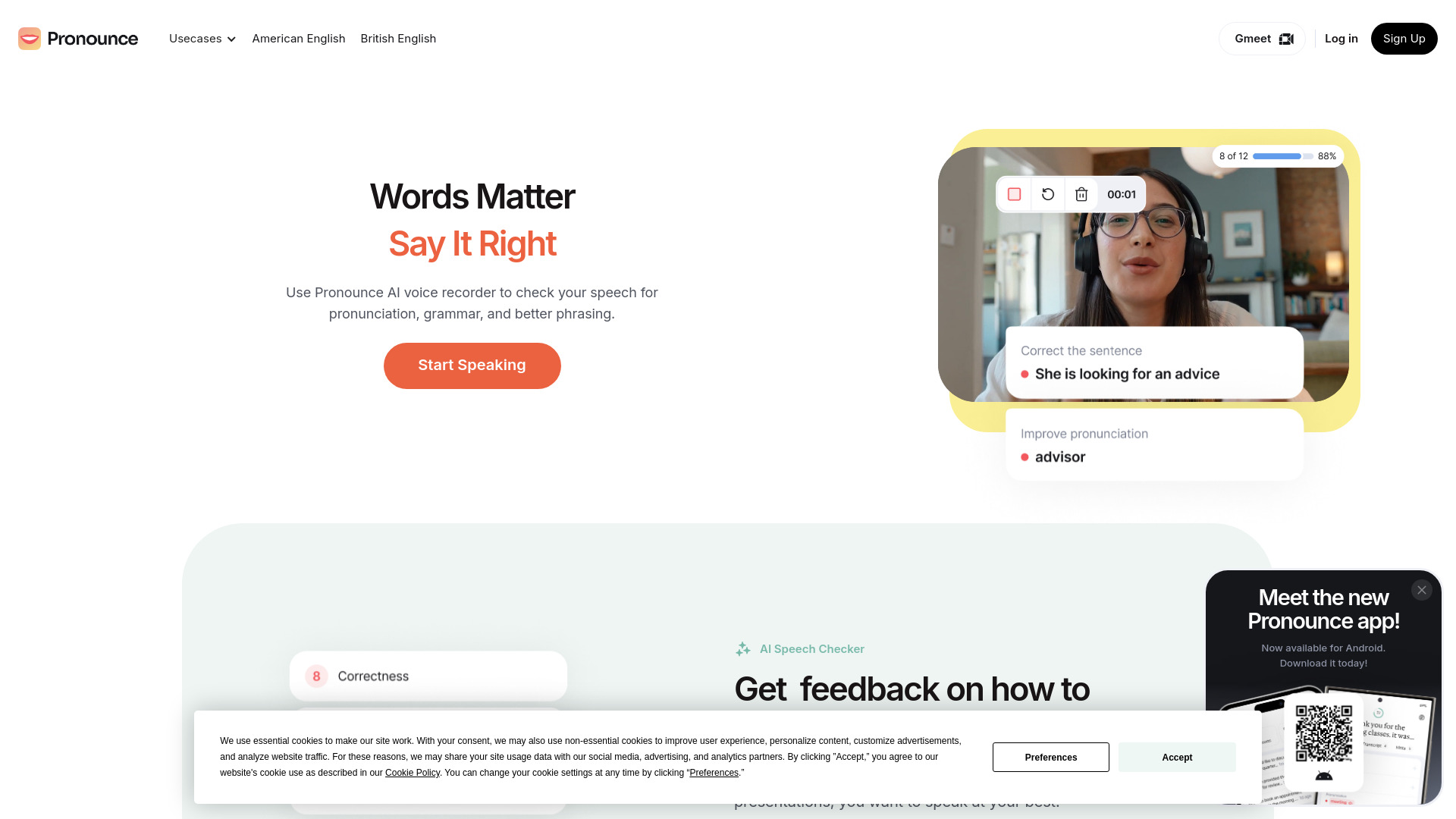
Pronounce
Enhance your English pronunciation and communication skills with our AI speech checker app. Perfect your spoken English today!

Meeting.ai
An advanced tool using AI to transcribe, organize, and summarize meetings efficiently. Ideal for enhancing productivity and collaboration.
Good Tape
Easily convert audio files into text with our automatic transcription service. Fast and accurate speech-to-text conversion at your fingertips.
Use Cases
- Transcribing audio files into text
- Taking notes from web conferences
- Creating voice-to-text documents
How to Use
Download and install the LocalVoice Chrome extension. Open the extension, select the source (file, browser tab, or microphone), and start speech recognition. Export the recognized text as needed.