WebReader AI - Chrome Extension
Enhance browsing experience with efficient text interaction.
Chrome ExtensionAIText Interaction
Introduction
WebReader AI is a Chrome Extension that enhances users' browsing experience by providing efficient reading and interaction with online text.
Key Features
Efficient reading and interaction with online text
AI features for enhanced browsing experience
Personalized displays
Frequently Asked Questions
What is WebReader AI?
How to use WebReader AI?
Is WebReader AI compatible with other web browsers?
Can I change the display settings of WebReader AI?
Does WebReader AI work offline?
Can WebReader AI read text in multiple languages?
Similar Tools
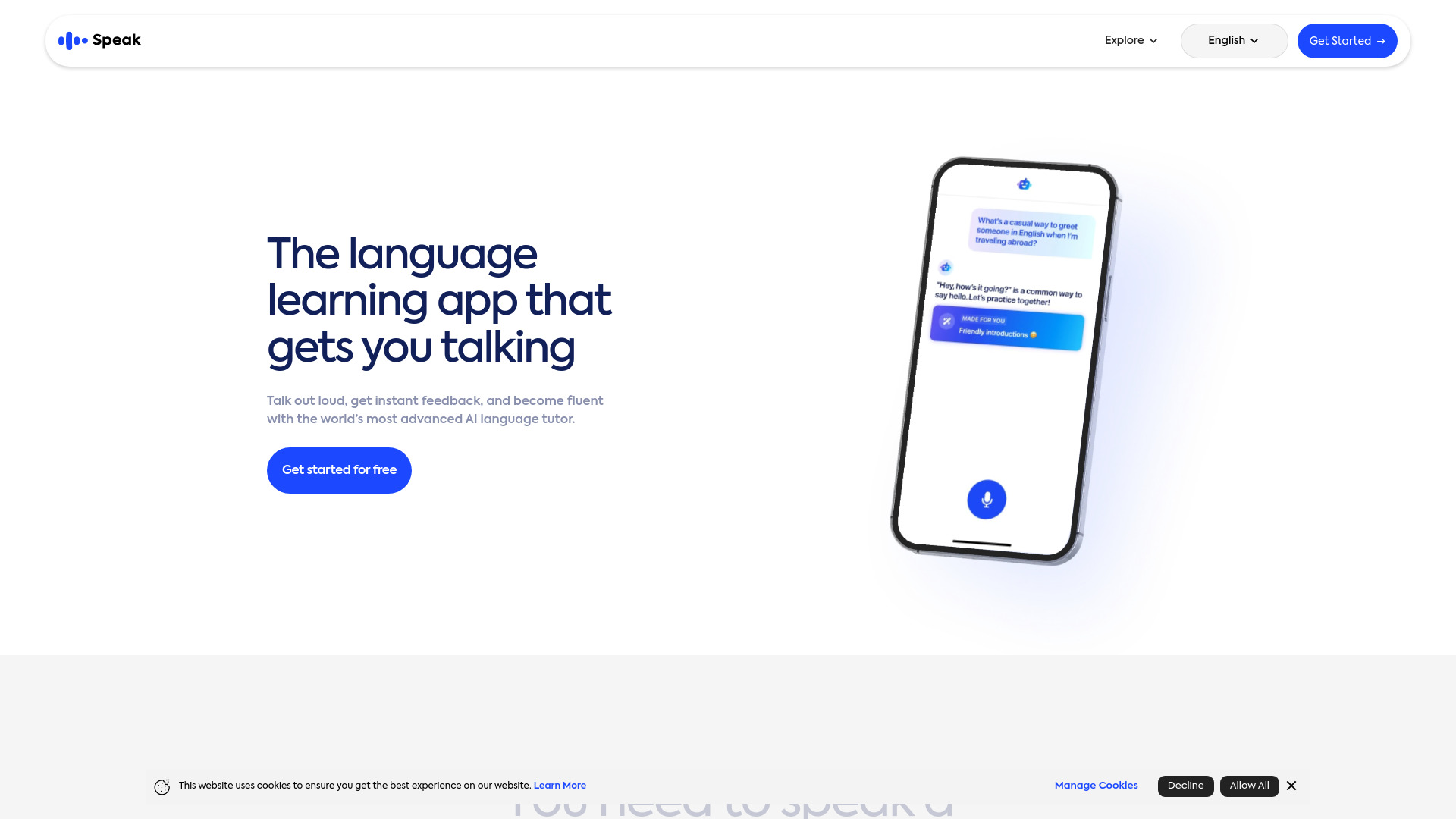
Speak
Enhance your language skills with an innovative app using AI technology for practicing real conversations.
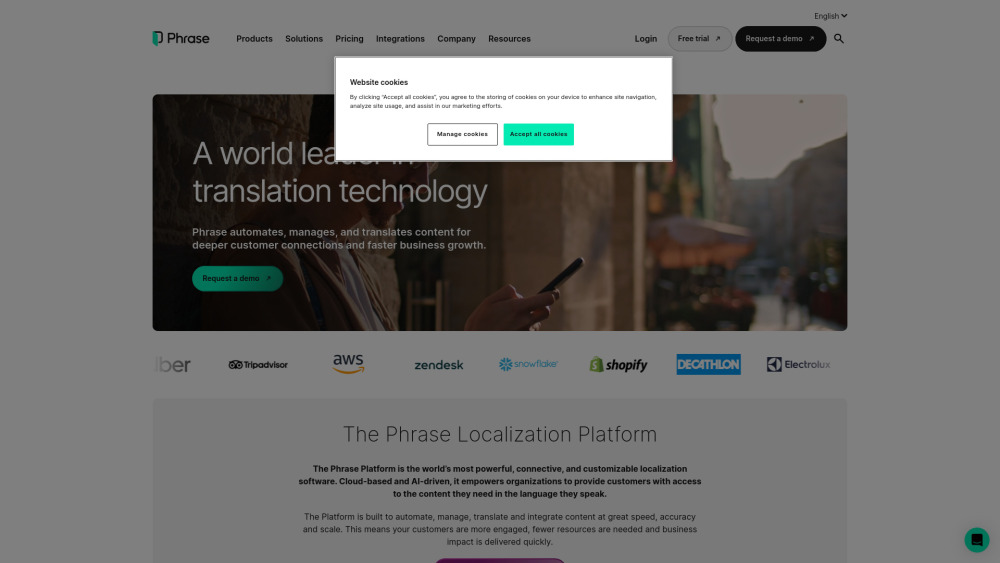
Phrase (Frm. Memsource)
Empowering localization with a robust platform for managing and automating translations efficiently. A powerful solution for translation management.
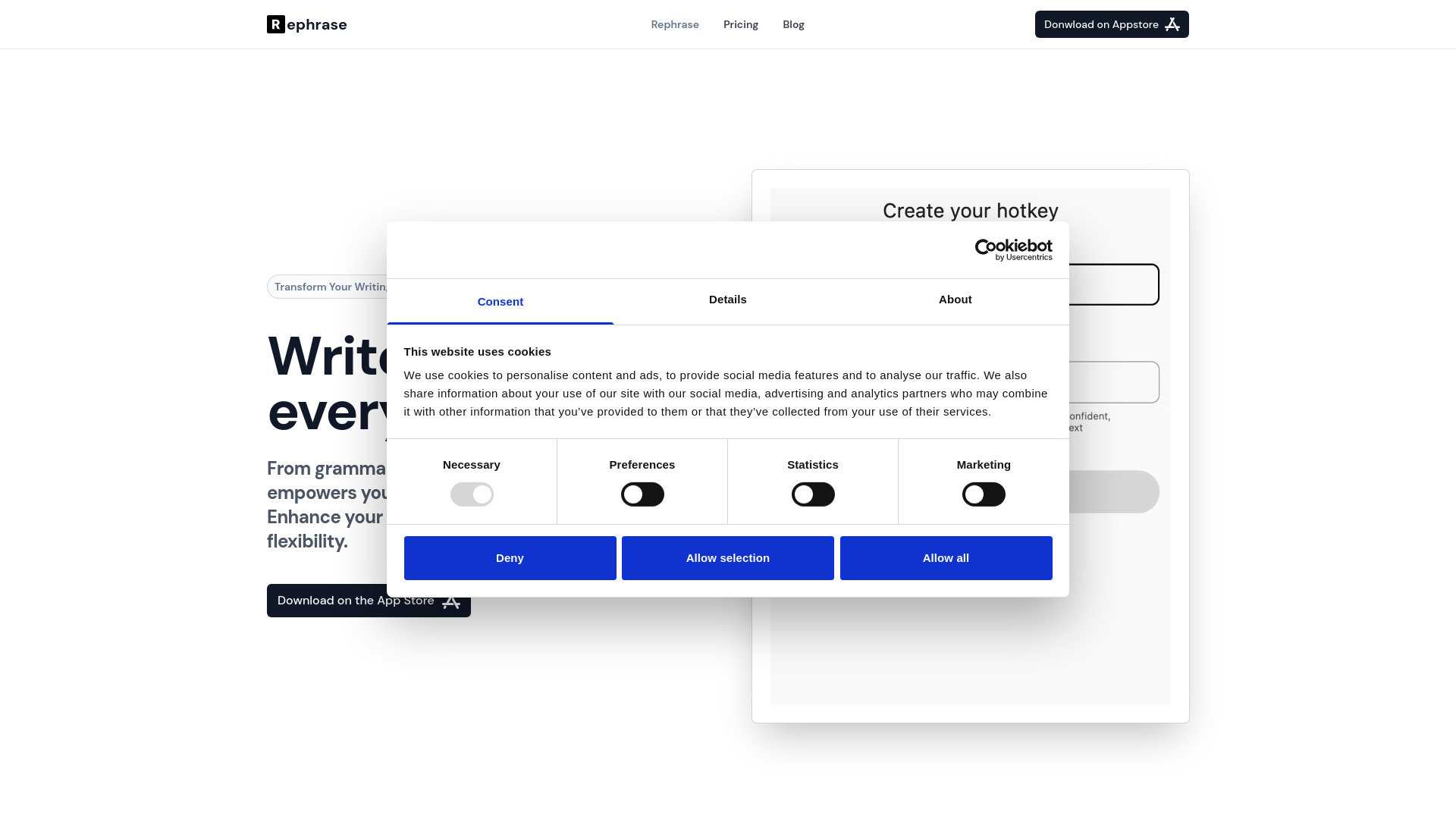
Rephrase
Boost text quality with our macOS AI writing assistant for improved content creation. Ideal for enhancing writing productivity on your computer.
Use Cases
- Reading articles and blog posts
- Researching and studying online content
- Improving reading comprehension and speed
- Interacting with text-based websites and platforms
How to Use
To use WebReader AI, simply download and install the Chrome Extension. Once installed, it will automatically activate when you open a web page. You can customize the settings and preferences according to your needs.