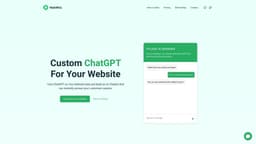
WebWhiz
Create a chatbot for your website easily without coding using WebWhiz.
AI chatbotwebsite supportcustomer queries
Introduction
WebWhiz is a platform that allows you to train ChatGPT on your website data and build a chatbot that can be added to your website. It eliminates the need for coding and enables your chatbot to instantly answer customer queries.
Key Features
WebWhiz offers the following core features: 1. Easy Integration: It takes only a few minutes to create, train, and add the chatbot to your website. 2. Data-Specific Responses: The chatbot answers questions based on the given data, ensuring accurate results. 3. Regular Data Updates: Your website is regularly crawled, ensuring the chatbot is trained on up-to-date data. 4. No Code Builder: No coding skills are required to build the chatbot. Just insert a script tag to your website. 5. Customizable Appearance: Customize the chatbot's appearance to match your website theme. 6. Fine Tuning: Further improve the chatbot's results through fine-tuning from the project dashboard.
Frequently Asked Questions
What is WebWhiz?
How to use WebWhiz?
What is WebWhiz?
How frequently do you crawl my website?
What data do you collect from my website?
What happens if I exceed my plan's limits?
What are tokens?
Can I train custom data?
Can I bring my own OpenAI Key?
What is the maximum size of context?
Similar Tools

CodeFast
Quickly learn coding to create successful online ventures with this app designed for fast-paced business growth. Start building today!
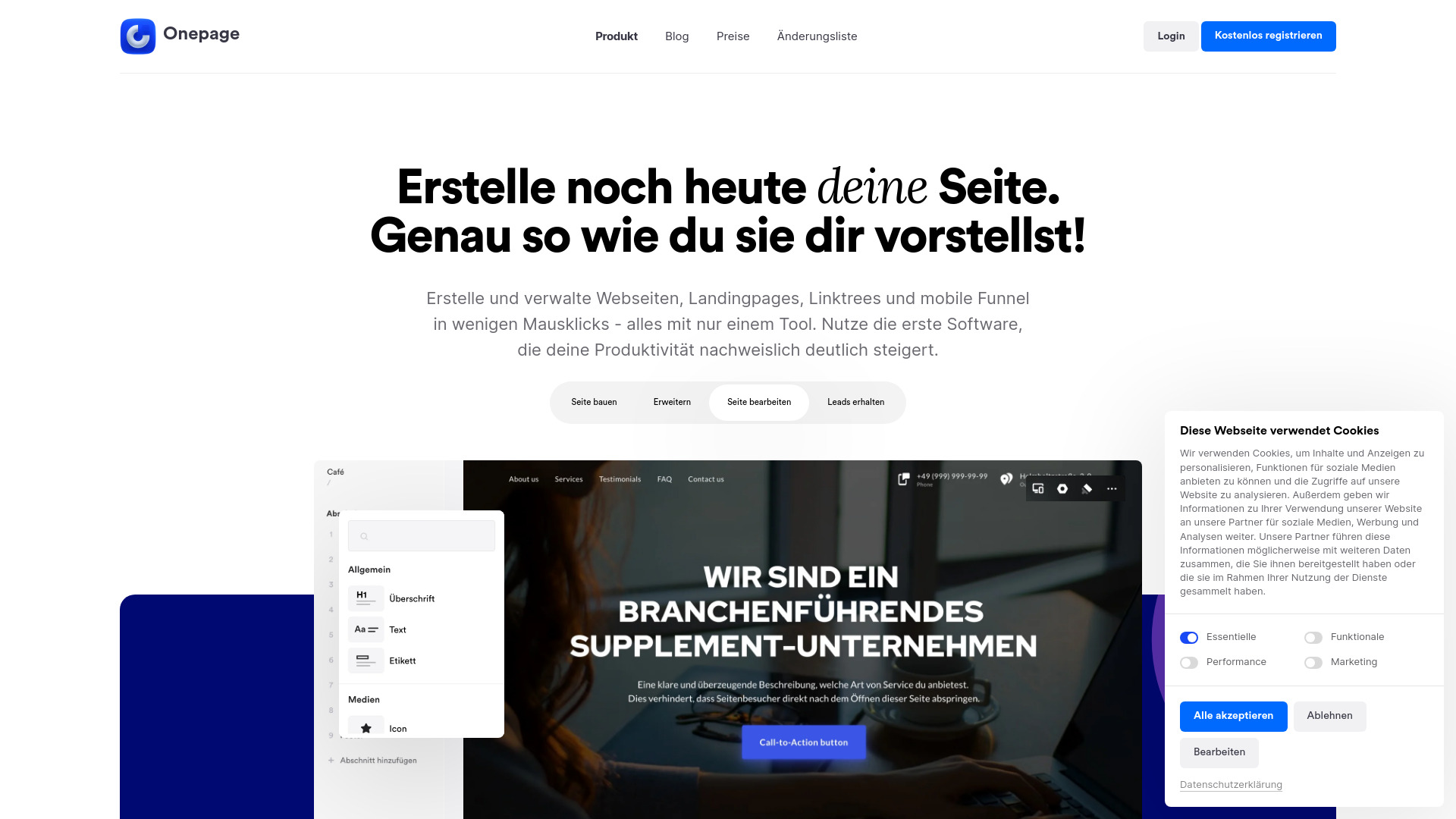
Onepage
Create websites, landing pages, and quizzes with our versatile all-in-one tool. Simplify your online presence in one convenient platform.
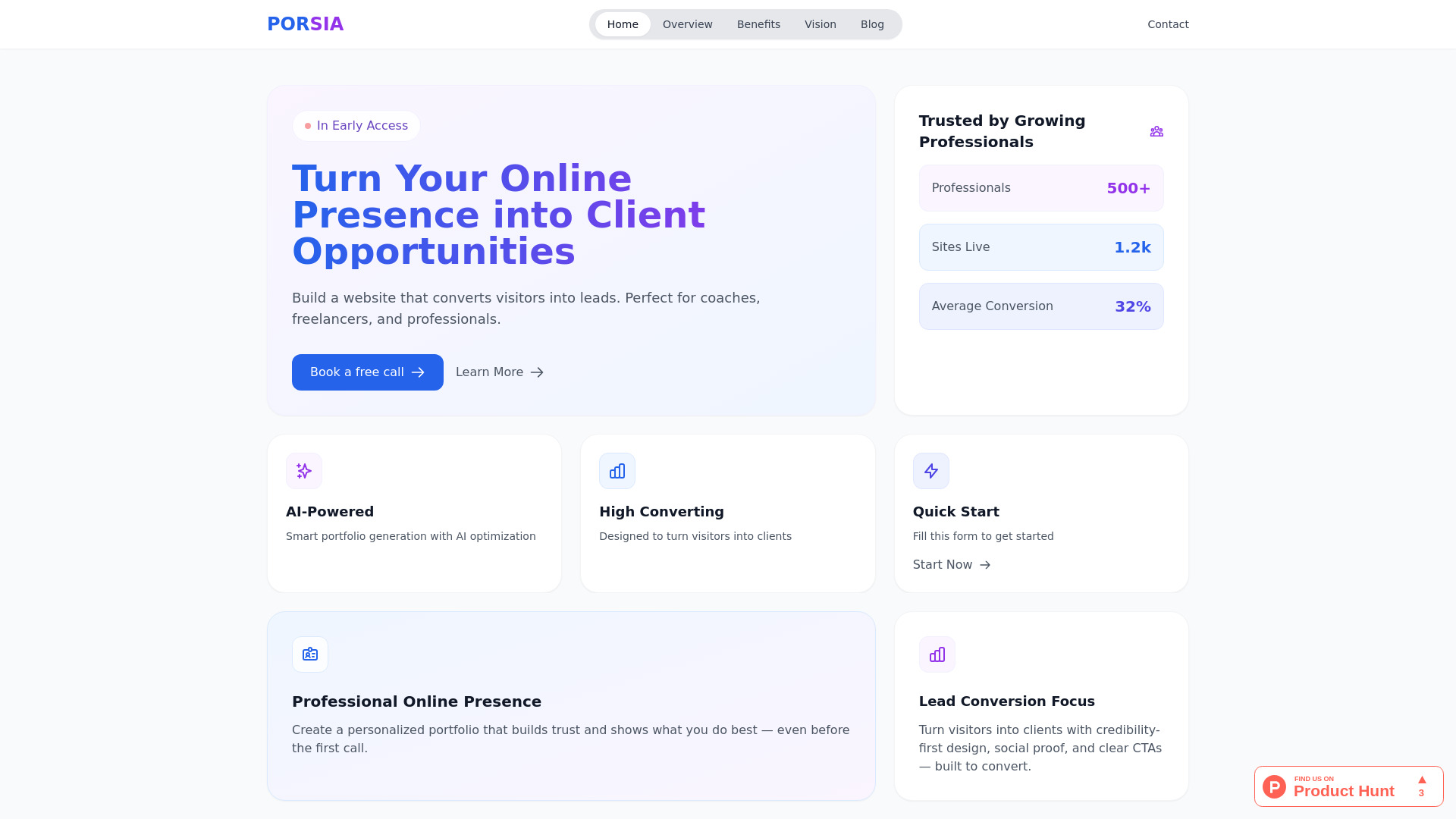
Porsia
Create stunning websites to attract clients and drive leads with this AI website builder designed for professionals.
Use Cases
- WebWhiz can be used in various scenarios, including: 1. E-commerce: Provide instant support to customers by answering their product-related queries. 2. Service Industries: Assist customers with inquiries about services offered. 3. Informational Websites: Help visitors find specific information or navigate the website. 4. Online Communities: Provide quick responses to community members seeking assistance. 5. Content Publishing: Answer readers' questions and provide additional information about published content.
How to Use
To use WebWhiz, simply follow these steps: 1. Add your website: Enter your website URL to start the process. WebWhiz will automatically fetch and prepare the training data. 2. Train ChatGPT: The platform will train ChatGPT on your website data based on the selected parameters and create the chatbot for you. 3. Embed on website: Add a JavaScript script tag to your website to seamlessly integrate the chatbot.