
WeInstaReply
AI-powered automatic message responses for Microsoft Teams
Microsoft Teams integrationAutomated message responsesAI-powered replies
Introduction
WeInstaReply integrates GPT with Microsoft Teams, to streamline communication with intelligent, automated responses. It is a platform that automates responses to incoming messages using AI, ensuring timely and relevant replies for enhanced collaboration.
Key Features
Automated message responses
AI-powered automatic replies
Seamless integration with Microsoft Teams
Frequently Asked Questions
What is WeInstaReply?
How to use WeInstaReply?
What is WeInstaReply?
How are AI responses generated?
Who can receive AI-generated responses?
Is there a free trial available?
Similar Tools
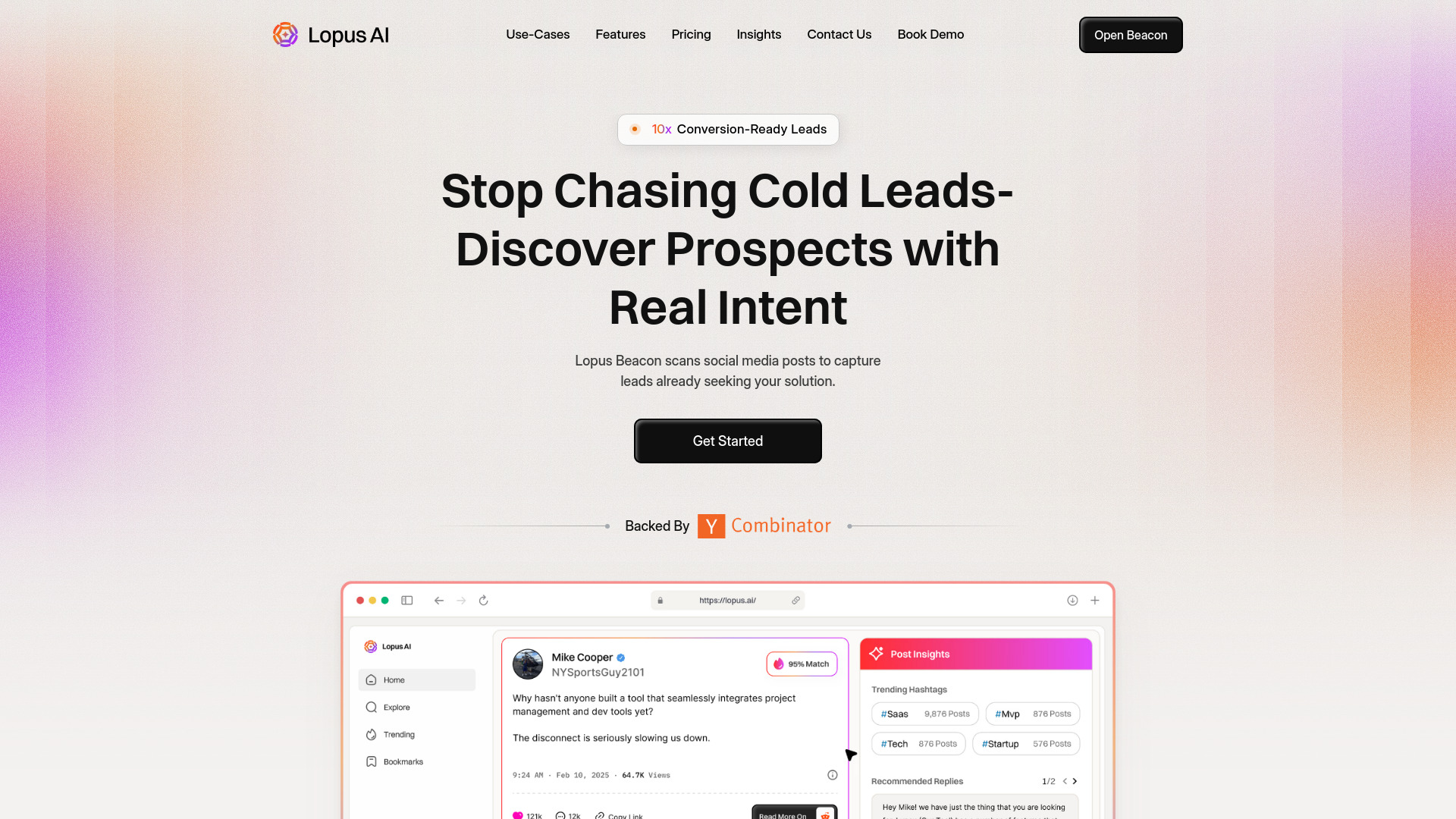
Lopus AI
Discover the power of Lopus AI, an innovative app that uses artificial intelligence to enhance your daily tasks and productivity. Experience the future now!
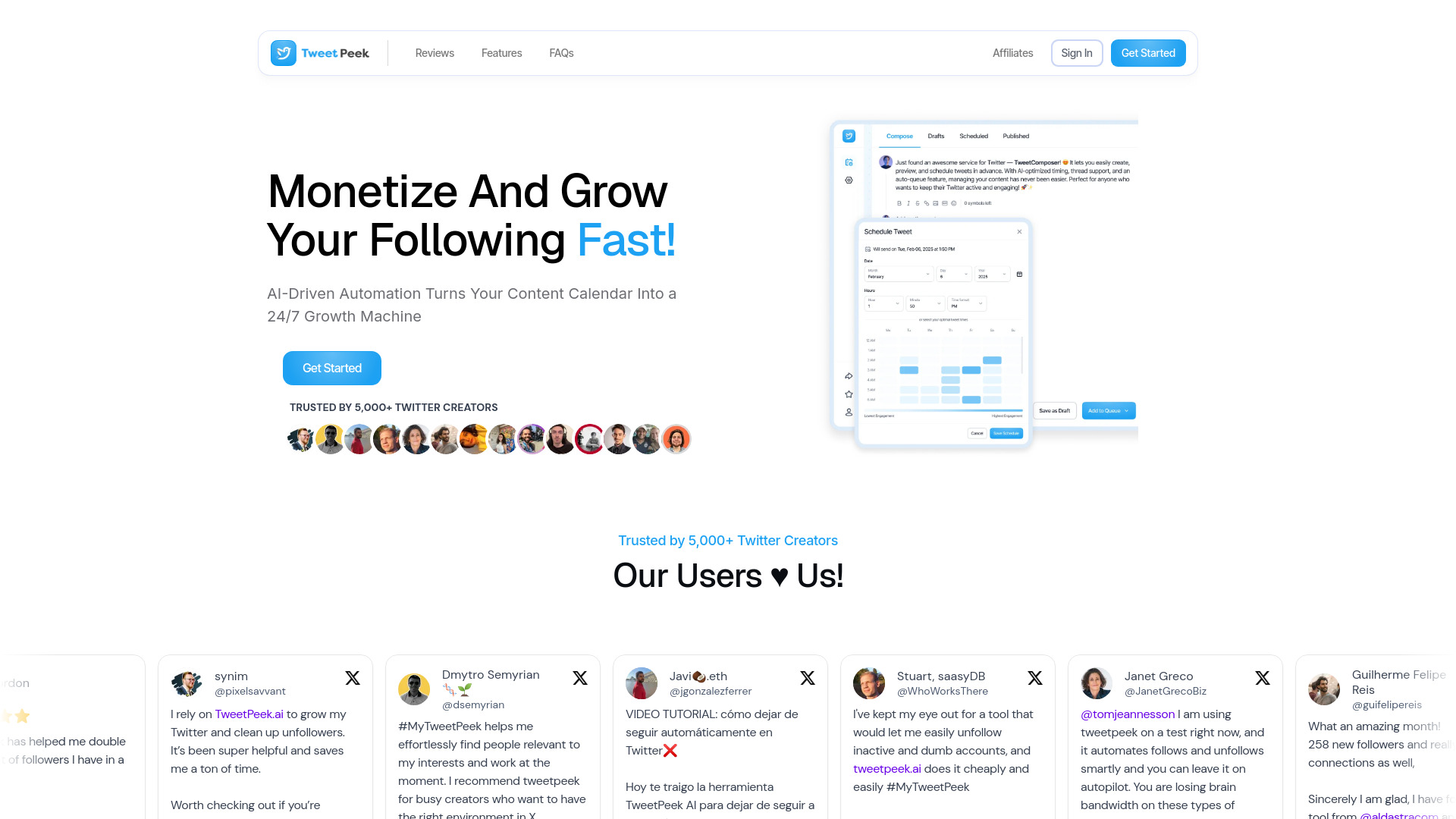
TweetPeek AI
Discover the power of AI with TweetPeek, an innovative app that provides insights and analysis for your Twitter feed. Stay ahead of the game!
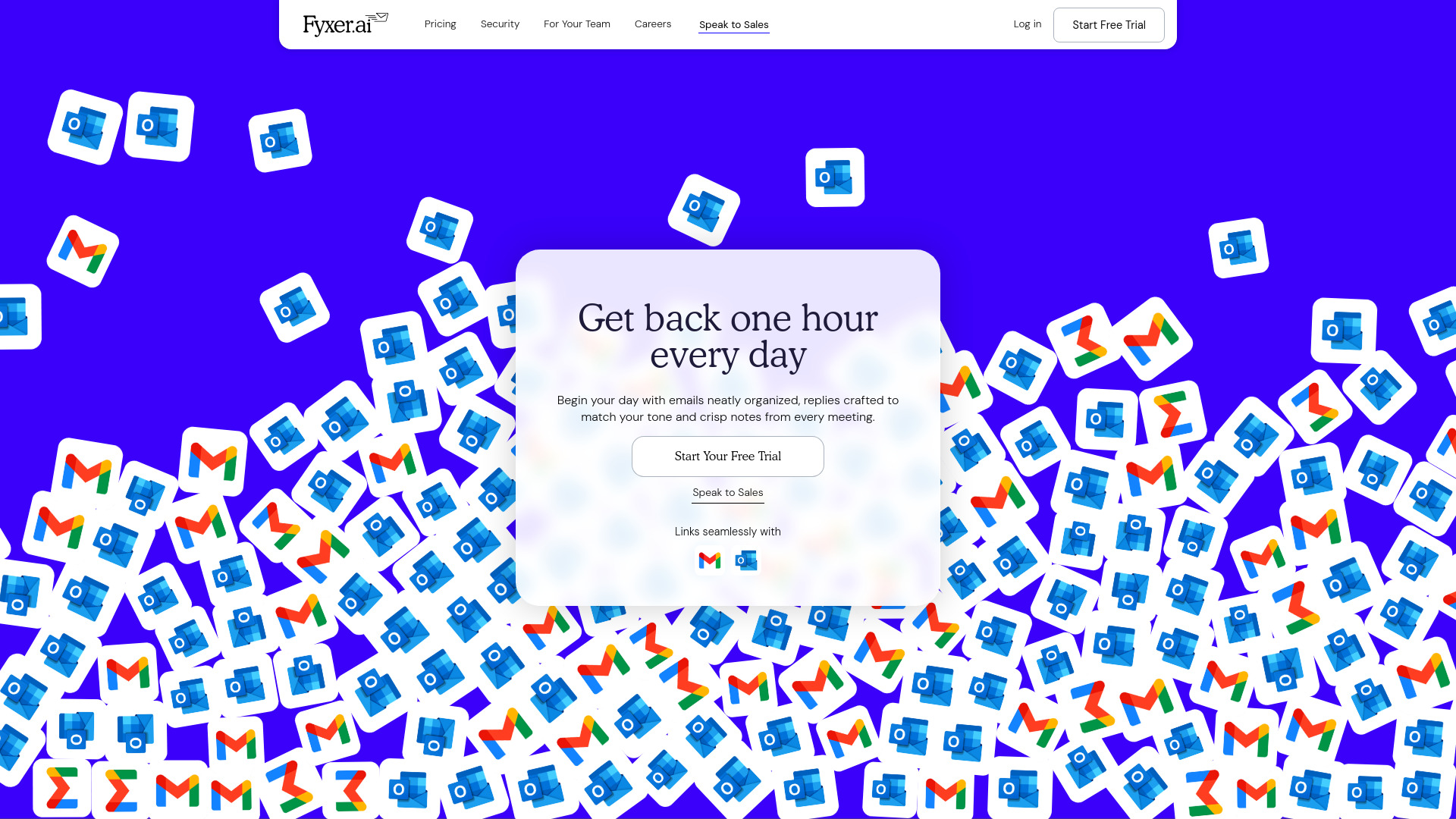
Fyxer AI Executive Assistant
Easily manage emails and meeting notes with our AI assistant. Stay organized and efficient with our powerful tool.
Use Cases
- Automated responses to incoming messages in Microsoft Teams
- Enhanced team collaboration through reliable AI-driven answers
How to Use
To use WeInstaReply, simply connect your Microsoft account, upload relevant data to the information hub, and enable which users should receive AI-generated responses. That's it! You will be provided with a chat log that displays all messages received and the AI responses sent.