wenDues
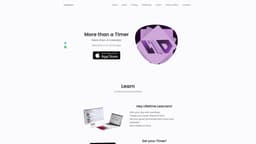
wenDues is a multi-functional app for productivity, combining timer, calendar, to-do list, and music player.
Introduction
wenDues is a comprehensive productivity app that combines a timer, calendar, to-do list, and music player in one place. It allows users to plan their day, set goals, track progress, take notes, and stay organized.
What stands out?
Timer for focused work sessions
Calendar for daily, weekly, and monthly planning
To-do list for task organization
Music player with unique soothing music
Goal setting with subtasks
Note-taking feature
Article and link storage
Color-coded labels
Frequently Asked Questions
What is wenDues?
How to use wenDues?
Q1
A1
Q2
A2
Q3
A3
Q4
A4
Q5
A5
More Information
wenDues Support Email & Customer service contact & Refund contact etc.
Here is the wenDues support email for customer service: [email protected] .
wenDues Company
wenDues Company name: wenDues .
wenDues Pricing
wenDues Pricing Link: https://wendues.com/#price
wenDues Twitter
wenDues Twitter Link: https://twitter.com/wenDues
wenDues Instagram
wenDues Instagram Link: https://www.instagram.com/slmnmore.or.sad
Reviews & Feedback
Share your experience with the community
0.0
Based on 0 reviews
User Comments (0)
Sort Criteria
Order
No reviews yet. Be the first to share your thoughts!
Statistics
Monthly visits
NaN
Saved by users
0
Rating
0.0/ 5.0
Added on
—
Similar Tools

Pixelcut
Easily create stunning product photos and ads with our free online design tool. Remove backgrounds and erase objects effortlessly.

Wondershare
Discover innovative tools for enhancing creativity, productivity, and efficiency with our app. Unleash your potential today!

TurboScribe
Unlimited AI transcription with 99.8% accuracy in 98+ languages.

Intercom
Get quicker solutions with Automation and human assistance. Enhance support efficiency for faster issue resolutions.
GirlfriendGPT - The AI Companion Chatroom
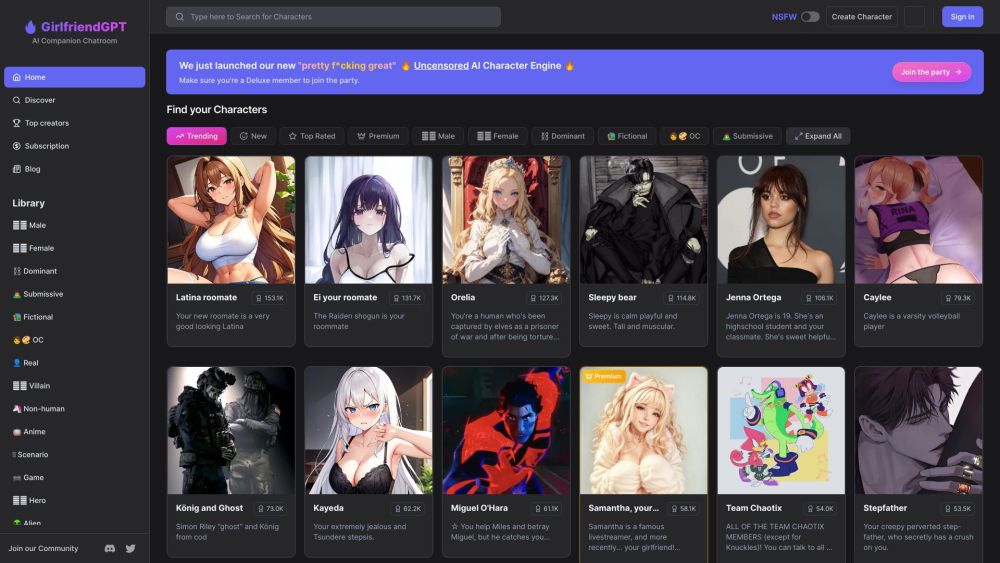
An uncensored AI companion chatroom for SFW and NSFW conversations.
Use Cases
- Personal productivity
- Goal tracking and achievement
- Task organization
- Time management
- Note-taking
- Work and study sessions
How to Use
To use wenDues, create tasks and set goals for your day. Break down your goals into subtasks and track their completion. Set timers for focused work sessions, and take notes under each task. Use the music player for a soothing ambiance. Access your daily, weekly, and monthly agenda for better planning. Upload articles and website links for easy reference. Use color-coded labels to categorize overdue, completed, and active subgoals. Take advantage of the real-time data sync to access your information across devices.