
Whelp
Whelp consolidates customer communication across channels for streamlined interactions and data analysis.
Introduction
Whelp is an AI-based omnichannel shared inbox and CRM platform designed to streamline customer communication through various channels such as Voice, Email, Live Chat, SMS, and WhatsApp. It allows businesses to consolidate all customer interactions and data in one place, providing a unified customer view. With advanced reporting and analytics, businesses can track their performance and optimize their operations.
What stands out?
Omnichannel customer support over various channels (Voice, Email, Live Chat, SMS, WhatsApp)
Unified customer view and AI-powered automations
Consolidation of customer conversations in one inbox
Advanced reporting for performance analysis
Customizable communication campaigns with bulk messaging
Drag-and-drop chatbot builder for 24/7 customer service
Security-first approach with advanced encryption and access controls
Team collaboration and communication across channels
Integration capabilities with other tools and platforms
Frequently Asked Questions
What is Whelp?
How to use Whelp?
More Information
Whelp Support Email & Customer service contact & Refund contact etc.
More Contact, visit the contact us page(https://whelp.co/contact)
Whelp Company
Whelp Company name: Whelp, Inc. . More about Whelp, Please visit the about us page(https://whelp.co/about).
Whelp Login
Whelp Login Link: https://web.whelp.co/
Whelp Sign up
Whelp Sign up Link: https://web.whelp.co/signup
Whelp Pricing
Whelp Pricing Link: https://whelp.co/pricing
Whelp Facebook
Whelp Facebook Link: https://www.facebook.com/getwhelp/
Whelp Linkedin
Whelp Linkedin Link: https://www.linkedin.com/company/whelp
Whelp Twitter
Whelp Twitter Link: https://twitter.com/getwhelp
Whelp Instagram
Whelp Instagram Link: https://www.instagram.com/whelp.co/
Reviews & Feedback
Share your experience with the community
0.0
Based on 0 reviews
User Comments (0)
Sort Criteria
Order
No reviews yet. Be the first to share your thoughts!
Statistics
Monthly visits
NaN
Saved by users
0
Rating
0.0/ 5.0
Added on
—
Similar Tools

Pixelcut
Easily create stunning product photos and ads with our free online design tool. Remove backgrounds and erase objects effortlessly.

Wondershare
Discover innovative tools for enhancing creativity, productivity, and efficiency with our app. Unleash your potential today!

TurboScribe
Unlimited AI transcription with 99.8% accuracy in 98+ languages.

Intercom
Get quicker solutions with Automation and human assistance. Enhance support efficiency for faster issue resolutions.
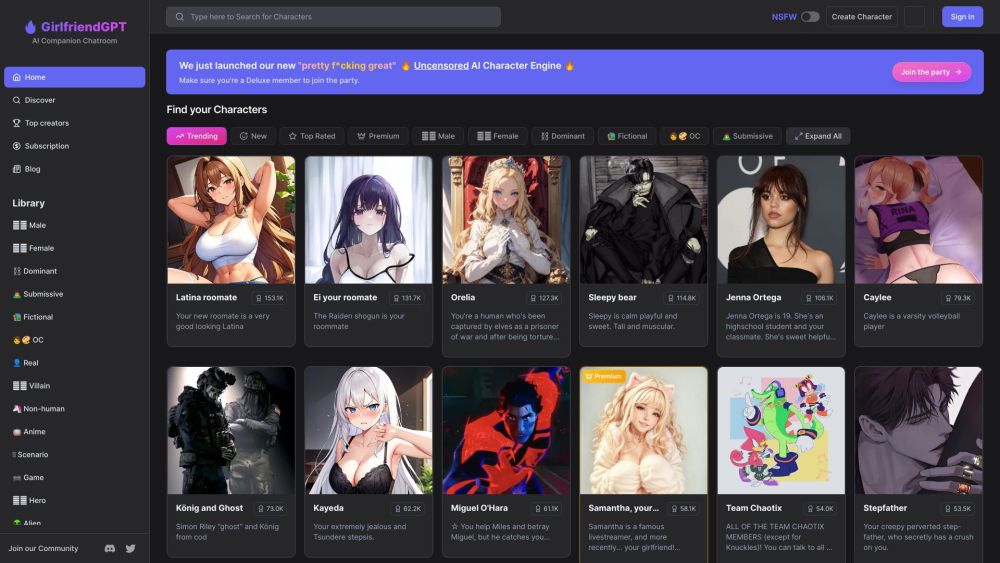
GirlfriendGPT - The AI Companion Chatroom
An uncensored AI companion chatroom for SFW and NSFW conversations.
Use Cases
- Improving customer support and service through seamless communication on multiple channels
- Streamlining workflow and managing customer inquiries and concerns efficiently
- Analyzing performance and optimizing business operations
- Customizing and automating communication campaigns for outreach and promotion
- Designing and deploying chatbots for 24/7 customer service and quick responses
How to Use
To use Whelp, sign in to the platform and connect with customers on multiple channels such as Voice, Email, Live Chat, SMS, and WhatsApp. Utilize the unified customer view to manage and respond to customer inquiries and concerns. Customize and automate communication campaigns, sending bulk messages via WhatsApp, Telegram, Email, and Facebook Messenger. Design and deploy chatbots using the drag-and-drop chatbot builder for 24/7 customer service. Collaborate and communicate with team members and customers across various channels. Integrate Whelp with other tools and platforms to streamline workflows.