
WonderShare Virbo
Wondershare Virbo uses AI to create realistic avatar videos in 120+ languages. With 300+ avatars and customizable templates, it's perfect for marketing, tutorials, and presentations. Create professional videos effortlessly without hiring a crew or actors.
AI Video GeneratorAI AvatarsAI Video Creation
Introduction
Wondershare Virbo's advanced AI technology enables users to create the most realistic and personalized AI Avatar video content with diverse nationalities and languages. You can start professional AI spokesperson videos just by typing and clicking with Wondershare Virbo. Virbo's 300+ realistic AI avatars can be your engaging spokesperson talking in 120+ languages with diverse accents for various use cases, including marketing promotion, personalized sales pitches, training and development, explainer, and how-to videos. What's more, from marketing videos and product promotion to tutorial videos, Virbo offers a wide range of eye-catching templates to suit any purpose and deliver your message most engagingly and expressively as possible—no more expensive and time-consuming camera crew, video agencies, or actors/actresses. You now have a personal video studio in your hand! Key Features: AI Avatars: 300+ life-like avatars AI Voices: 460+ voices for 90 countries AI Video Translator: Supports 40+ languages AI Script Generator: Integrates with ChatGPT 4.0 URL to Video: Turn links into polished video ads AI Talking Photo: Lifelike talking avatars with flawless lip-sync Custom AI Avatars: Get your digital twin AI Video Templates: Your shortcut to professional videos PPT to Video: Perfect for sharing and showcasing your ideas Text to Speech: Convert text to speech in 1 click AI Image Generator: Turn text or images into stunning visuals AI Voice Cloning: Create synthetic voices in high quality AI Dubbing: Dub videos in all major languages AI Montage Maker: Create stunning narratives from media AI Clip Maker: Auto-create viral clips from long videos
Key Features
AI Avatars: 300+ life-like avatars AI Voices: 460+ voices for 90 countries AI Video Translator: Supports 40+ languages AI Script Generator: Integrates with ChatGPT 4.0 URL to Video: Turn links into polished video ads AI Talking Photo: Lifelike talking avatars with flawless lip-sync Custom AI Avatars: Get your digital twin AI Video Templates: Your shortcut to professional videos PPT to Video: Perfect for sharing and showcasing your ideas Text to Speech: Convert text to speech in 1 click AI Image Generator: Turn text or images into stunning visuals AI Voice Cloning: Create synthetic voices in high quality AI Dubbing: Dub videos in all major languages AI Montage Maker: Create stunning narratives from media AI Clip Maker: Auto-create viral clips from long videos
Frequently Asked Questions
What is WonderShare Virbo?
How to use WonderShare Virbo?
Similar Tools
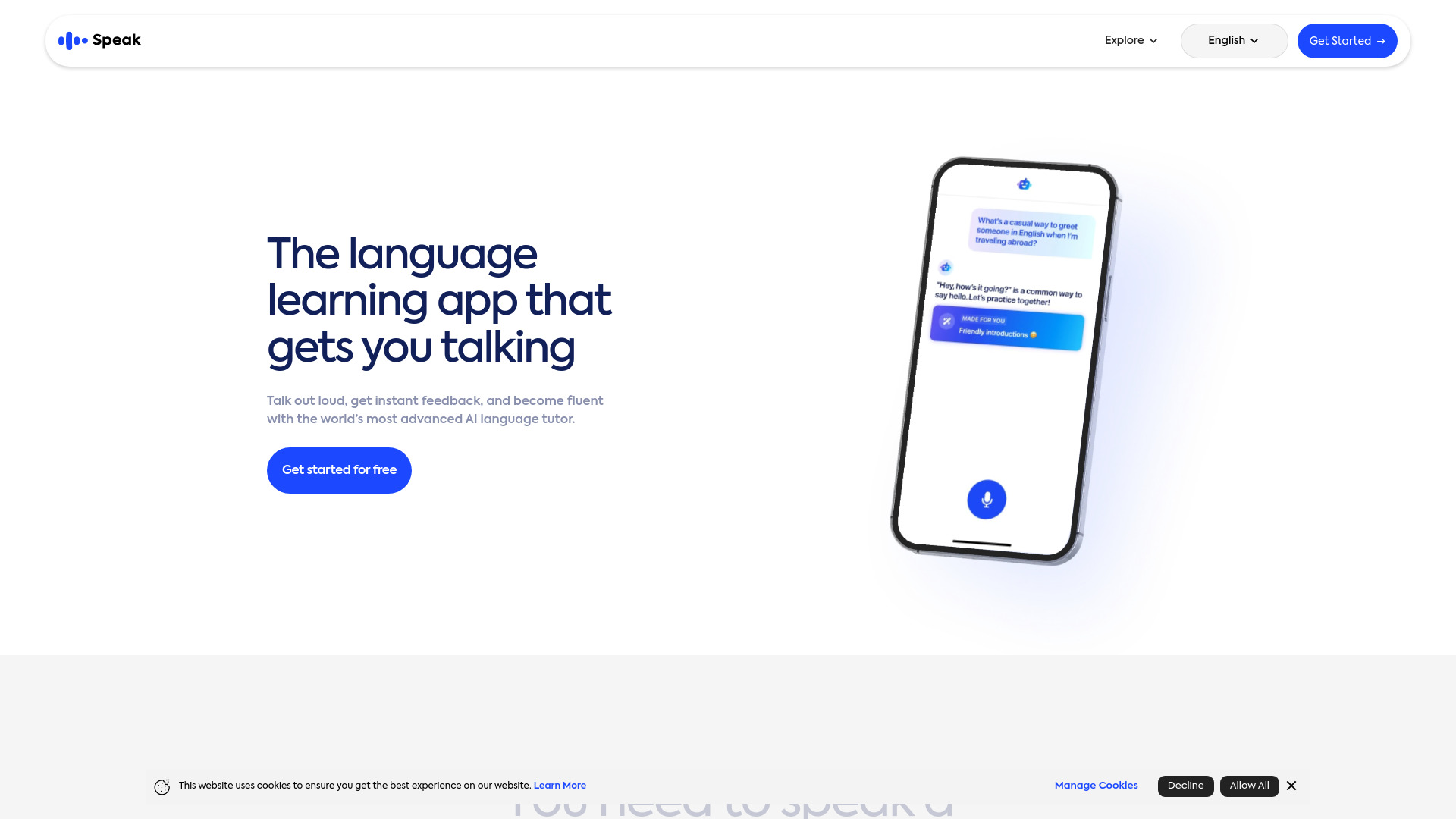
Speak
Enhance your language skills with an innovative app using AI technology for practicing real conversations.
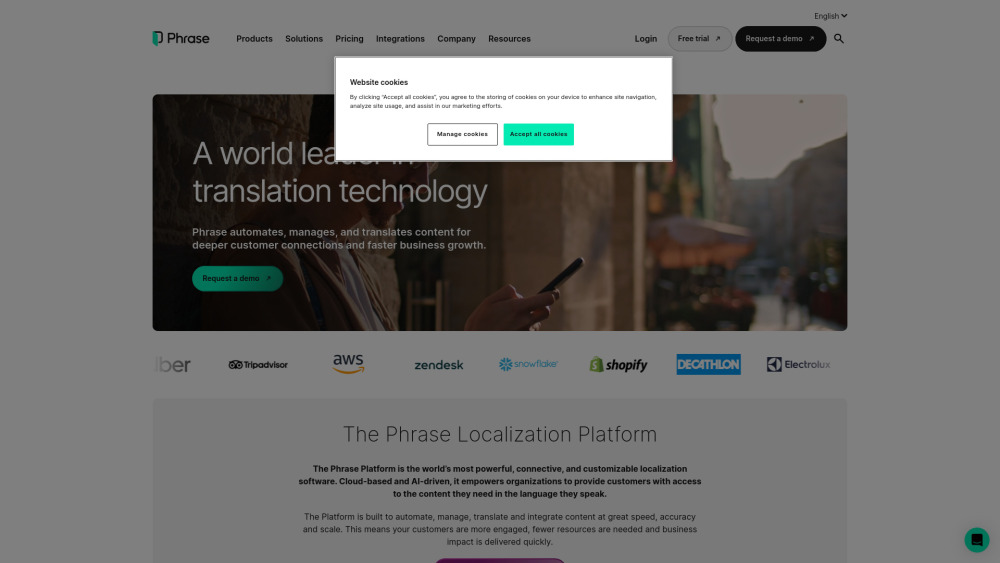
Phrase (Frm. Memsource)
Empowering localization with a robust platform for managing and automating translations efficiently. A powerful solution for translation management.
Rephrase
Boost text quality with our macOS AI writing assistant for improved content creation. Ideal for enhancing writing productivity on your computer.
Use Cases
- AI Avatars: 300+ life-like avatars AI Voices: 460+ voices for 90 countries AI Video Translator: Supports 40+ languages AI Script Generator: Integrates with ChatGPT 4.0 URL to Video: Turn links into polished video ads AI Talking Photo: Lifelike talking avatars with flawless lip-sync Custom AI Avatars: Get your digital twin AI Video Templates: Your shortcut to professional videos PPT to Video: Perfect for sharing and showcasing your ideas Text to Speech: Convert text to speech in 1 click AI Image Generator: Turn text or images into stunning visuals AI Voice Cloning: Create synthetic voices in high quality AI Dubbing: Dub videos in all major languages AI Montage Maker: Create stunning narratives from media AI Clip Maker: Auto-create viral clips from long videos
How to Use
https://docs.google.com/document/d/1hawhwDiHLWthxjigcentkNMls2iD9A6Z5B1LKtHw78o/edit?tab=t.0