
Write Easily | Ai Copywriting Assistant
AI assistant, Write Easily, automates marketing copy creation, saving time and generating high-quality content.
writeasilycopywritingai code
Introduction
Write Easily is an AI copywriting assistant that uses advanced algorithms to help users generate text, images, and other content for their marketing campaigns. It automates the process of creating marketing copy, allowing users to save time and create high-quality content faster.
Key Features
AI-powered copy generation
Wide variety of templates
Personalized content based on user input
Content editing and customization
Integration with CMS for easy publishing
Time-saving and efficient content generation
Frequently Asked Questions
What is Write Easily | Ai Copywriting Assistant?
How to use Write Easily | Ai Copywriting Assistant?
Similar Tools

Plagiarism Remover
Eliminate plagiarism in your text with this free AI tool. Enhance your writing by rephrasing content effortlessly. Try it now!

Parafrasear Textos
Enhance the quality of your text with our online tool for paraphrasing. Improve readability and make your content stand out.
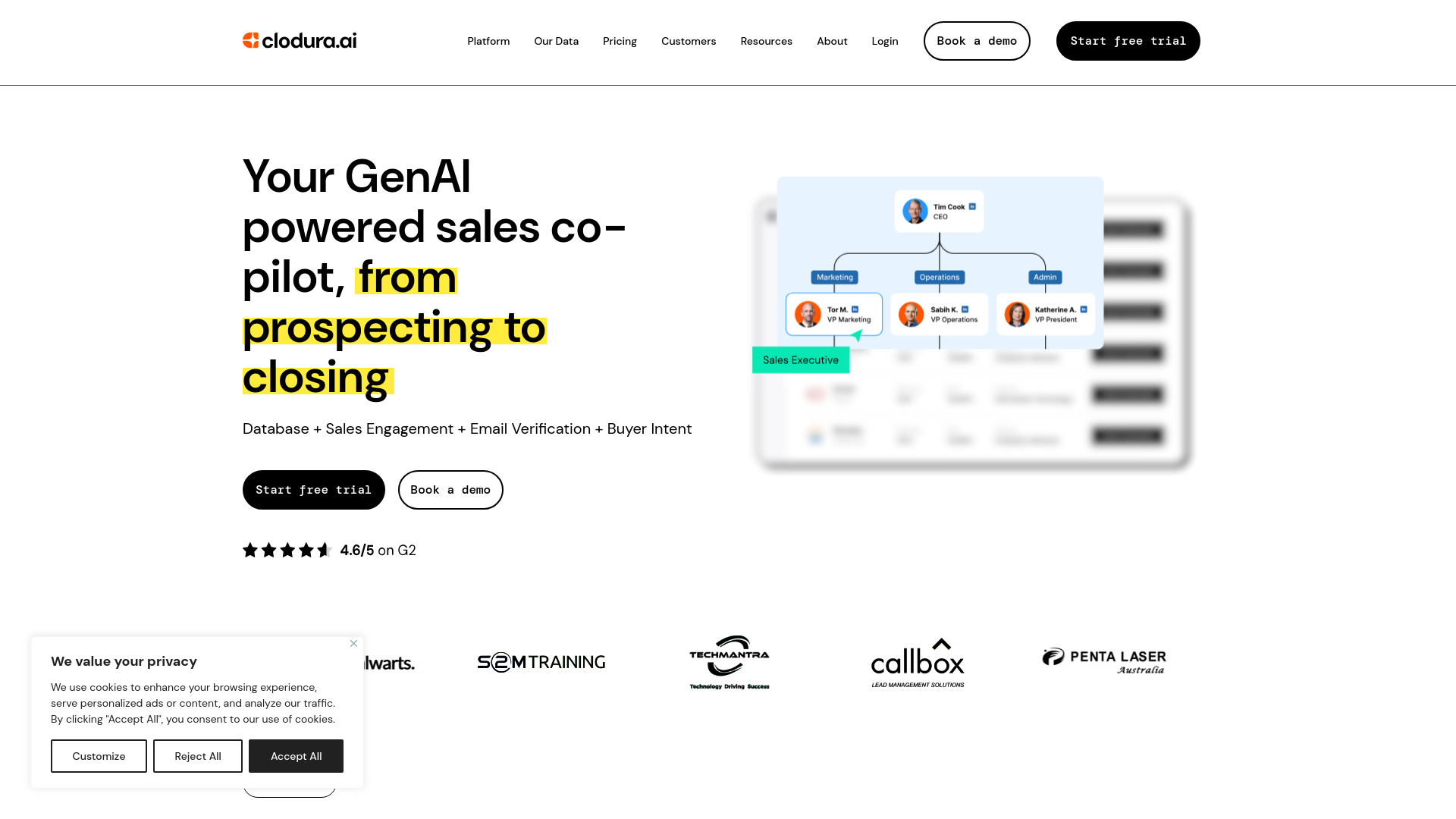
Clodura.AI
Discover GenAI, the ultimate sales prospecting platform for generating leads and engaging with potential customers effectively.
Use Cases
- Create blog posts
- Generate email marketing content
- Craft social media captions and posts
- Write product descriptions
- Compose promotional content
- Create video titles and descriptions
- Generate website FAQs
- Write website reviews
- Craft company vision and mission statements
- Write motivational quotes and short stories
How to Use
To use Write Easily, simply sign up for a free account and select a template from a wide variety of options. You can choose from blog templates, email templates, social media templates, and more. After selecting a template, write a prompt or provide some context for the content you want to generate. Write Easily's AI algorithms will then generate personalized copy based on your input. You can further customize and edit the generated content using Write Easily's editor. Once you're satisfied with the content, you can copy and paste it into your CMS for publishing.