
YouTube Create
Enhance your videos easily with YouTube Create.
Introduction
YouTube Create is a user-friendly video editing tool that allows you to enhance your videos with filters, effects, music, voiceover, auto-captions, and more.
What stands out?
Filters & Effects
Royalty-Free Music
Voiceover
Auto-Captions
Frequently Asked Questions
What is YouTube Create?
How to use YouTube Create?
Is YouTube Create free to use?
Can I edit videos that are not uploaded to YouTube?
Can I add my own music to the videos?
Are the auto-captions accurate?
Is there a limit on the duration of videos I can edit?
Reviews & Feedback
Share your experience with the community
0.0
Based on 0 reviews
User Comments (0)
Sort Criteria
Order
No reviews yet. Be the first to share your thoughts!
Statistics
Monthly visits
NaN
Saved by users
0
Rating
0.0/ 5.0
Added on
—
Similar Tools
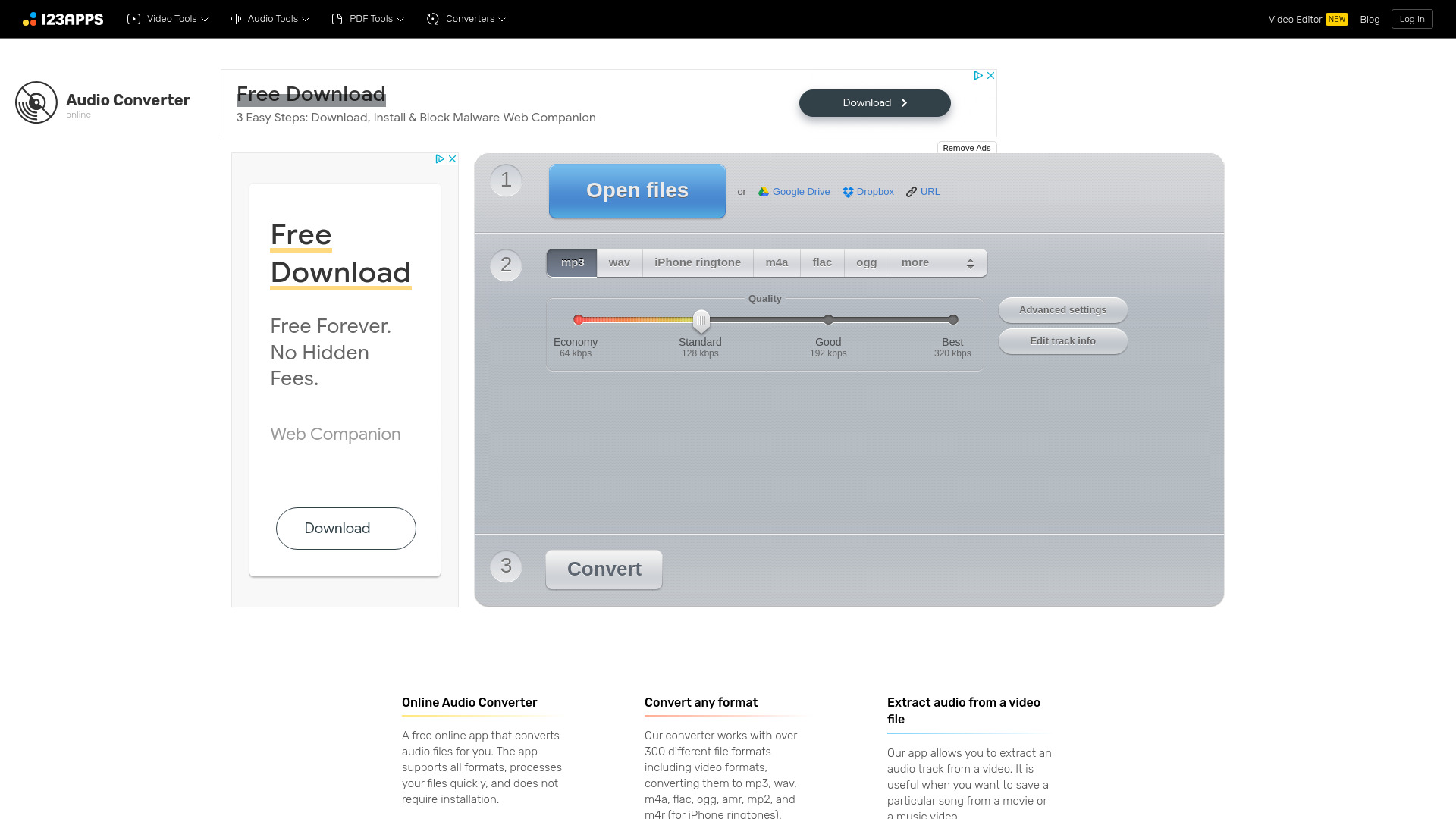
Online Audio Converter
Easily convert audio files online with this convenient audio converter tool. Change file formats quickly and effortlessly for free.

KLING AI
Create one-of-a-kind images and videos with our Generative AI tools. Unleash your creativity and explore endless possibilities!

CapCut
AI-powered video editor and graphic design tool for all platforms.

Wondershare
Discover innovative tools for enhancing creativity, productivity, and efficiency with our app. Unleash your potential today!
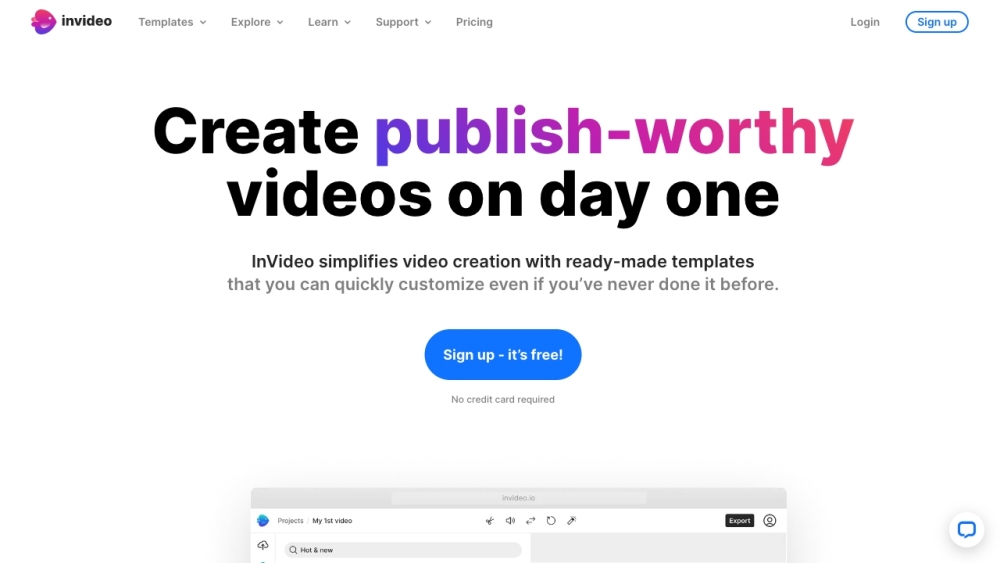
InVideo
InVideo is an online video editor with premium templates, images, and music.
Use Cases
- Create stunning videos for your YouTube channel
- Enhance your video content for social media platforms
- Make professional-looking videos for presentations or personal use
How to Use
1. Sign in to your YouTube account. 2. Click on the 'Create' button. 3. Upload your video or select one from your YouTube library. 4. Choose from a range of editing tools to enhance your video. 5. Preview and save your edited video.