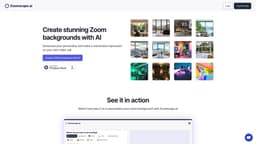
ZoomScape.ai
ZoomScape.ai is a website for creating beautiful Zoom backgrounds with AI.
Introduction
ZoomScape.ai is a website that allows users to create stunning Zoom backgrounds using artificial intelligence (AI).
What stands out?
AI-powered background creation
Wide selection of stunning backgrounds
Easy download and integration with Zoom
Frequently Asked Questions
What is ZoomScape.ai?
How to use ZoomScape.ai?
Can I use ZoomScape.ai for free?
How many backgrounds can I download?
Are the backgrounds customizable?
Do I need any special software to use ZoomScape.ai?
Can I use ZoomScape.ai with other video conferencing platforms?
More Information
ZoomScape.ai Company
ZoomScape.ai Company name: Moonshot Studio .
ZoomScape.ai Login
ZoomScape.ai Login Link: https://www.zoomscape.ai/login
Reviews & Feedback
Share your experience with the community
0.0
Based on 0 reviews
User Comments (0)
Sort Criteria
Order
No reviews yet. Be the first to share your thoughts!
Statistics
Monthly visits
NaN
Saved by users
0
Rating
0.0/ 5.0
Added on
—
Similar Tools

Fotor
The ultimate AI photo editor
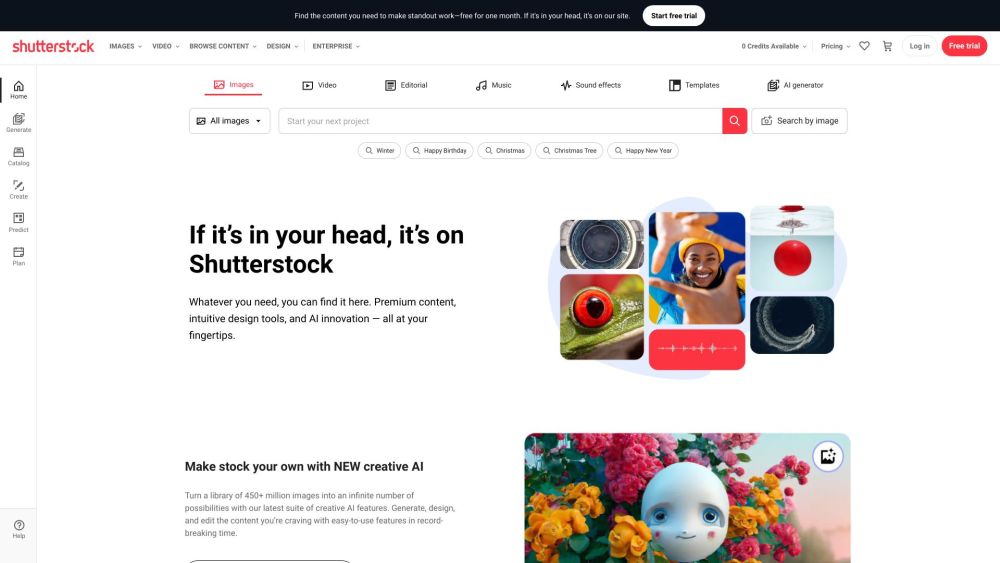
Shutterstock
Explore a variety of stock images, photos, vectors, videos, and music for your creative projects with this versatile application.

Pixelcut
Easily create stunning product photos and ads with our free online design tool. Remove backgrounds and erase objects effortlessly.

PhotoRoom
Easily enhance product and portrait photos on-the-go with the PhotoRoom app. Transform your pictures with professional quality right from your phone.
Use Cases
- Enhance the visual appeal of your Zoom meetings
- Create professional-looking backgrounds for business meetings
- Add fun and creativity to virtual social gatherings
How to Use
To use ZoomScape.ai, simply visit the website and browse through the available backgrounds. Select a background that you like and click the 'Download' button to save it to your device. Then, during a Zoom meeting, open your Zoom settings, go to the 'Virtual Background' section, and upload the downloaded background to use it during your meeting.