
2Slash
2Slash is a browser extension that adds AI capabilities to text fields, allowing users to perform various tasks quickly.
Introduction
2Slash is a browser extension that enables AI in any text field. It allows users to type specific commands to perform various tasks such as creating emails, translating, fixing grammar mistakes, writing paragraphs, rephrasing text, and even generating code - all in seconds.
What stands out?
2Slash offers the following core features: 1. Email and Content Generation: Create emails, blogs, articles, and paragraphs effortlessly. 2. Google Sheets Integration: Build complicated formulas in Google Sheets without any Excel skills. 3. Translation: Become multilingual and translate text to different languages. 4. Coding and Development: Generate code snippets in various programming languages. 5. Social Media Post Generation: Quickly generate captivating posts for social media platforms.
Frequently Asked Questions
What is 2Slash?
How to use 2Slash?
What browsers is the extension available on?
What AI models do you use?
Why should I use 2Slash over ChatGPT?
Is this completely free?
What is the lifetime deal?
Can I configure my own commands?
How configurable is the AI?
More Information
2Slash Support Email & Customer service contact & Refund contact etc.
Here is the 2Slash support email for customer service: [email protected] .
2Slash Company
More about 2Slash, Please visit the about us page(https://2slash.ai/about/).
2Slash Login
2Slash Login Link: https://2slash.ai/signin/
2Slash Sign up
2Slash Sign up Link: https://2slash.ai/signup/
2Slash Pricing
2Slash Pricing Link: https://2slash.ai/pricing/
2Slash Tiktok
2Slash Tiktok Link: https://www.tiktok.com/@2slashai
2Slash Linkedin
2Slash Linkedin Link: https://www.linkedin.com/company/2slash/
2Slash Twitter
2Slash Twitter Link: https://twitter.com/2SlashAI
Reviews & Feedback
Share your experience with the community
0.0
Based on 0 reviews
User Comments (0)
Sort Criteria
Order
No reviews yet. Be the first to share your thoughts!
Statistics
Monthly visits
NaN
Saved by users
0
Rating
0.0/ 5.0
Added on
—
Similar Tools

Airtable Assistant
Easily create apps and analyze data with our AI tool, no coding required. Build and analyze without the hassle of programming.

Grok
AI assistant that promotes truth and objectivity with various features.

AI PDF Summarizer by PDF Guru
Simplify PDFs with AI! Summarize, extract key points, ask questions, and translate in 80+ languages. Perfect for work, study, or research.

Sider
Seamlessly integrate AI into your daily workflow.
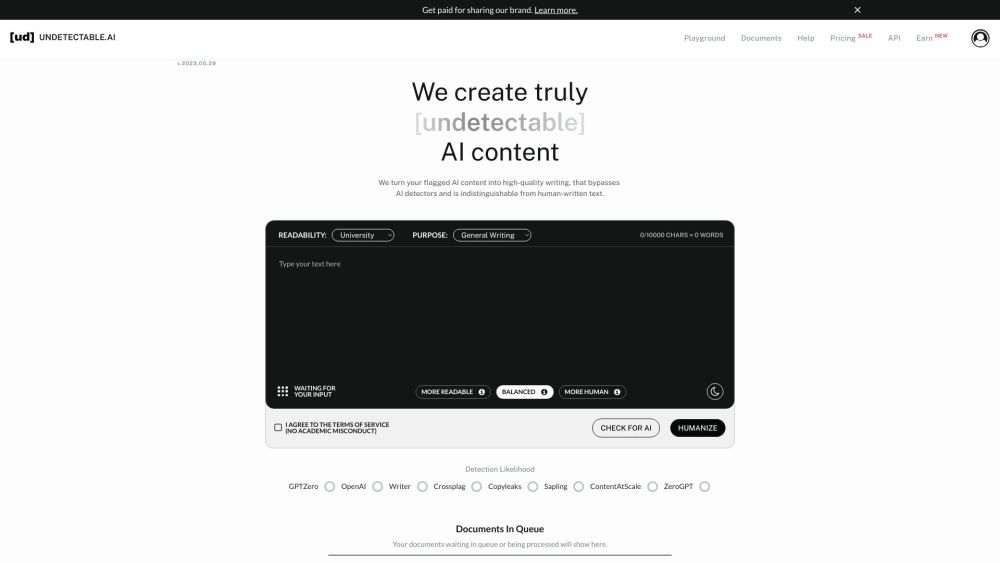
AI Content Solutions
Elevate your brand with AI Content Solutions, converting AI-generated content into polished writing that reflects your brand's identity.
Use Cases
- 2Slash can be used in various scenarios, including: 1. Improving productivity: Complete tasks like email writing, prospect responses, and meeting bookings more efficiently. 2. Content creation: Generate unique content for emails, blogs, articles, and social media posts. 3. Language translation: Easily communicate in different languages for personal or professional purposes. 4. Coding assistance: Get quick code snippets and guidance for minor coding tasks. 5. Engaging with the community: Enhance community growth and engagement through tailored responses and comments on social media platforms.
How to Use
To use 2Slash, simply add the extension to your Chrome browser. Once installed, you can activate it by typing '//' in any text field. Then, use specific commands like 'email', 'write', 'translate', 'code', or 'tweet' followed by the desired task. The AI assistant will generate the content or perform the task based on your command.