
AiAssistWorks - AI for Sheets
Access 50+ AI models in Google Sheets™ effortlessly. Save and reuse prompts. Use Perplexity online model and Groq Fast API.
Introduction
What stands out?
Traffic & Analytics
Traffic Sources
Top Countries
Top Keywords
Frequently Asked Questions
What is AiAssistWorks - AI for Sheets?
How to use AiAssistWorks - AI for Sheets?
More Information
AiAssistWorks - AI for Sheets Reddit
AiAssistWorks - AI for Sheets Company
AiAssistWorks - AI for Sheets Pricing
AiAssistWorks - AI for Sheets Reddit
Reviews & Feedback
Share your experience with the community
User Comments (0)
No reviews yet. Be the first to share your thoughts!
Statistics
Similar Tools

Kagi Search
Discover a top-tier search engine that prioritizes user privacy and delivers an exceptional browsing experience.

Immersive Translate
Experience a free tool for translating webpages and documents into multiple languages. Enjoy bilingual translations with ease.

Sider
Seamlessly integrate AI into your daily workflow.
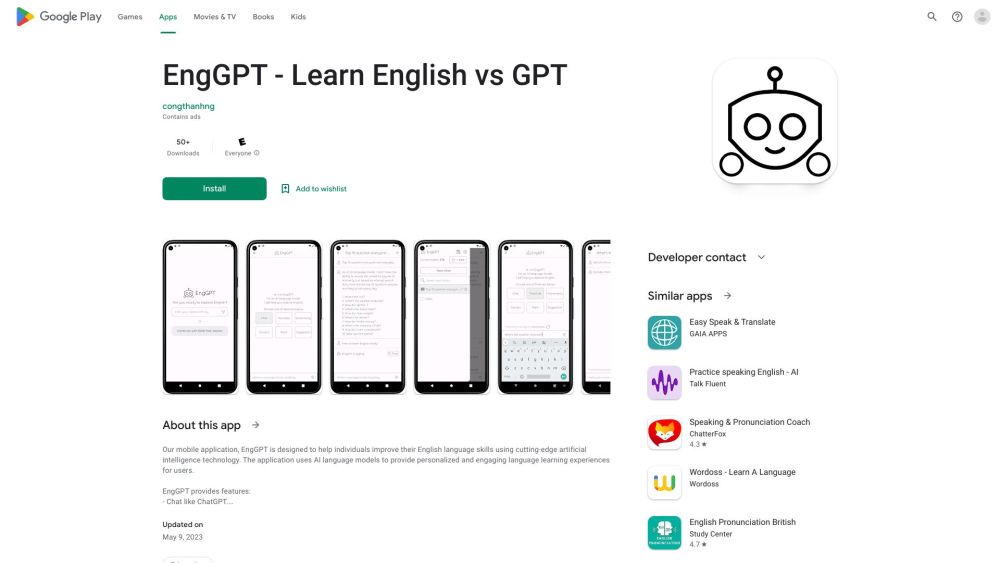
ChatEngGPT
Easily enhance your English skills with ChatEngGPT – the perfect tool for improving your language proficiency quickly and effectively.

Monica - Your ChatGPT AI Assistant Chrome Extension
Easily chat and write with our AI assistant, simplifying your communication and content creation tasks. Get started now!
Use Cases
- Digital Marketing
- SEO
- Bulk sheets filling
- Data cleaning and formatting
- Translate
- Analyze Marketing Performance
- Analyze Data
- Bulk SEO Meta Tag
- Ad Copy Creation
- Social Media Copy
- Bulk content creation