
AnyLanguage.ai
AnyLanguage.ai is a browser extension that translates languages instantly, enhancing communication.
Introduction
AnyLanguage.ai is an instant AI language translator extension for web browsers that allows seamless translations in multiple languages, improving communication and understanding.
What stands out?
Core features of AnyLanguage.ai include: - Instant and seamless language translation on any website - Easy installation and usage through a browser extension - Support for translation in multiple languages - Regular monthly updates to improve performance and features
Frequently Asked Questions
What is AnyLanguage.ai?
How to use AnyLanguage.ai?
Is AnyLanguage.ai free to use?
How often are there updates for AnyLanguage.ai?
Can I translate text on any website?
Which languages are supported by AnyLanguage.ai?
In what situations can AnyLanguage.ai be used?
More Information
AnyLanguage.ai Support Email & Customer service contact & Refund contact etc.
Here is the AnyLanguage.ai support email for customer service: [email protected] .
AnyLanguage.ai Login
AnyLanguage.ai Login Link: https://www.anylanguage.ai/account
Reviews & Feedback
Share your experience with the community
0.0
Based on 0 reviews
User Comments (0)
Sort Criteria
Order
No reviews yet. Be the first to share your thoughts!
Statistics
Monthly visits
NaN
Saved by users
0
Rating
0.0/ 5.0
Added on
—
Similar Tools

Kagi Search
Discover a top-tier search engine that prioritizes user privacy and delivers an exceptional browsing experience.

Immersive Translate
Experience a free tool for translating webpages and documents into multiple languages. Enjoy bilingual translations with ease.

Sider
Seamlessly integrate AI into your daily workflow.
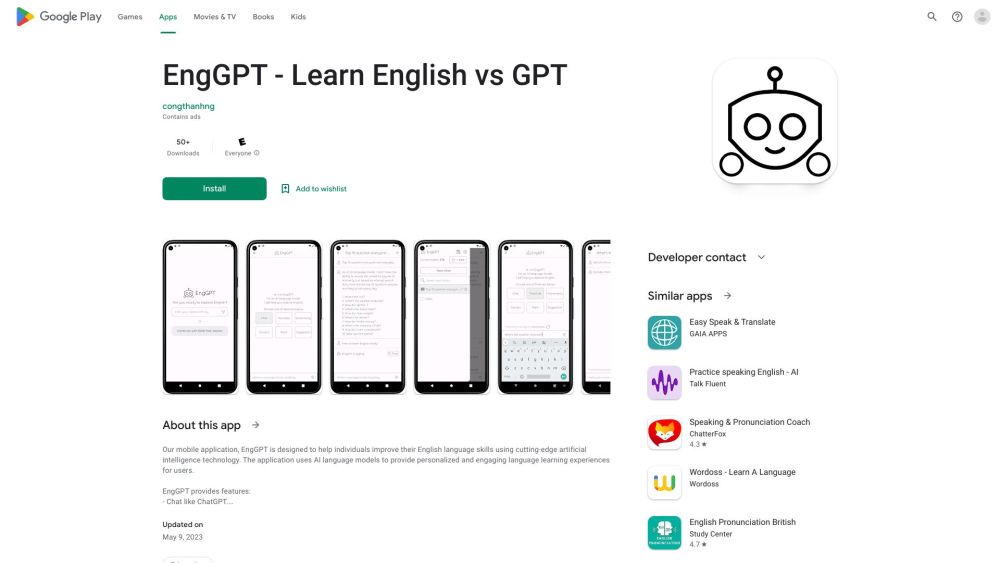
ChatEngGPT
Easily enhance your English skills with ChatEngGPT – the perfect tool for improving your language proficiency quickly and effectively.

Monica - Your ChatGPT AI Assistant Chrome Extension
Easily chat and write with our AI assistant, simplifying your communication and content creation tasks. Get started now!
Use Cases
- AnyLanguage.ai can be used in various situations, including: - Reading and understanding foreign language websites - Communicating with people who speak different languages - Studying and researching in different languages - Enhancing global business communication - Breaking language barriers while traveling
How to Use
To use AnyLanguage.ai, follow these simple steps: 1. Install the AnyLanguage.ai extension from the Chrome Web Store. 2. Refresh the websites you want to use it on. 3. Start with "/" + ANY language code and the text you want to translate on any website. 4. Press Shift + Enter to translate it instantly. 5. Choose your target language in the extension settings and select the text you want to translate.