
Buzzli
Buzzli is an AI-powered LinkedIn assistant that boosts content creation and engagement.
Introduction
What is Buzzli? Buzzli is an AI-powered LinkedIn content assistant that helps users come up with content ideas, write engaging posts, and improve existing posts. It offers features like LinkedIn analysis, content generation, SEO-friendly writing, and more. With Buzzli, users can save time and effort in creating content while increasing their reach, engagement, and follower base.
What stands out?
Content Creation: Generate captivating posts with AI-powered tools to overcome writer's block and create engaging content.
Content Management: Organize and access all LinkedIn content in one place, automatically saving posts in the database.
Content Learning: Learn the art of content creation through comprehensive resources, including lessons and expert tips on content strategy and audience targeting.
Frequently Asked Questions
What is Buzzli?
How to use Buzzli?
title
More Information
Buzzli Support Email & Customer service contact & Refund contact etc.
Here is the Buzzli support email for customer service: [email protected] .
Buzzli Company
Buzzli Company name: Buzzli .
Buzzli Linkedin
Buzzli Linkedin Link: https://www.linkedin.com/company/buzzli/
Buzzli Twitter
Buzzli Twitter Link: https://twitter.com/buzzli_ai/
Reviews & Feedback
Share your experience with the community
0.0
Based on 0 reviews
User Comments (0)
Sort Criteria
Order
No reviews yet. Be the first to share your thoughts!
Statistics
Monthly visits
NaN
Saved by users
0
Rating
0.0/ 5.0
Added on
—
Similar Tools

Airtable Assistant
Easily create apps and analyze data with our AI tool, no coding required. Build and analyze without the hassle of programming.

Grok
AI assistant that promotes truth and objectivity with various features.

AI PDF Summarizer by PDF Guru
Simplify PDFs with AI! Summarize, extract key points, ask questions, and translate in 80+ languages. Perfect for work, study, or research.

Sider
Seamlessly integrate AI into your daily workflow.
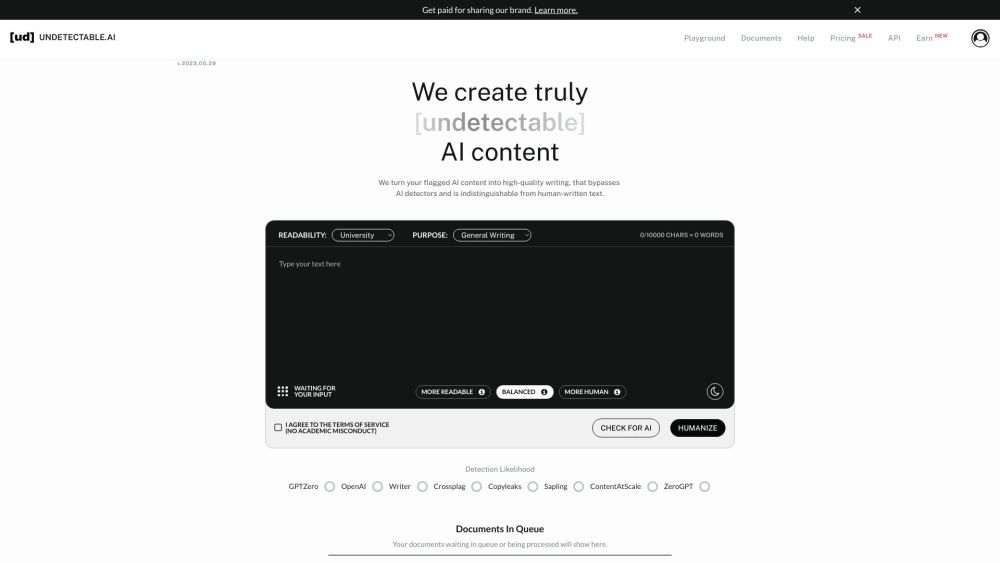
AI Content Solutions
Elevate your brand with AI Content Solutions, converting AI-generated content into polished writing that reflects your brand's identity.
Use Cases
- Enhancing LinkedIn profiles to optimize engagement and attract more connections.
- Generating viral content that gains visibility and increases reach on LinkedIn.
- Overcoming writer's block and generating endless ideas for posts.
- Improving existing LinkedIn posts to make them more impactful and engaging.
How to Use
How to Use Buzzli Enter a topic in the 'Topic Generator' to generate 5 content ideas. Choose one idea and enter it in the 'Write LinkedIn post with AI' section. Your post will be generated and ready to use. If you have a pre-written LinkedIn post or want to improve a generated post, enter it in the 'Improve LinkedIn post' section. The AI engine will enhance the post and make it more effective.