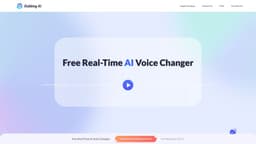
Dubbing AI
Change your voice with AI for free.
Introduction
Change your voice to anyone in realtime with AI, for free
What stands out?
Real-time voice changing with AI
Retains emotions, intonations, and delivery
1000+ distinct AI voices in 100+ languages
Ability to chat, socialize, and role-play with over 1000 characters
Supports most apps and games
Low-latency and low-usage
Compatible with PC and mobile platforms
Data security ensured with voice generation process completed on users' device
Frequently Asked Questions
What is Dubbing AI?
How to use Dubbing AI?
Can I use Dubbing AI for free?
How many voices does Dubbing have?
How to download Dubbing AI?
How many languages does Dubbing AI support?
How to clone or generate my own AI voice?
What apps or games does Dubbing AI support?
More Information
Dubbing AI Discord
Here is the Dubbing AI Discord: https://discord.com/invite/dubbingaivc. For more Discord message, please click here(/discord/dubbingaivc).
Dubbing AI Company
Dubbing AI Company name: HALO INTERACTIVE PTE. LTD. . Dubbing AI Company address: Singapore.
Dubbing AI Youtube
Dubbing AI Youtube Link: https://www.youtube.com/@DUBBINGAIOFFICIAL
Dubbing AI Twitter
Dubbing AI Twitter Link: https://twitter.com/Dubbing_AI_
Reviews & Feedback
Share your experience with the community
0.0
Based on 0 reviews
User Comments (0)
Sort Criteria
Order
No reviews yet. Be the first to share your thoughts!
Statistics
Monthly visits
NaN
Saved by users
0
Rating
0.0/ 5.0
Added on
—
Similar Tools
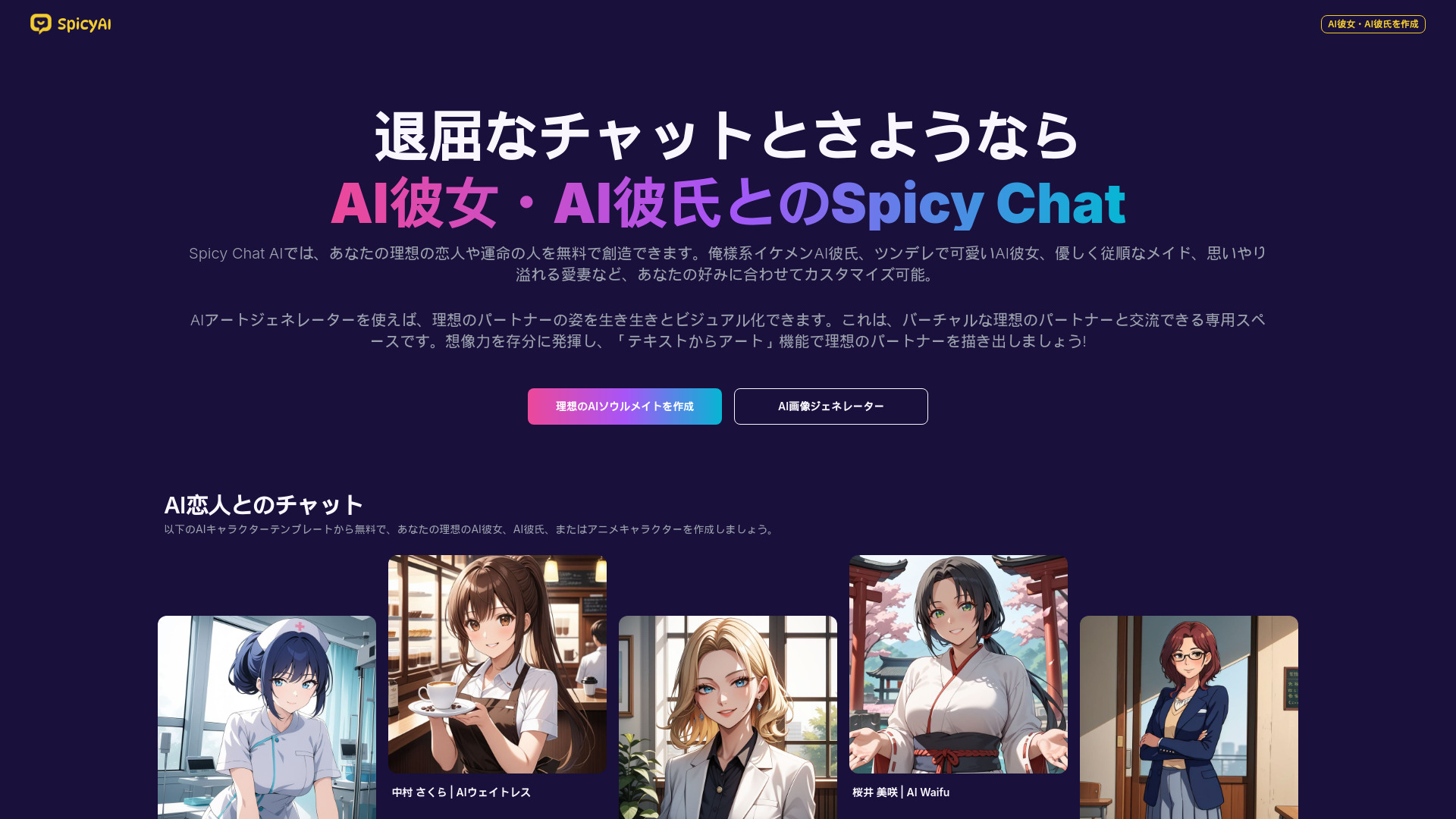
SpicyChat
Create and chat with virtual companions using our AI platform, the perfect tool for developing interactive digital friends.
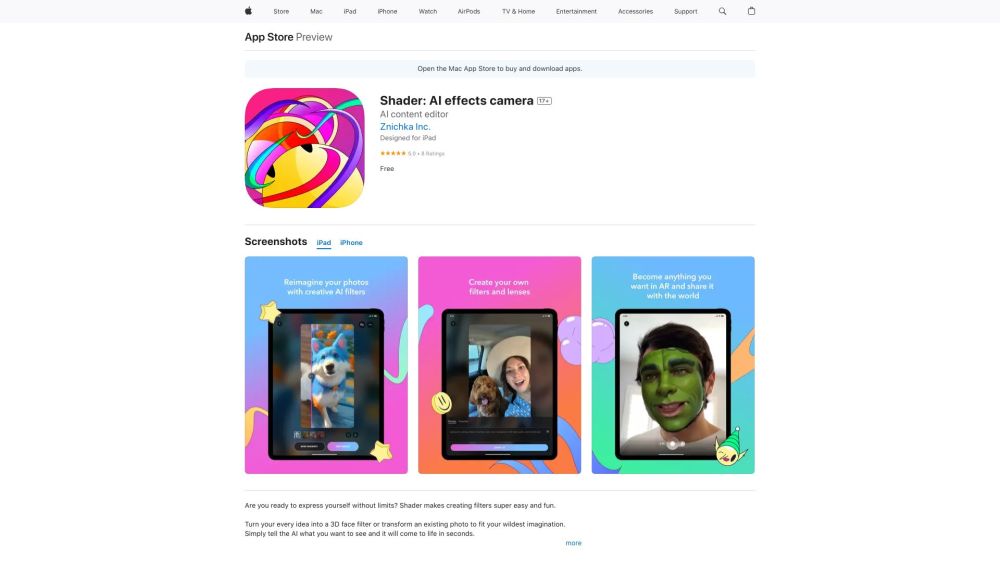
Shader: AI effects camera
Express yourself with custom AI filters.
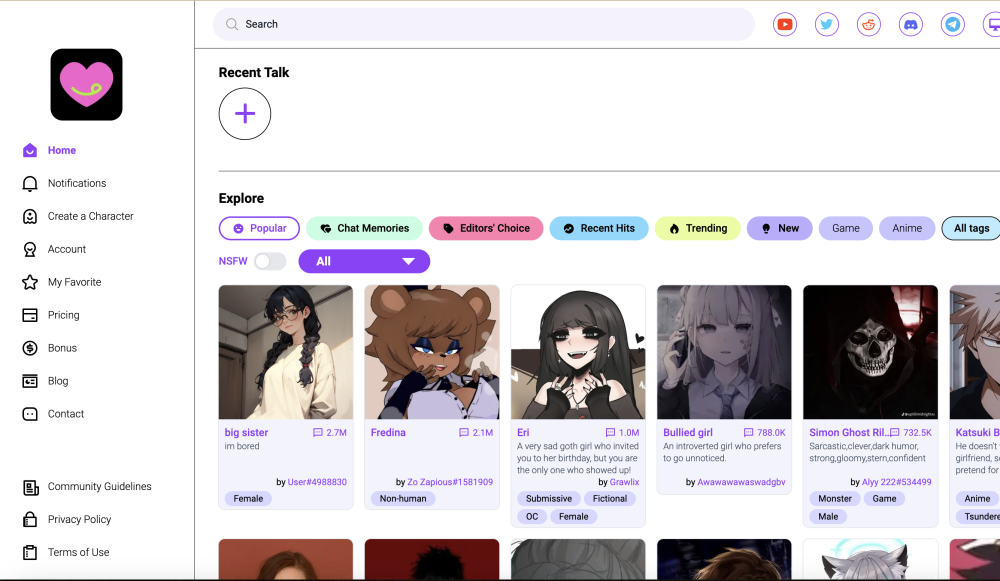
CrushOn.AI
Unbounded conversations and authentic interactions.
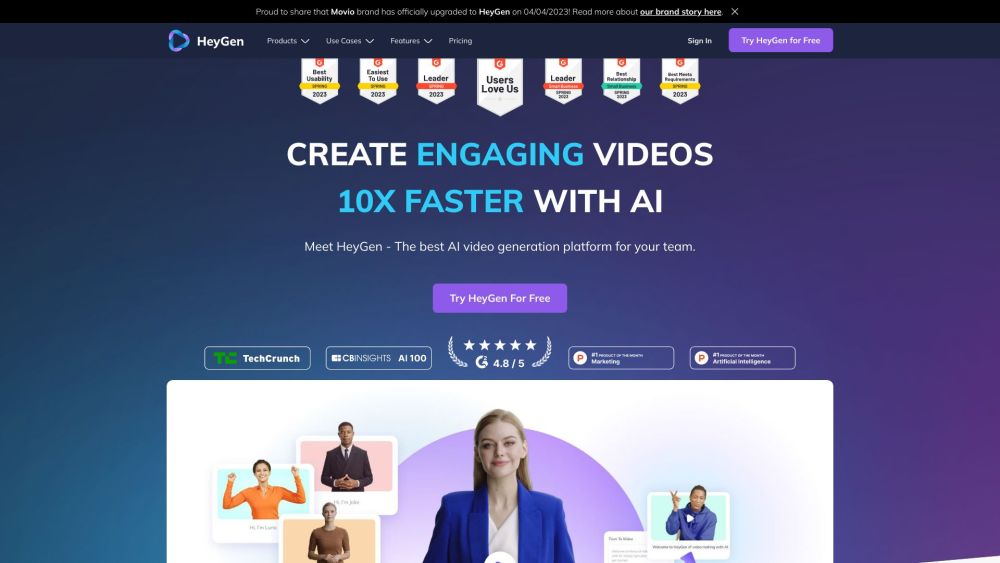
HeyGen
HeyGen streamlines video production with AI avatars, voice duplication, and other features for easy content creation.
Use Cases
- Gaming
- Streaming
- Meetings
How to Use
Open Dubbing AI, choose your voice avatar, and turn on the VOICE CHANGER toggle. Select the 'Dubbing virtual device' as the input device in the audio settings of the app/web-based app you intend to change voice with.