Introduction
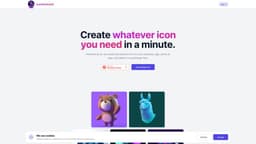
iconGeniusAi is a website that allows users to create their own icons for various purposes.
What stands out?
The core features of iconGeniusAi include a user-friendly icon creation tool, a vast library of shapes, colors, and styles, the ability to customize icons using uploaded images or logos, and the option to download icons in different file formats and sizes.
Frequently Asked Questions
What is iconGeniusAi?
How to use iconGeniusAi?
More Information
iconGeniusAi Support Email & Customer service contact & Refund contact etc.
Here is the iconGeniusAi support email for customer service: [email protected] .
iconGeniusAi Company
iconGeniusAi Company name: iconGeniusAi .
iconGeniusAi Login
iconGeniusAi Login Link: https://icongeniusai.com/sign-in
iconGeniusAi Sign up
iconGeniusAi Sign up Link: https://icongeniusai.com/sign-in
iconGeniusAi Pricing
iconGeniusAi Pricing Link: https://icongeniusai.com/sign-in
Reviews & Feedback
Share your experience with the community
0.0
Based on 0 reviews
User Comments (0)
Sort Criteria
Order
No reviews yet. Be the first to share your thoughts!
Statistics
Monthly visits
NaN
Saved by users
0
Rating
0.0/ 5.0
Added on
—
Similar Tools

Picsart
Unleash your creativity with Picsart - an innovative photo editing app that offers a wide range of tools and filters to enhance your images.

Freepik AI Image Generator
Real-time AI image generator
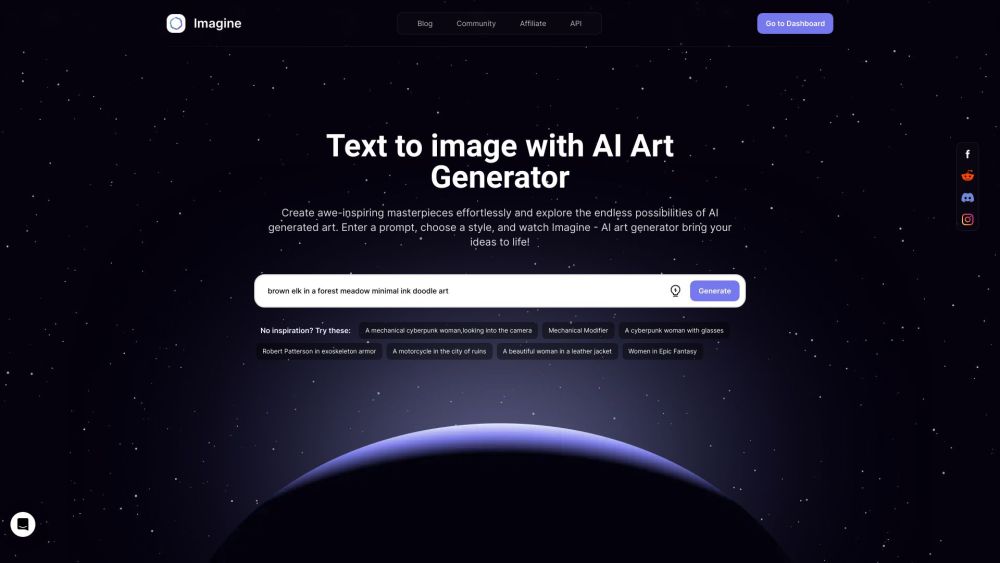
Imagine AI Art Generator
AI-generated art from text prompts.
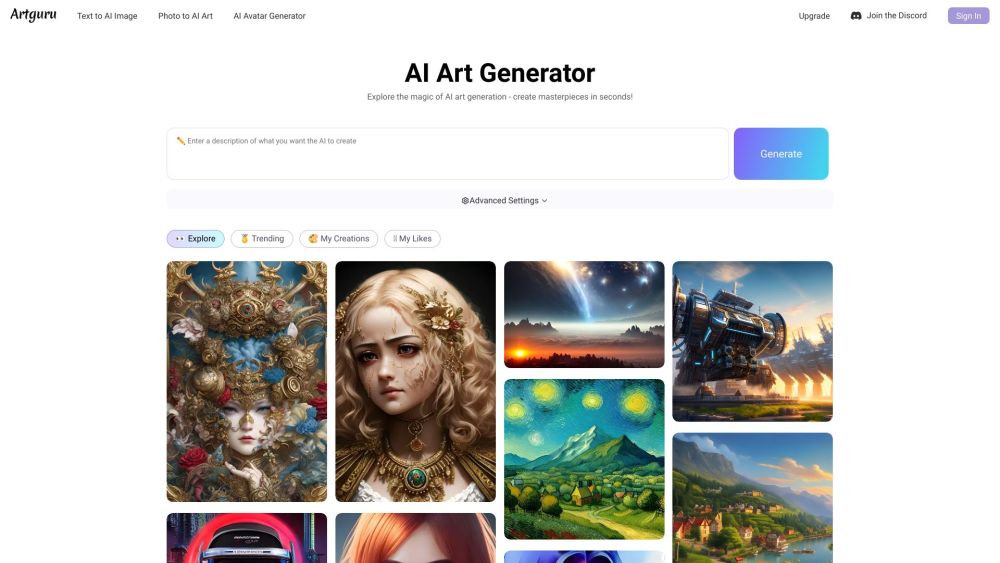
Artguru
Create beautiful art with the power of AI.

Sider
Seamlessly integrate AI into your daily workflow.
Use Cases
- iconGeniusAi can be used in a variety of scenarios, such as designing icons for websites, apps, presentations, or marketing materials. It is also useful for individuals and businesses who want to create custom icons for their brand or products.
How to Use
To use iconGeniusAi, simply visit the website and navigate to the icon creation tool. From there, you can choose from a wide range of shapes, colors, and styles to customize your icon. You can also upload your own images or logos to incorporate into the icon design. Once you are satisfied with your icon, you can download it in various file formats and sizes for use in your projects.