
PaletteBrain
PaletteBrain is a productivity tool for Mac users, boosting efficiency with ChatGPT.
Introduction
PaletteBrain is a productivity tool for Mac users that unlocks the power of ChatGPT across all your Mac applications. It helps you write better, code faster, and get answers to your questions with the press of a shortcut.
What stands out?
Unlock the power of ChatGPT across all your Mac applications
Customizable templates for automating common actions
Integrates with your favorite apps without disrupting workflow
No more copy and paste hassle
Improved productivity with shortcuts
Streamline workflow and boost productivity
Compatible with macOS 10.12+ Intel and Apple Silicon
Frequently Asked Questions
What is PaletteBrain?
How to use PaletteBrain?
Can you explain how PaletteBrain works?
My OpenAI API Key doesn’t work, what should I do?
Is it possible to create custom ChatGPT templates?
What are the prerequisites for using PaletteBrain?
Is PaletteBrain compatible with Windows or Linux?
Is my data protected?
What is the refund policy?
More Information
PaletteBrain Support Email & Customer service contact & Refund contact etc.
Here is the PaletteBrain support email for customer service: [email protected] .
PaletteBrain Company
PaletteBrain Company name: PaletteBrain .
PaletteBrain Pricing
PaletteBrain Pricing Link: https://palettebrain.com/#pricing
PaletteBrain Youtube
PaletteBrain Youtube Link: https://www.youtube.com/@PaletteBrain
PaletteBrain Twitter
PaletteBrain Twitter Link: https://twitter.com/PaletteBrain
Reviews & Feedback
Share your experience with the community
0.0
Based on 0 reviews
User Comments (0)
Sort Criteria
Order
No reviews yet. Be the first to share your thoughts!
Statistics
Monthly visits
NaN
Saved by users
0
Rating
0.0/ 5.0
Added on
—
Similar Tools

Airtable Assistant
Easily create apps and analyze data with our AI tool, no coding required. Build and analyze without the hassle of programming.

Grok
AI assistant that promotes truth and objectivity with various features.

AI PDF Summarizer by PDF Guru
Simplify PDFs with AI! Summarize, extract key points, ask questions, and translate in 80+ languages. Perfect for work, study, or research.

Sider
Seamlessly integrate AI into your daily workflow.
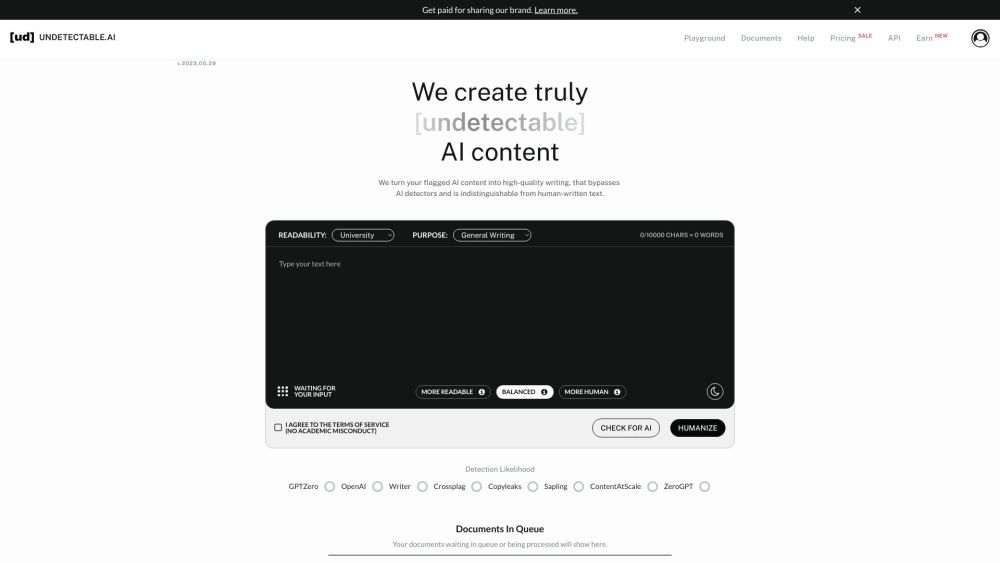
AI Content Solutions
Elevate your brand with AI Content Solutions, converting AI-generated content into polished writing that reflects your brand's identity.
Use Cases
- Writing better and faster
- Coding faster and more accurately
- Getting quick answers to questions
- Automating common actions
- Improving productivity and efficiency
How to Use
To use PaletteBrain, simply press ⌥ SPACE to open the PaletteBrain menu. It is compatible with all your Mac applications. Select a text from any application and open PaletteBrain to get responses from ChatGPT. You can customize templates for common tasks and automate actions. Paste the response back into your application using a shortcut. PaletteBrain integrates seamlessly with your favorite apps without disrupting your existing workflow.