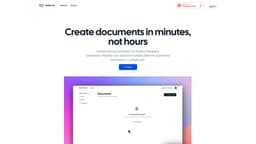
Watto AI
Watto AI saves time by automating document creation with AI integration.
Introduction
Watto AI is an artificial intelligence-powered platform that seamlessly integrates information from multiple platforms and generates documents in the desired format. It is designed to save 60% of your time by automating the document creation process.
What stands out?
Seamlessly integrate data from multiple platforms
Generate documents in your desired format
AI co-pilot for enhanced writing assistance
Access to 20+ templates for various document types
Brainstorming tool to find new ideas
SWOT analysis tool for product evaluation
Instant document insights through built-in chat feature
Frequently Asked Questions
What is Watto AI?
How to use Watto AI?
What types of documents can be generated using Watto?
Can Watto be integrated with project management or task-tracking tools?
How does Watto handle my data?
More Information
Watto AI Support Email & Customer service contact & Refund contact etc.
Here is the Watto AI support email for customer service: [email protected] .
Watto AI Company
Watto AI Company name: Watto AI .
Watto AI Pricing
Watto AI Pricing Link: https://www.watto.ai/pricing
Reviews & Feedback
Share your experience with the community
0.0
Based on 0 reviews
User Comments (0)
Sort Criteria
Order
No reviews yet. Be the first to share your thoughts!
Statistics
Monthly visits
NaN
Saved by users
0
Rating
0.0/ 5.0
Added on
—
Similar Tools

Airtable Assistant
Easily create apps and analyze data with our AI tool, no coding required. Build and analyze without the hassle of programming.

Grok
AI assistant that promotes truth and objectivity with various features.

AI PDF Summarizer by PDF Guru
Simplify PDFs with AI! Summarize, extract key points, ask questions, and translate in 80+ languages. Perfect for work, study, or research.

Sider
Seamlessly integrate AI into your daily workflow.
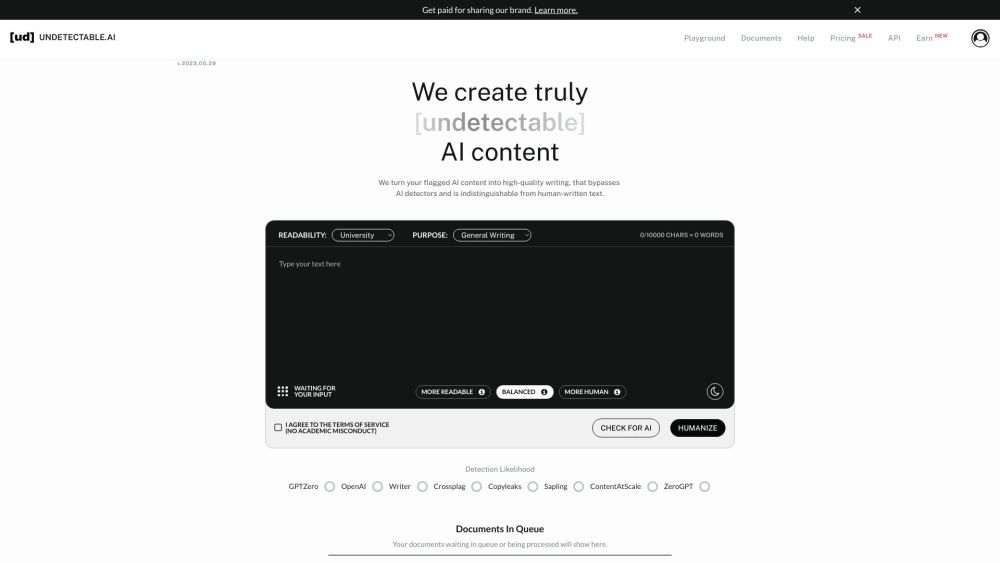
AI Content Solutions
Elevate your brand with AI Content Solutions, converting AI-generated content into polished writing that reflects your brand's identity.
Use Cases
- Product Managers can effortlessly create high-quality Requirements Documents, Executive Pitches, Status Updates, and more.
- Users can generate any kind of document with Watto AI, such as PRDs, One Pagers, Launch Emails, and Strategy Docs.
- Watto AI can be used by anyone who needs to create content in document format. Contact Watto AI support for personalized assistance.
How to Use
To use Watto AI, you can follow these steps: 1. Sign up for an account on the Watto AI website. 2. Connect your desired platforms, such as Google Suite or Jira, to Watto AI. 3. Choose the document type you want to generate, such as Product Requirements Documents (PRDs) or One Pagers. 4. Customize the document by providing relevant information or selecting from pre-designed templates. 5. Generate the document with a single click. 6. Review and make any necessary edits. 7. Download or share the document as required.